How to add Naples Champions League to your watchlist in Perplexity
Here is how to add naples champions league to your watchlist in perplexity
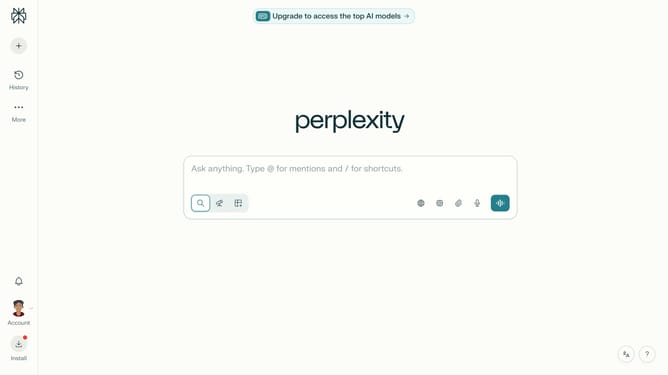
- First click on the profile button in the left sidebar
- Then click on the "Personalization" option in the account menu
- Next scroll down the personalization page to view more options
- Then click on the "Manage" button next to "Sports" in the Watchlists section
- Next click on the "Search for a team" text field in the Sports dialog
- Then select the "Naples · Champions League" team from the search results
- Finally click on the "Done" button to save the sports watchlist settings
Why should you add Naples Champions League to your watchlist in Perplexity
Perplexity is your ultimate companion for personalized content discovery and enrichment.
Adding Naples Champions League to your watchlist in Perplexity ensures you stay updated with all the exciting moments of the tournament effortlessly.
With this feature, you can seamlessly track fixtures, scores, and exclusive highlights tailored to your interests.
Scrolling through the chaos of information becomes a breeze, as Perplexity curates what matters to you, maximizing your viewing experience.
Last update