How to add a video and audio content to a typeform in Typeform
Here is how to add a video and audio content to a typeform in typeform
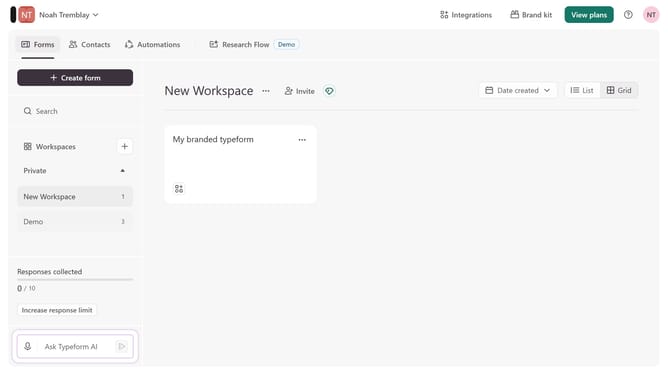
- First click on the a workspace item in the sidebar
- Then click on the "..." icon next to a chosen Typeform
- Then select "Content" from the dropdown menu
- Then click on the "+ Add content" button
- Finally select "Video and Audio" from the "Recommended" section
Why should you add a video and audio content to a typeform in Typeform
Typeform transforms data collection with conversational forms, making engagement easy and intuitive.
Incorporating video and audio content into your typeforms significantly enriches the respondent experience. This feature allows creators to engage audiences more dynamically, capturing attention and clarifying complex points effortlessly.
By utilizing multimedia, responses tend to be higher quality and participants more motivated, enhancing both the value and enjoyment of interactions on this versatile platform.
Last update