How to add a Email content to a typeform in Typeform
Here is how to add a email content to a typeform in typeform
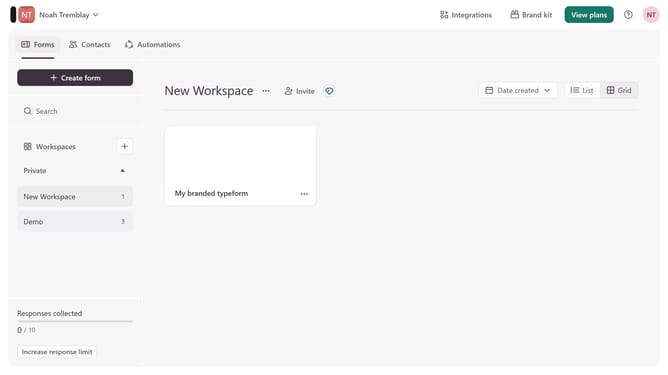
- First click on the a workspace item in the sidebar
- Then click on the "..." icon next to a chosen Typeform
- Then select "Content" from the dropdown menu
- Then click on the "+ Add content" button
- Finally select "Email" from the "Contact Info" section
Why should you add a Email content to a typeform in Typeform
Typeform is an intuitive platform designed to create engaging and interactive online forms seamlessly.
Enhancing your Typeform by adding email content can significantly improve the communication loop with your audience. It allows you to send confirmation emails, updates, or personalized messages directly from the form responses.
Integrating email content ensures respondents receive timely follow-ups and maintain engagement, enhancing user experience and bolstering data collection efficiency.
Last update