How to connect a form to Paymo in Typeform
Here is how to connect a form to paymo in typeform
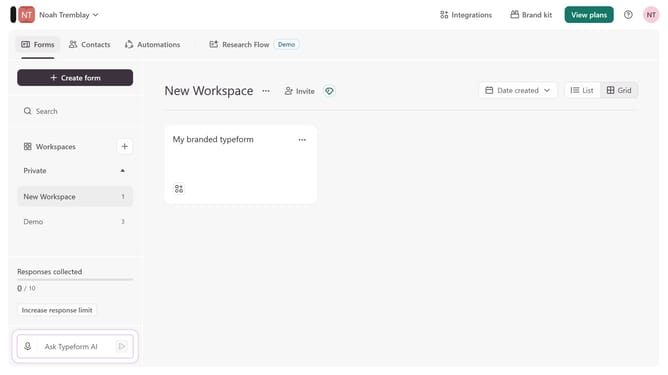
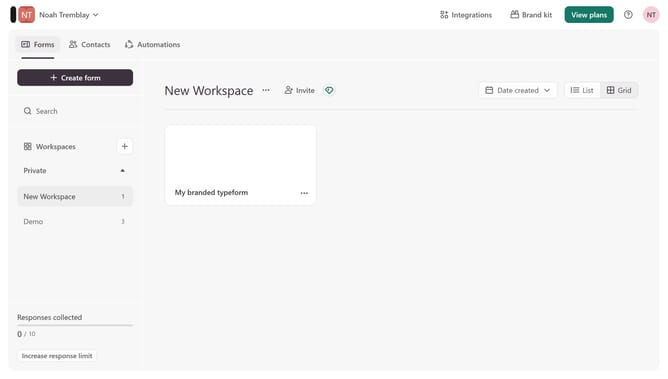
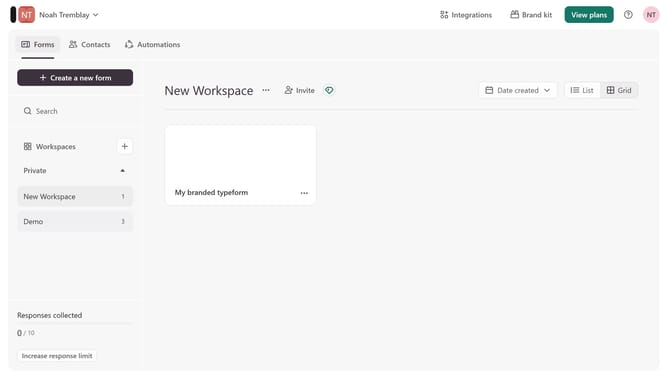
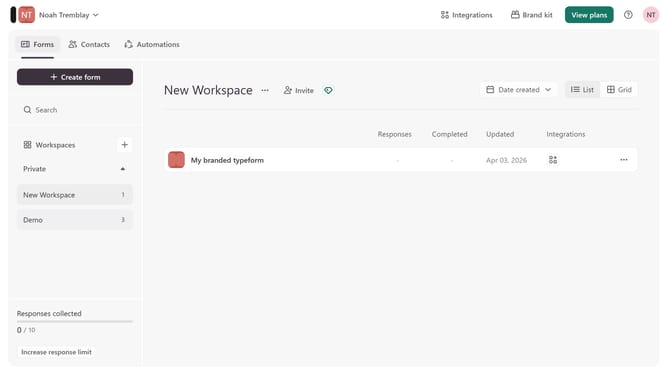
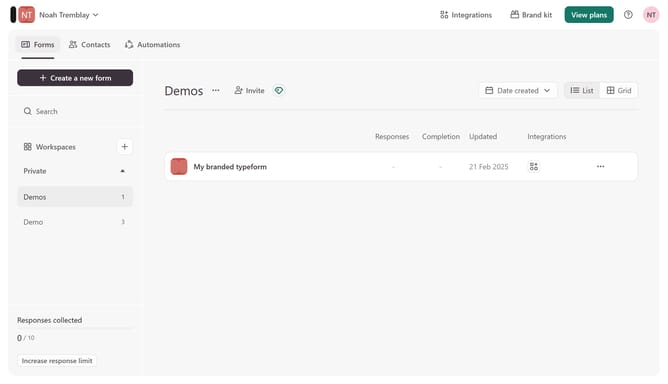
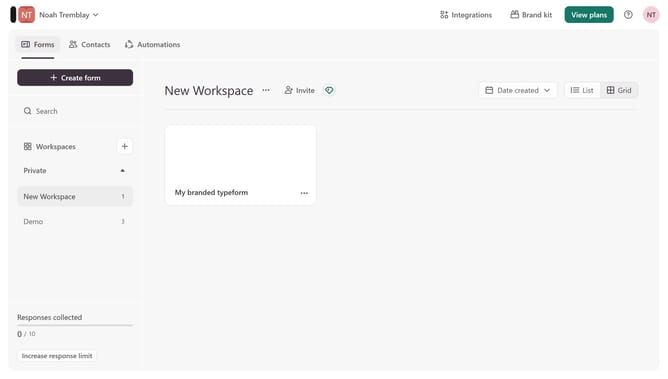
- First click on the "Demo" item in the sidebar.
- Then click on the ellipsis icon.
- Then click on the "Connect" button.
- Finally click on the "Connect" button for the "Paymo" integration.
Why should you connect a form to Paymo in Typeform
Typeform is a dynamic online platform designed to create engaging and interactive forms with ease.
Integrating your Typeform forms with Paymo allows you to seamlessly manage projects and streamline workflow, enhancing productivity and efficiency.
Connecting these two platforms lets you automatically sync data from your forms into Paymo, minimizing manual data entry and reducing chances for error.
This integration provides a smooth path for tracking progress and managing tasks directly from form entries, saving you time and effort.
Last update