How to add a column to a data table in n8n
Here is how to add a column to a data table in n8n
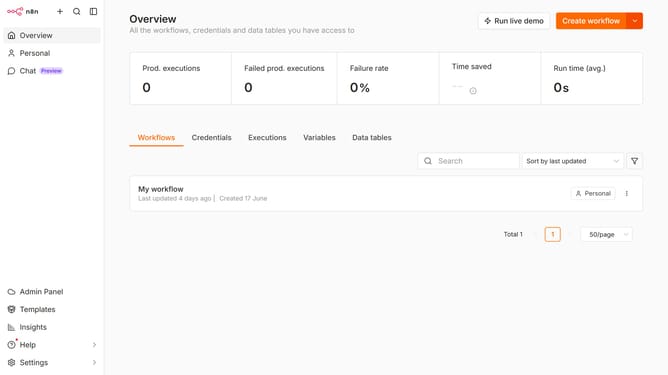
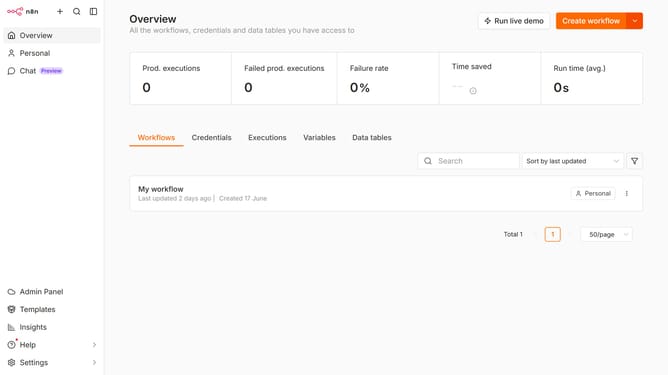
- First click on "Personal" item in the left sidebar.
- Then select "Data tables" from the top menu.
- Next, click the data table that you want to edit.
- After that, click on the "Add Column" button in the top right corner.
- Then, enter the preferred column name into the "Name" input field.
- Finally, click on the "Add Column" button to confirm.
Why should you add a column to a data table in n8n
n8n is a powerful workflow automation tool designed to streamline complex tasks effortlessly.
Adding a column to a data table in n8n enhances the flexibility and adaptability of your workflow.
This feature allows you to customize your data structure, ensuring that it aligns perfectly with your specific project needs. By tailoring your data table, you enable more precise data manipulation and improved clarity in data presentation.
Ultimately, it empowers users to maintain an organized and efficient data management process, optimizing productivity.
Last update