How to add a Clarify with AI content to an existing typeform in Typeform
Here is how to add a clarify with ai content to an existing typeform in typeform
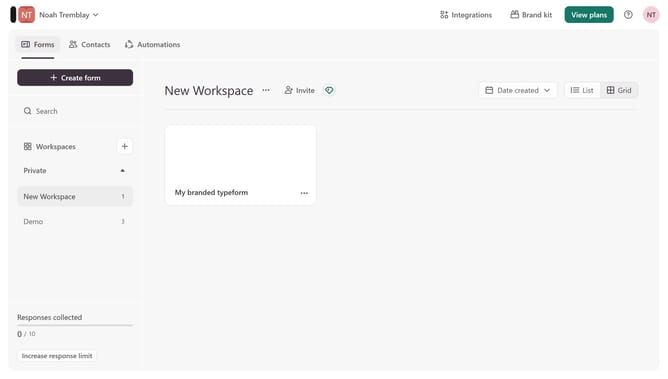
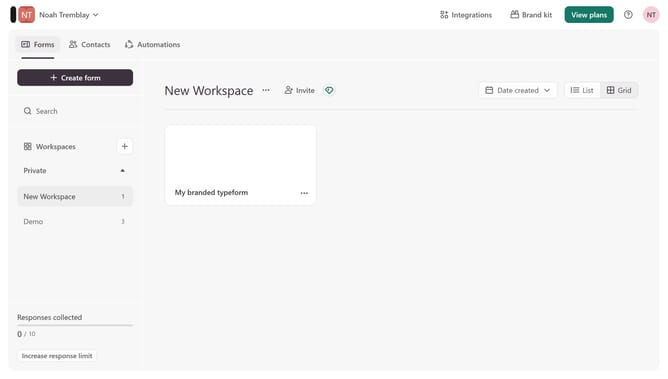
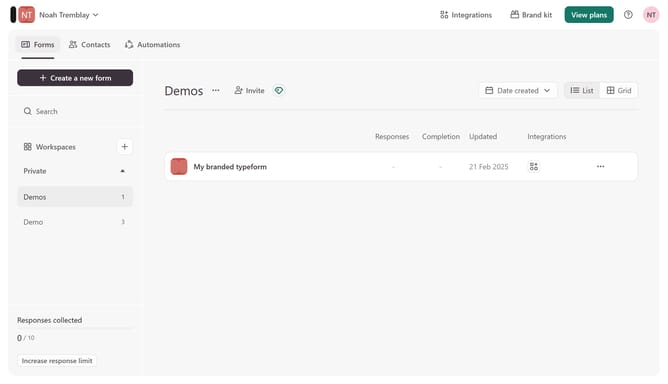
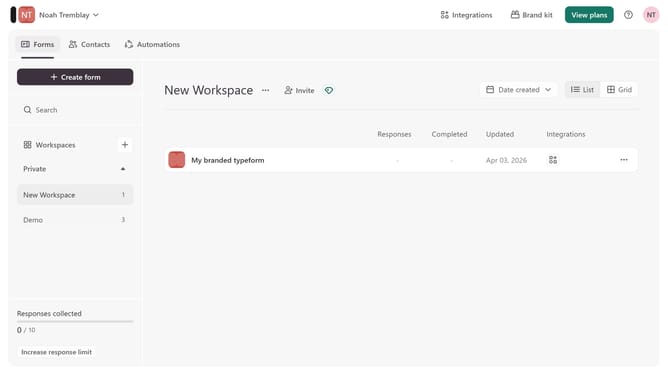
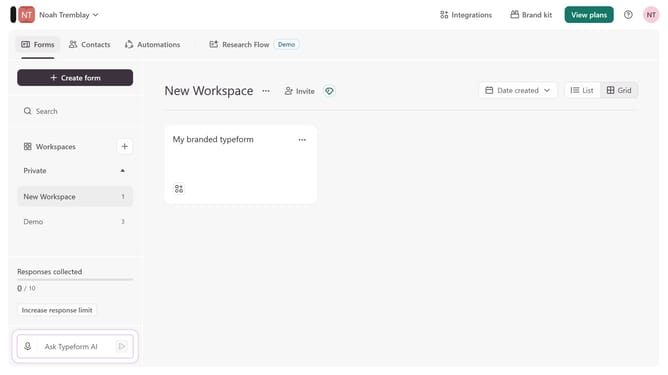
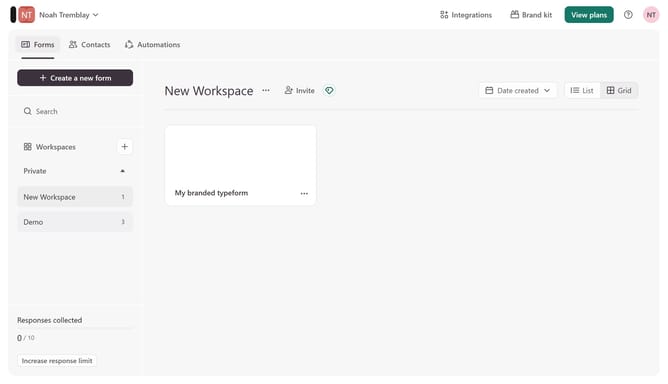
- First click on the a workspace item in the sidebar
- Then click on the "..." icon next to a chosen Typeform
- Then select "Content" from the dropdown menu
- Then click on the "+ Add content" button
- Finally select "Clarify with AI" from the "Text & Video" section
Why should you add a Clarify with AI content to an existing typeform in Typeform
Typeform is a versatile platform designed to create engaging and interactive forms effortlessly.
Integrating Clarify with AI content into an existing typeform enhances user interaction by providing instant, automated responses to clarify complex queries.
This feature is particularly beneficial for delivering precise information, ensuring users remain engaged and well-informed throughout their experience.
Ultimately, it elevates the user journey by simplifying complex processes and improving overall satisfaction.
Last update