How to connect a form to Sendgrid in Typeform
Here is how to connect a form to sendgrid in typeform
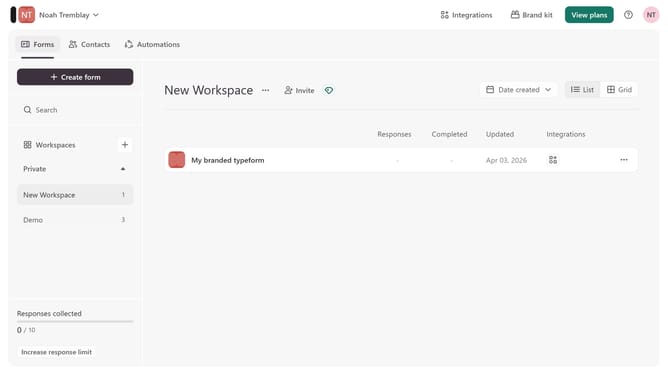
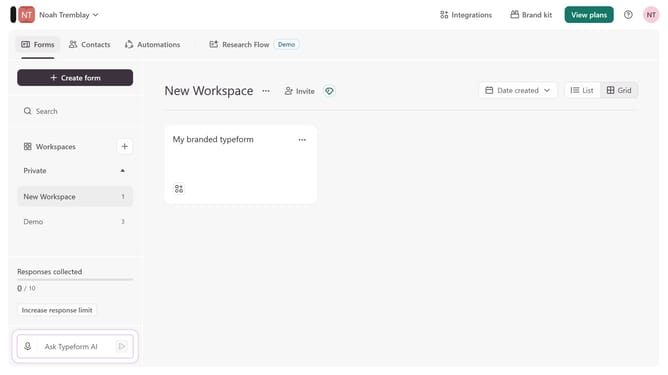
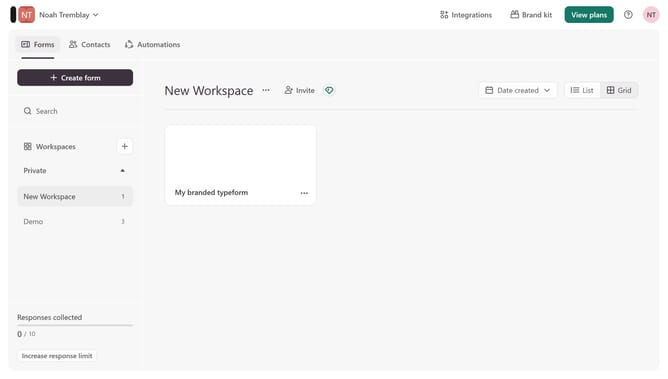
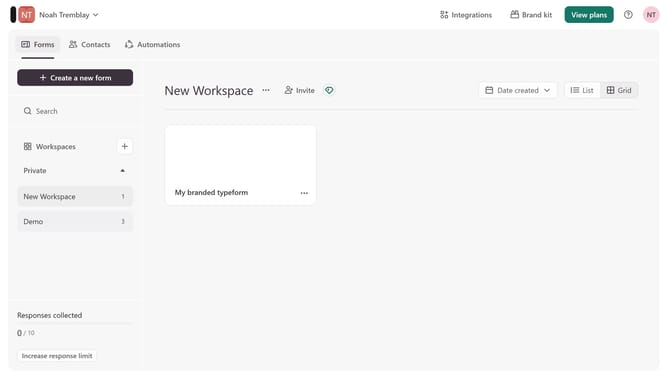
- First, click on a workspace in the left sidebar.
- Then, click on the "more options" button (three dots) next to a form.
- Next, select "Connect" from the dropdown menu.
- Finally, click on the "Connect" button for "Sendgrid".
Why should you connect a form to Sendgrid in Typeform
Typeform transforms survey creation with its engaging, user-friendly interface.
Connecting a form to SendGrid in Typeform allows seamless email automation.
This integration ensures that your email campaigns are efficiently managed and reaches your audience promptly.
With automation, you save time while maintaining personalized communication.
Benefit from enhanced productivity and streamlined correspondence by integrating SendGrid with your Typeform forms.
Last update