
You planned a product launch stream. The scenes were set, the guests confirmed, the overlays ready. Then the software choked mid-broadcast, the recording never saved, and you had nothing to repurpose afterward. That is the trap most teams fall into: picking a tool that streams but does not record cleanly, or one that records but chokes when you push to three platforms at once.
The stakes are not small. The global live stream software market was valued at USD 104.42 billion in 2024 and is projected to reach USD 663.08 billion by 2033, growing at a 22.8% CAGR, according to Business Research Insights (2024). Live streaming is forecast to account for 13% of total Internet video traffic. Video is no longer a channel you dabble in. For marketers, it is where launches, webinars, and event content now live.
The problem is that "live streaming software" covers everything from a free open-source workhorse to a full broadcast suite, and the wrong pick costs you either polish or pipeline. If you run webinars, product launches, or community events, you need a tool that handles both the live moment and the recording you will slice into clips, ads, and follow-up content. That dual workflow is the real buying criterion.
The same "does this replace something we already pay for" instinct that drives your evaluation of ab testing tools and ai content creation tools applies here. This guide compares six options by platform support, recording workflow, production control, setup, and price, so you can pick once and stop second-guessing.
What's inside
This guide compares six live streaming software tools built for both solo creators and teams. We chose them on five criteria that matter most when live video is part of a marketing motion: platform support across Windows, Mac, and Linux, recording workflow quality, production control (scenes, overlays, multiview), ease of setup, and pricing. The list spans free open-source options, browser-based studios, mobile-friendly apps, and professional broadcast suites. Every entry answers one question: can it stream live and give you a clean recording to reuse afterward? That dual value is the thread running through each pick.
TL;DR
- Best free option: OBS Studio, free, open-source, and available on Windows, Mac, and Linux.
- Best pro production suite: Wirecast, for teams that need multi-input broadcasts and ISO recording.
- Best beginner-friendly ecosystem: Streamlabs, for fast setup with overlays, widgets, and multistreaming.
- Best browser-based studio: Lightstream Studio, cloud production with light local demands.
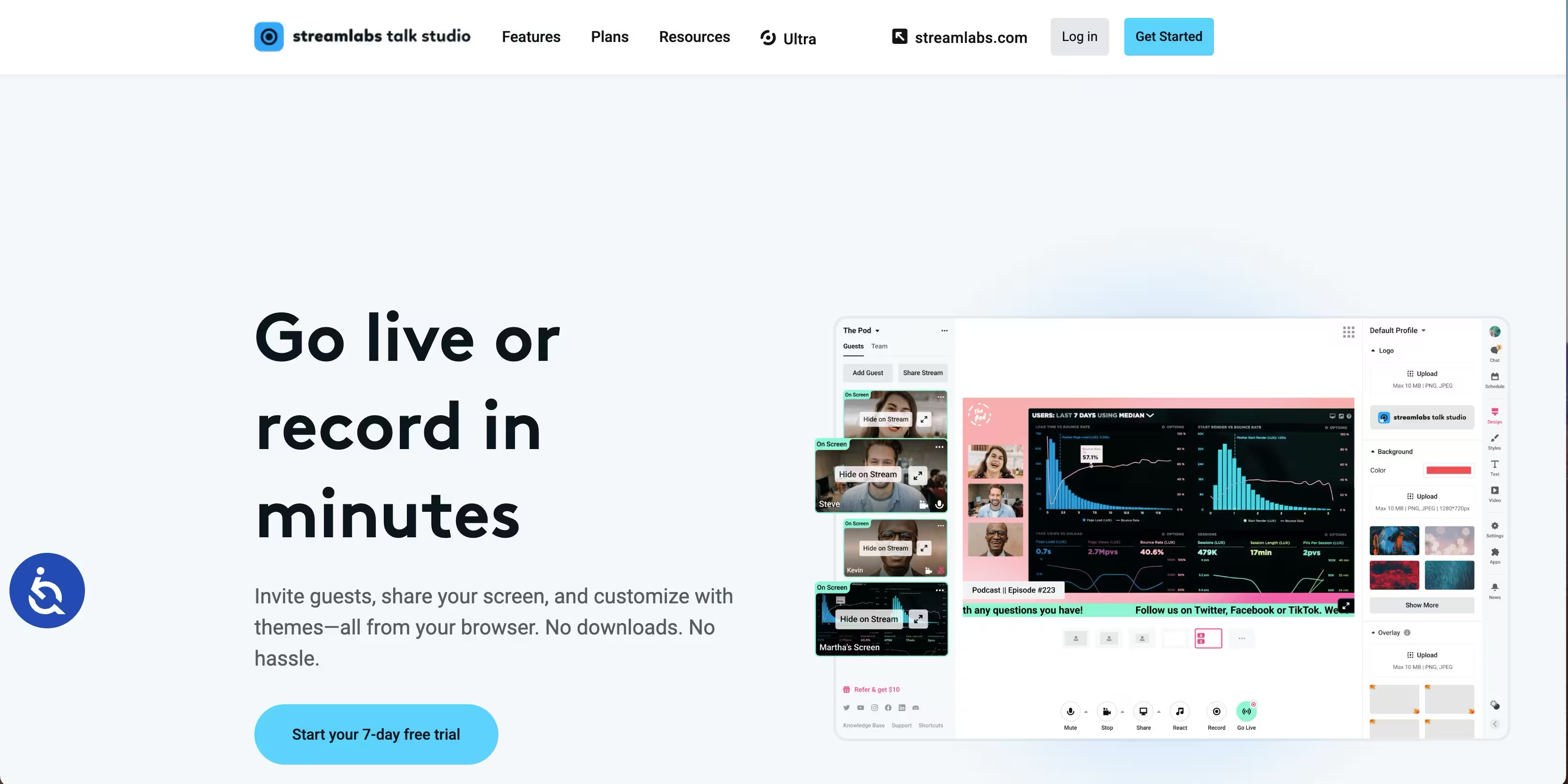
- Best for hosted webinars and interviews: Talk Studio, browser-based guest invites plus record-and-go-live.
- Best for console streamers: Streamlabs Console, broadcast from a console without a full desktop rig.
- Best for mobile or social-first content: PRISM Live Studio, lightweight multi-platform sharing.
- Best modern lightweight desktop: Meld Studio, streamlined UI for clean live production.
What is live streaming software?
Live streaming software captures video and audio, mixes them into a produced broadcast, and sends that feed in real time to one or more platforms such as Twitch, YouTube, or Facebook, usually while recording a local copy.
The gap most buyers miss is between a basic broadcasting app and a full production tool. A basic app points a camera at a destination and hits go. A production tool gives you a mixing console: multiple scenes, multiple sources, audio channels, and the ability to switch between them live. For anything beyond a single talking-head stream, production control is what separates a polished broadcast from a shaky one.
Core capabilities to expect from streaming software in 2026:
- Scenes and sources: Compose layouts from cameras, screen captures, browser windows, images, and media files.
- Scene switching: Cut between prepared layouts live, the way a TV director does.
- Audio mixing: Independent control over mic, desktop, music, and guest audio.
- Overlays and lower thirds: Branded graphics, name tags, and calls to action layered over the feed.
- Multistreaming: Push one broadcast to several platforms at once.
- Recording: Save a local high-quality copy for editing and repurposing.
- Preview and multiview: See what is live and what is queued before you cut to it.
- Publishing: Native destination presets and RTMP or SRT output.
Why should marketers care? Because live video is not just for gaming streamers. A launch stream becomes a webinar recording, which becomes a demand-gen asset, which becomes ad creative. The same instinct that pushes marketers toward an interactive demo for self-serve product exploration applies to live video: show the product in motion, then reuse that footage everywhere. If you are already investing in ai design tools and affiliate marketing software, streaming software is the production layer that ties live moments to your content engine.
When to use live streaming software
Not every marketing moment needs a full production rig. Here is how to match the tool to the job.
Stream product launches and webinars
Planned marketing events are where a proper live streaming setup pays for itself. When you announce a product or run a webinar, you want overlays for branding, lower thirds to name speakers, and a clean recording you can cut into clips afterward. A launch stream that records well becomes a gated asset, a nurture email embed, and paid social creative. The recording is often worth more than the live audience. If the software drops the recording, you lose that entire downstream chain.
Broadcast recurring shows or community events
Running a weekly show or community event rewards repeatable production. Scene templates let you reuse a consistent layout every episode. Scene switching keeps the pace up. Guest handling tools bring remote speakers in cleanly. Consistent branding across episodes builds recognition, and post-event clipping turns each session into a library of short-form content. The goal is to make episode two take a fraction of the setup time episode one did.
Stream across multiple channels
Multistreaming matters when your audience is split across platforms. Instead of choosing between Twitch, YouTube, and LinkedIn, you broadcast to all of them from one production. For marketers, this is a distribution and ROI play: one hour of production effort reaches every channel where your audience lives, which lifts campaign efficiency and gives attribution more surfaces to measure. Multistreaming software turns a single event into a multi-channel campaign without multiplying the work.
Comparison table
Below is a quick side-by-side of the six tools, sorted by relevance to the keyword. The key use case column surfaces platform support and the standout workflow for each. Pricing and ratings reflect what vendors and review sites publish; confirm current figures on each vendor's page before you commit.
For buyers cross-shopping other parts of the marketing stack, the same evaluation discipline you apply to ai writing tools for marketers applies here: confirm platform fit and workflow before price.
1. OBS Studio
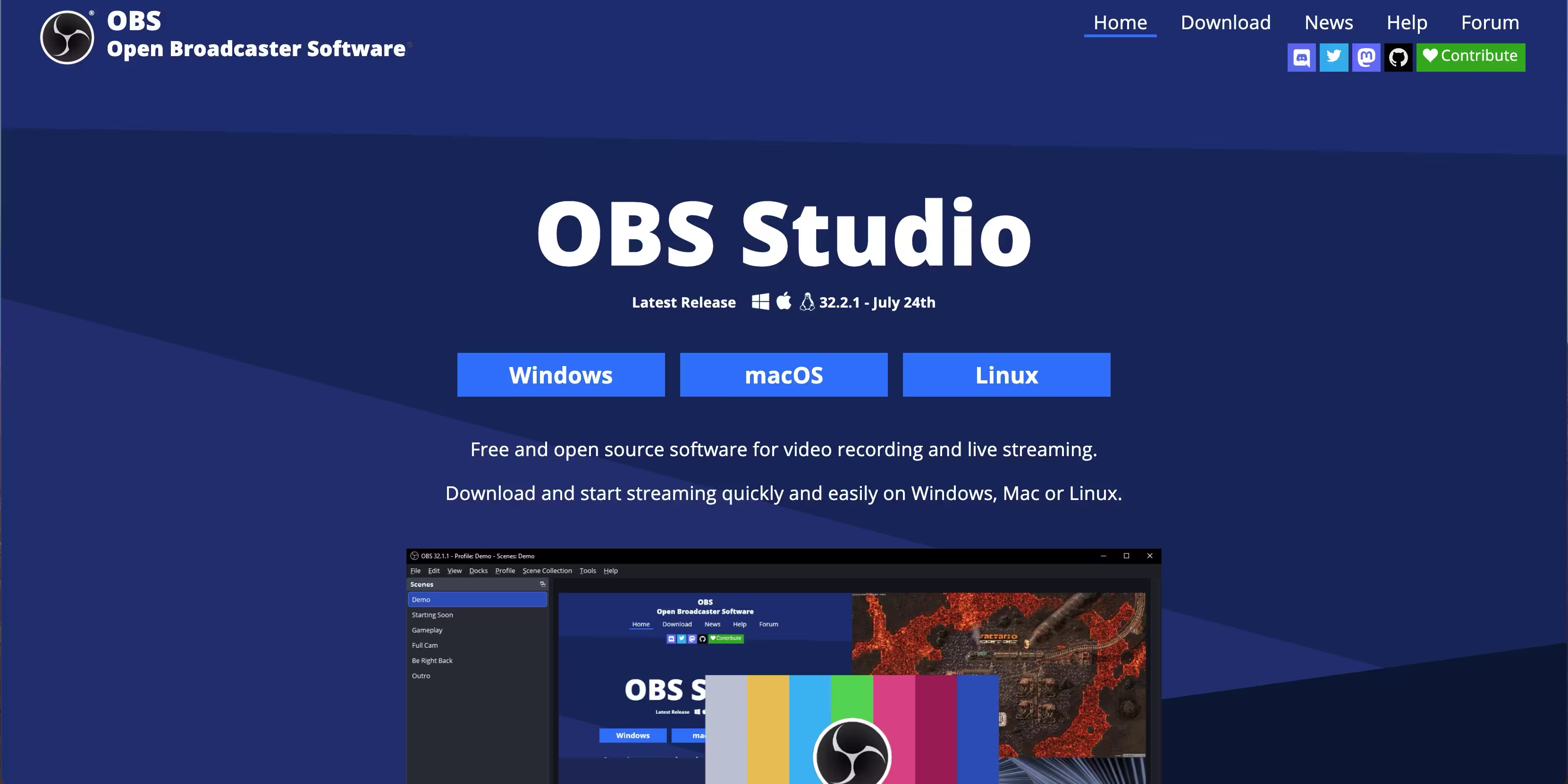
OBS Studio is the free, open-source foundation that most of the streaming world is built on. It runs on Windows, Mac, and Linux, and it is the reference standard for scenes, sources, and live production. Because it is open-source, a huge plugin ecosystem extends it in almost any direction. For technical marketers and power users who want full control without a license fee, OBS is the default answer to "what streaming software should I start with."
Best for: Technical creators and marketers who want complete production control at zero cost.
Key strengths
- Full scene and source control: Build unlimited layouts from cameras, screen capture, browsers, and media, then switch live.
- Studio Mode and Multiview: Preview and stage the next scene before you cut to it, the way a broadcast director works.
- Plugin ecosystem: Extend audio, overlays, and automation through a deep library of community plugins.
Why choose OBS Studio: It is free, cross-platform, and endlessly configurable, which makes it the best fit for people who want to learn the craft and control every detail. The setup is more hands-on than a turnkey app, which matters if you value speed over control, but that same openness is why it powers so many professional workflows. Once configured, it records and streams reliably to any RTMP destination.
OBS Studio pricing: OBS Studio is free and open-source.
2. Wirecast
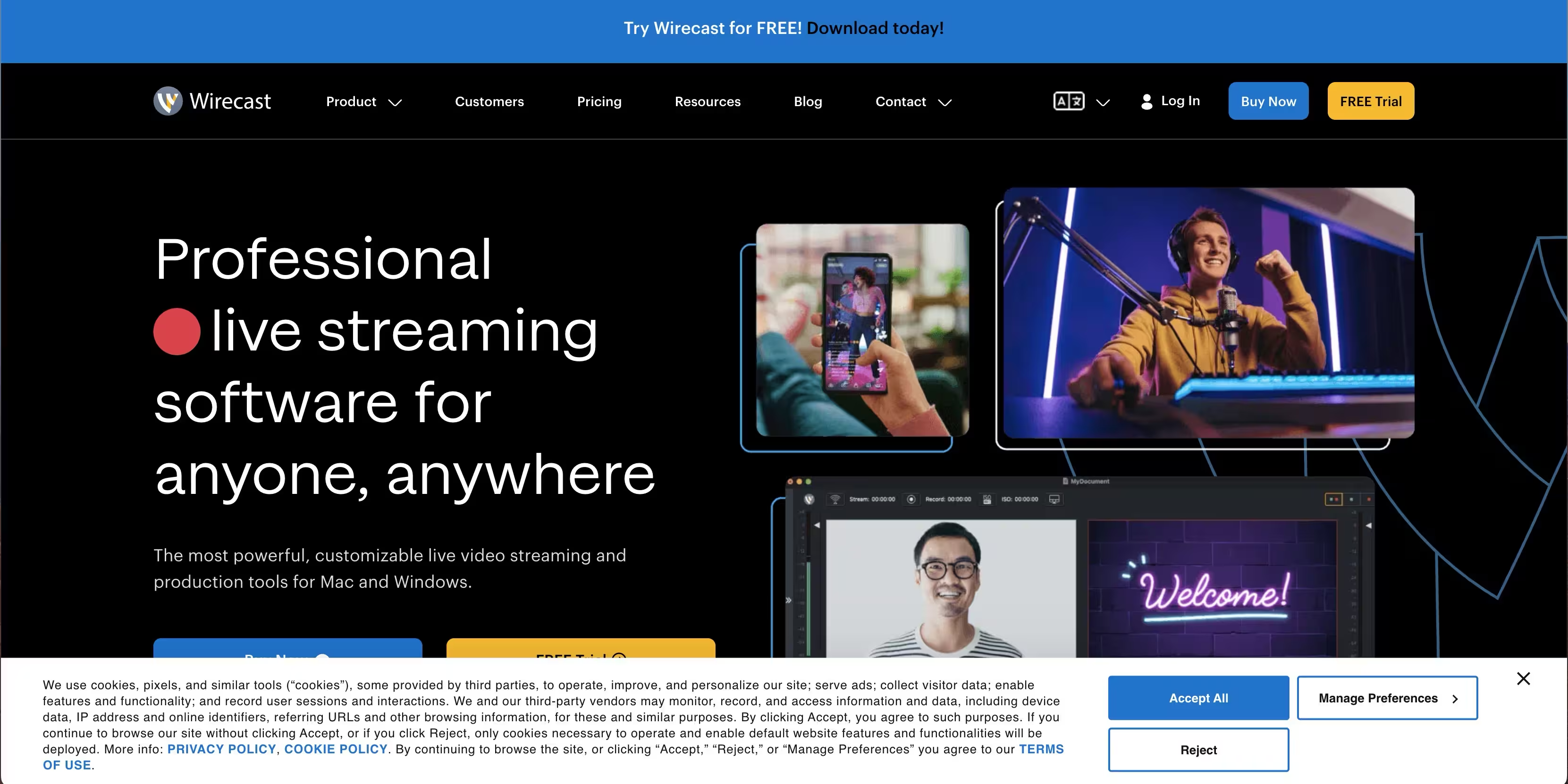
Wirecast is a professional, all-in-one live production suite built for teams that need polished broadcasts and reliable control. It handles multiple camera and media inputs, multistreaming, overlays, chroma key, and ISO recording, so you capture each source separately for cleaner editing later. It supports both RTMP and SRT output plus destination presets for the major platforms. This is the tool you reach for when a stream cannot afford to look amateur.
Best for: Marketing and events teams producing high-stakes broadcasts that must look professional.
Key strengths
- Multi-input production: Mix many cameras, media files, and remote sources in one broadcast.
- ISO recording: Record each source independently for flexible post-production and repurposing.
- RTMP and SRT support: Reliable delivery with destination presets and chroma key for virtual sets.
Why choose Wirecast: For teams running launches, virtual events, or webinars where production quality is non-negotiable, Wirecast gives you broadcast-grade control in one application. The ISO recording alone is worth it if you plan to cut multi-camera content afterward. It is a paid tool, which fits organizations treating live video as a serious channel rather than an experiment.
Wirecast pricing: Wirecast is sold in tiered paid licenses, with a higher tier aimed at teams needing advanced inputs, more outputs, and professional production features. Check the Telestream site for current pricing, since license structure and prices are updated periodically. There is no permanent free tier, so it suits buyers ready to invest in a professional broadcast workflow.
3. Streamlabs
Streamlabs wraps an all-in-one creator workflow around a familiar production core, adding overlays, widgets, alerts, guest tools, and multistreaming in one ecosystem. Streamlabs Desktop is popular software for streaming on Twitch and other platforms because it makes fast setup easy, with themes and templates that get you live quickly. For marketers who want audience engagement features without assembling everything from scratch, the ecosystem depth is the draw.
Best for: Creators and marketers who want a quick, engagement-rich setup out of the box.
Key strengths
- All-in-one ecosystem: Overlays, widgets, alerts, and multistreaming bundled together.
- Guest and engagement tools: Bring in remote guests and drive live interaction easily.
- Themes and templates: Launch a branded stream fast without designing every element.
Why choose Streamlabs: If your priority is getting a good-looking, interactive stream running quickly, Streamlabs removes most of the assembly work. It is beginner-friendly twitch streaming software that scales into more advanced production as you grow. The free entry point lets you test the workflow before upgrading.
Streamlabs pricing: Streamlabs offers a free plan with core streaming and desktop features, plus paid plans that unlock premium themes, multistreaming, and advanced tools. Confirm current plan levels on the Streamlabs site, as tiers and included features change. The free plan makes it a low-risk way to test engagement-rich streaming.
4. Lightstream Studio
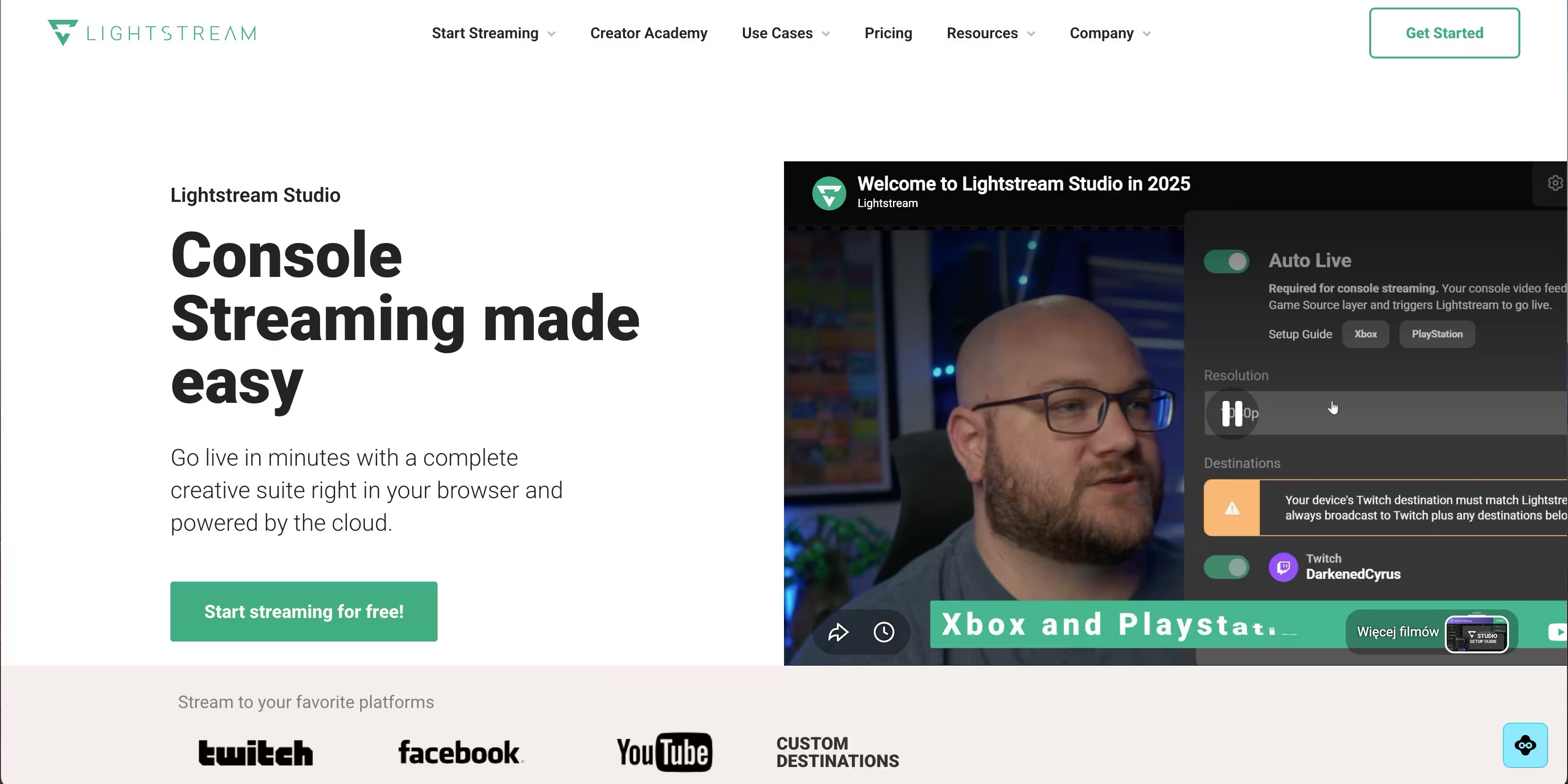
Lightstream Studio moves production into the browser and the cloud, which means less strain on your local machine. You build scenes, add overlays, and control the broadcast through a web interface, and the heavy processing happens in the cloud. For teams that do not want a desktop-heavy setup or that stream from lighter hardware, this cloud-first approach is the appeal. It is a practical recording and streaming software option when local resources are tight.
Best for: Users who want polished production without taxing their local system.
Key strengths
- Browser-based production: Run your whole broadcast from a web interface, no heavy install.
- Cloud processing: Offload rendering and encoding so local hardware demands stay low.
- Scene control: Manage layouts, overlays, and sources through a clean web dashboard.
Why choose Lightstream Studio: For marketers who want to produce a clean stream from a laptop, or teams collaborating without matching hardware, the cloud-first model is a genuine advantage. It performs best when you want production polish without provisioning powerful local machines for everyone.
Lightstream Studio pricing: Lightstream offers a free entry point plus paid plans that expand production features, output quality, and destinations. Pricing and plan structure are published on the Lightstream site and updated over time, so verify current tiers before committing. The free option lets you test the browser workflow first.
5. PRISM Live Studio
PRISM Live Studio leans mobile-first and social-friendly, with a desktop version that keeps the lightweight, quick-to-publish feel. It is built for creators and marketers who want to go live to multiple platforms without a complex production setup. Simple scene tools, effects, and multi-platform sharing make it a fast route to social-first live content. For teams whose live video lives on Instagram, YouTube, TikTok, and similar channels, PRISM fits the workflow.
Best for: Social-first creators and marketers who want lightweight live content on the go.
Key strengths
- Mobile-first design: Stream from a phone with the same simplicity on desktop.
- Multi-platform sharing: Push live content to several social destinations easily.
- Simple production: Effects, filters, and scenes without a steep setup.
Why choose PRISM Live Studio: If your live strategy is social-led and speed matters more than broadcast-grade control, PRISM gets you live fast on the platforms your audience already scrolls. It performs best for short, frequent, social-native streaming rather than multi-camera studio productions.
PRISM Live Studio pricing: PRISM Live Studio is free to download and use across mobile and desktop, which makes it an easy pick for social-first testing. Availability and feature parity between mobile and desktop can vary, so confirm the current desktop feature set on the PRISM site before building a workflow around it.
6. Meld Studio
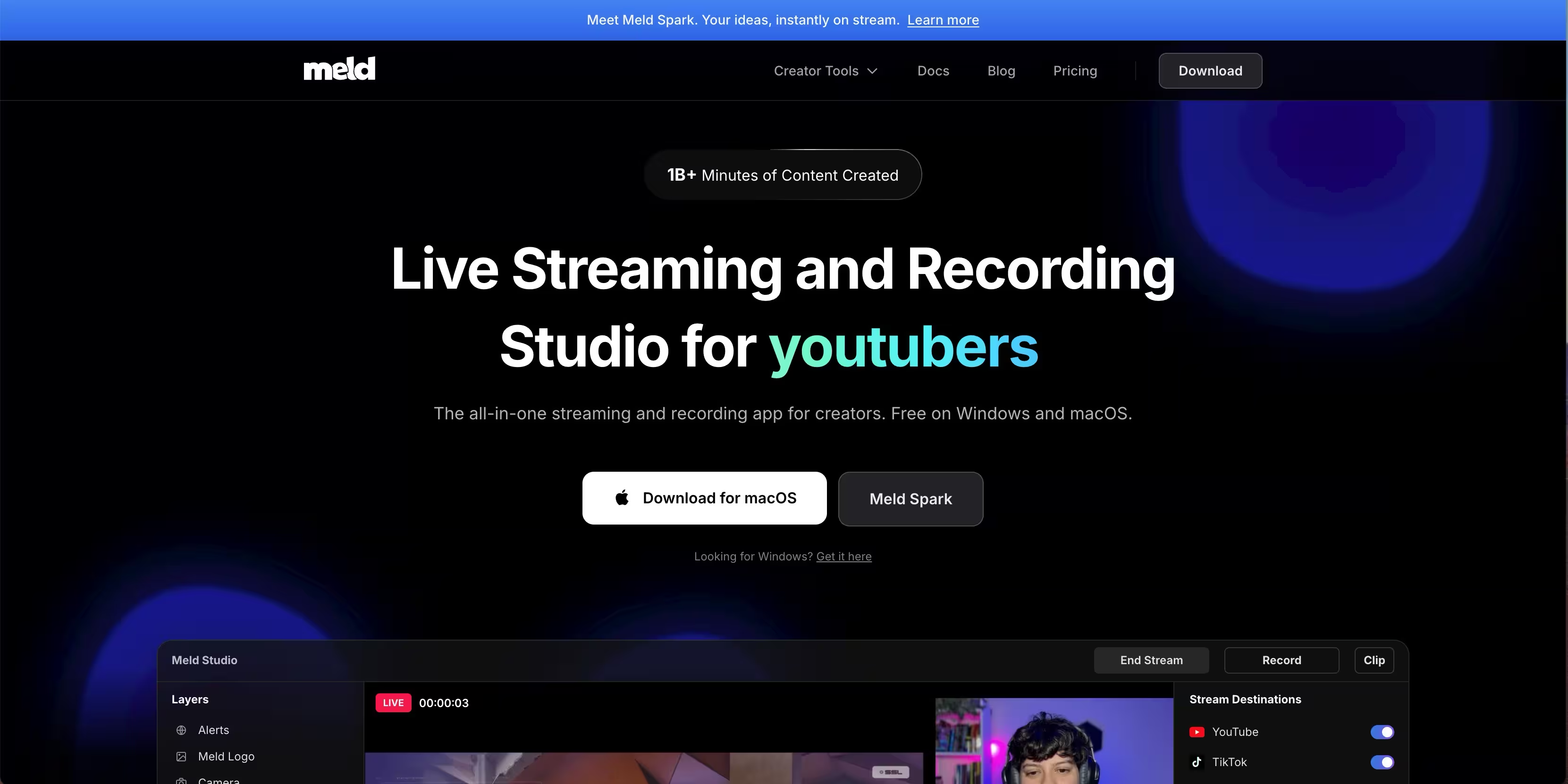
Meld Studio is a newer entrant focused on a streamlined, modern production experience. It aims to give you clean live content control with a lighter, more approachable interface than traditional broadcast tools. For teams that want a modern UI and a simpler workflow without giving up scenes and sources, Meld is worth a look. It positions itself around performance and a clean design that lowers the learning curve.
Best for: Teams wanting a modern, streamlined production tool with a gentle learning curve.
Key strengths
- Modern interface: A clean, current UI that is quick to learn.
- Streamlined workflow: Core production without the density of legacy tools.
- Low overhead: Designed to run efficiently so more resources go to your stream.
Why choose Meld Studio: If OBS feels dense and you want something contemporary that still handles scenes and live control, Meld hits a middle ground. It performs best for creators and small teams who value a simple, modern experience over a deep plugin ecosystem.
Meld Studio pricing: Meld Studio has been available at no cost during its growth, which makes it an easy tool to trial for live production. Because newer tools adjust their pricing as they mature, confirm the current plan on the Meld site.
Considerations before you buy
Before you commit, run each candidate through this checklist. Streaming software is easy to switch early and painful to switch mid-campaign.
Platform and OS support
Confirm the tool runs on your operating system and streams to your target destinations. OBS Studio covers Windows, Mac, and Linux; some tools are Windows and Mac only. Match the tool to where your audience actually watches, whether that is Twitch, YouTube, Facebook, or LinkedIn.
Recording workflow
If you plan to repurpose content, recording quality is not optional. Check whether the tool records locally, at what quality, and whether it offers ISO recording for multi-source editing. A stream you cannot reuse is a stream that only worked once.
Production control
Decide how much control you need. A single talking-head webinar needs less than a multi-camera launch event. Scenes, scene switching, overlays, and multiview separate polished broadcasts from basic ones. Do not overbuy, but do not underbuy either.
Ease of setup and time to value
Turnkey tools like Streamlabs get you live fast; deeply configurable tools like OBS reward setup time with control. Weigh how quickly you need to launch against how much you want to customize. The same time-to-value logic applies whether you are evaluating streaming software or ai app builder software.
Pricing and scaling
Free tools remove budget risk but may lack support or advanced features. Paid suites cost more but deliver reliability and depth. Map the price to how central live video is to your strategy, the same way you would weigh spend on ai customer service software or affiliate marketing software.
Conclusion
The right live streaming software depends on what you are actually producing. For most people testing the waters, start with the simplest tool that supports your platform and records cleanly. OBS Studio is the free, cross-platform default for anyone who wants full control. Wirecast is the pick for teams that need broadcast-grade production and ISO recording. Streamlabs gets beginners live fast with overlays and engagement built in.
If your content is browser-based or hosted, Lightstream Studio remove the hardware barrier. For social-first and mobile creators, PRISM Live Studio keeps it lightweight. Meld Studio offers a modern, streamlined alternative, and Streamlabs covers console streamers.
Pick the tool that matches your platform and your recording needs first, then worry about advanced features. And remember that a live stream is only half the value. The recording you repurpose into clips, webinar assets, and ad creative is where live video pays off. Choose software that gives you both, and your one hour of production keeps working long after you go offline.