Linkedin
LinkedIn is a professional networking platform that helps individuals and businesses connect, share opportunities, and grow careers. It offers tools for recruiting, marketing, sales, and learning, with over 1 billion members worldwide, including executives from every Fortune 500 company.
Website
Industry
Leadgen
Share this article:

How to turn on email job recommendations notifications on LinkedIn

Here is how to turn on email job recommendations notifications on linkedin

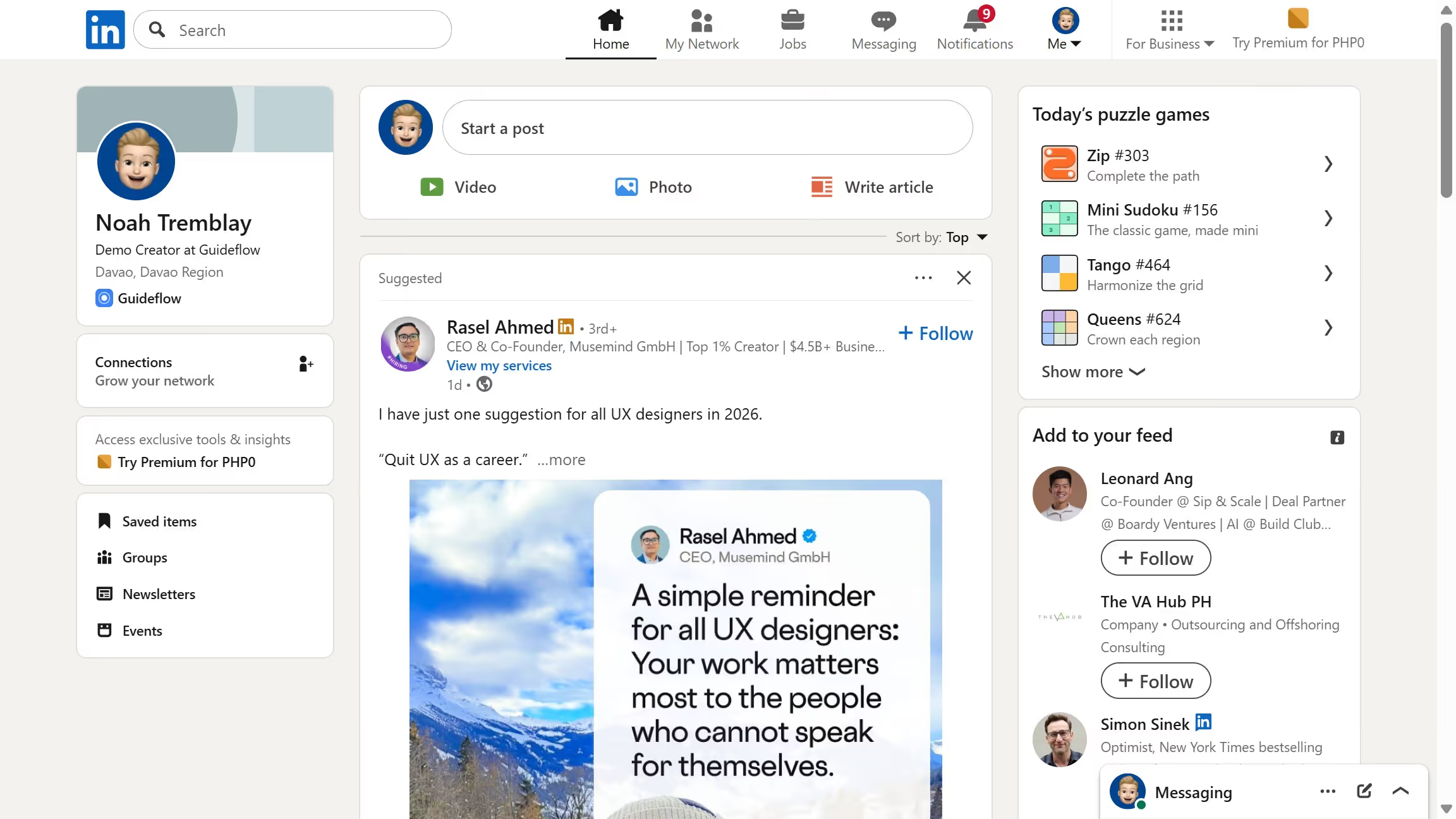
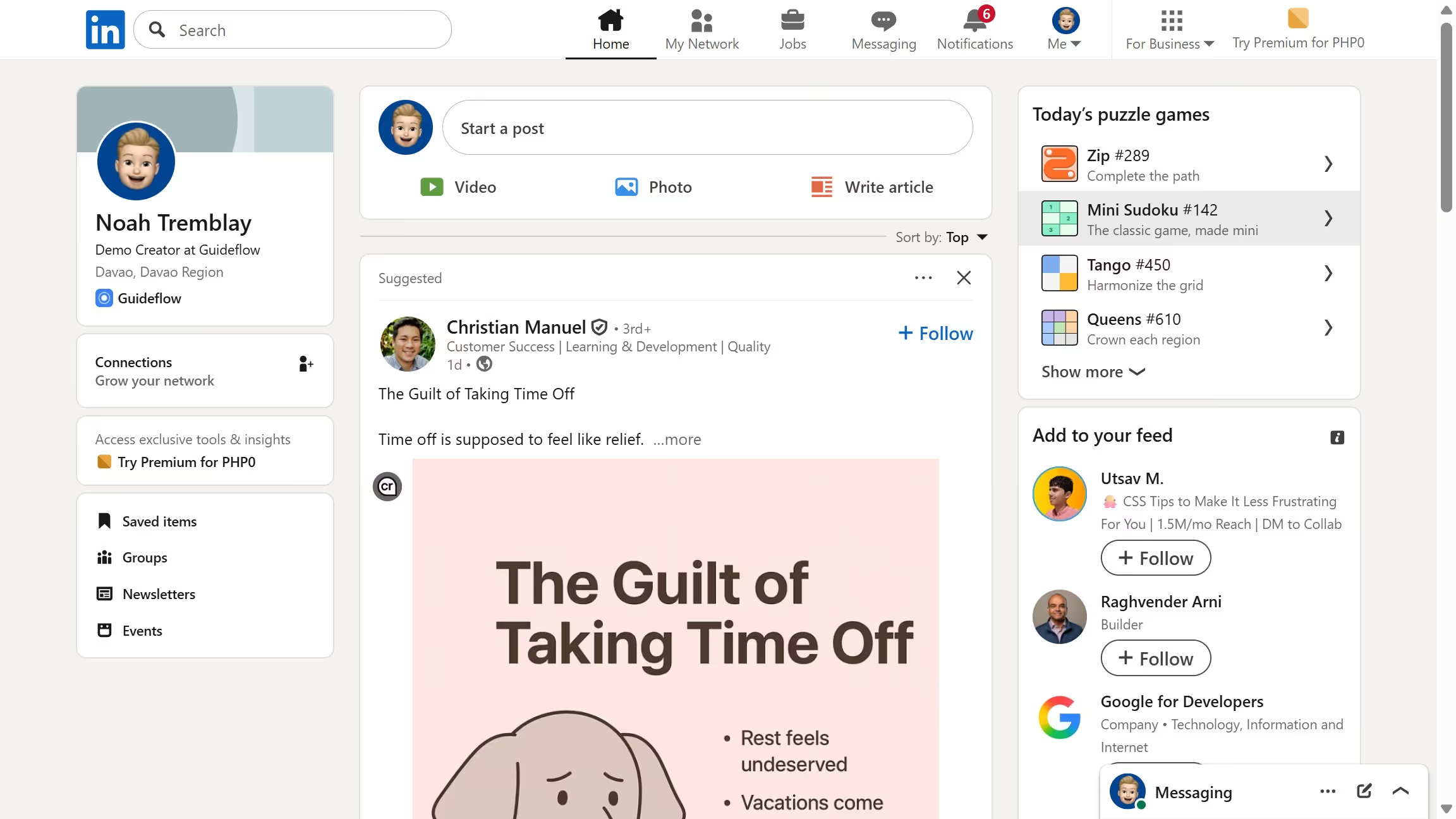
  1. First click on the "Me" dropdown menu in the top navigation bar
  2. Then click on "Settings & Privacy" option in the dropdown menu
  3. Next click on "Notifications" section in the left sidebar
  4. Then click on "Searching for a job" option in the notifications settings
  5. Next click on "Job recommendations" option to expand its settings
  6. Finally toggle on the "Email" notification option for job recommendations

Create your own interactive guide with Guideflow

Why should you turn on email job recommendations notifications on LinkedIn

LinkedIn is a powerful platform that connects professionals to opportunities, experts, and networks worldwide.

By turning on email job recommendations notifications, you unlock a personalized career-enhancing feature that delivers curated job offers directly to your inbox.

This feature keeps you informed of new opportunities matching your skills and interests, ensuring you never miss a chance to advance your career.

Staying updated with these notifications allows you to act quickly on new positions, increasing your chances of landing your dream job.


Last update
March 13, 2026
Cursor MariaA cursor points to a button labeled "James."

Create your first demo in less than 30 seconds.