How to turn off clock in Mini Sudoku in LinkedIn
Here is how to turn off clock in mini sudoku in linkedin
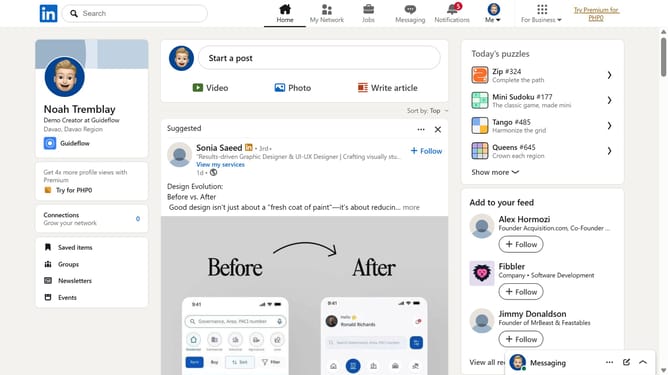
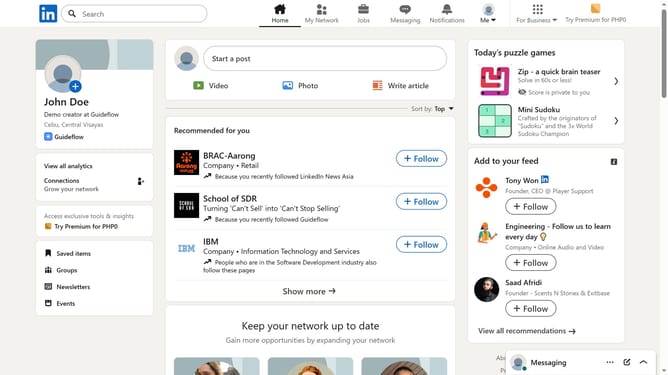
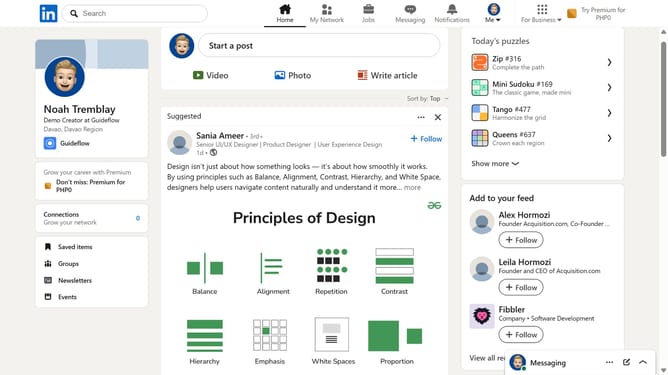
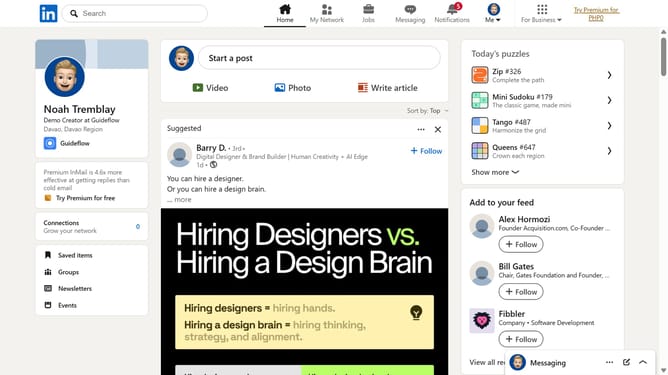
- First click on the "Mini Sudoku" game card in the right sidebar under "Today's puzzle games" section
- Then click on the "Settings" dropdown button in the top right corner of the game interface
- Finally turn off the "Show clock" toggle option in the settings menu
Why should you turn off clock in Mini Sudoku in LinkedIn
LinkedIn is the premier platform for professionals to connect, share insights, and build their career network.
For those enjoying LinkedIn's Mini Sudoku, the option to turn off the clock feature is a thoughtful addition that enhances user experience. By disabling the timer, players can savor the game without the pressure of time constraints, allowing for a more relaxed and thoughtful approach.
This feature is particularly beneficial for individuals seeking a moment of calm amidst their busy schedules, providing a mental break without the stress of a ticking clock.
Last update