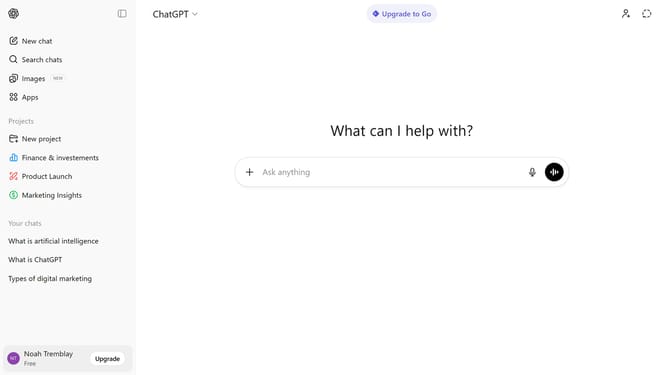
How to stop your chats from training ChatGPT
Here is how to stop your chats from training chatgpt
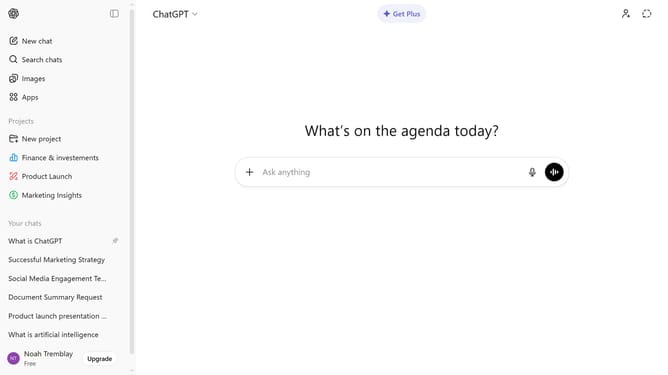
- First click on your profile button at the bottom of the sidebar
- Next click on "Settings" option from the user menu
- Select "Data controls" from the settings sidebar
- Then click on "Improve the model for everyone" section
- Then toggle off the "Improve the model for everyone" switch
- Finally click on "Done" button to save changes
Why should you stop your chats from training ChatGPT
ChatGPT is a powerful conversational AI designed to generate engaging and informative dialogues.
If you prefer to maintain the privacy of your conversations or simply avoid influencing the AI's training, you can opt to stop your chats from training ChatGPT.
This feature allows you to manage your data sharing with ease, ensuring your interactions remain private.
By using this option, you enjoy a tailored user experience while maintaining control over your personal information.
Last update