How to start a new chat in GitHub Copilot
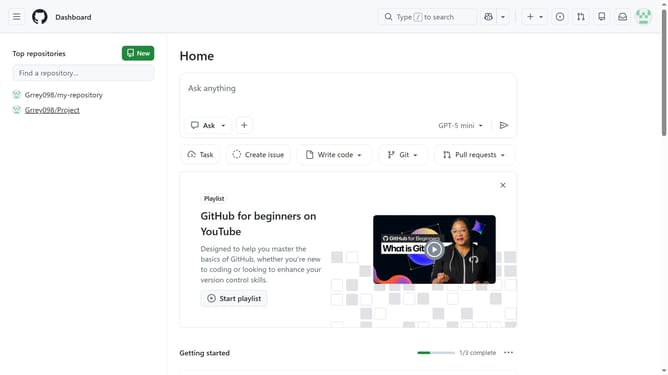
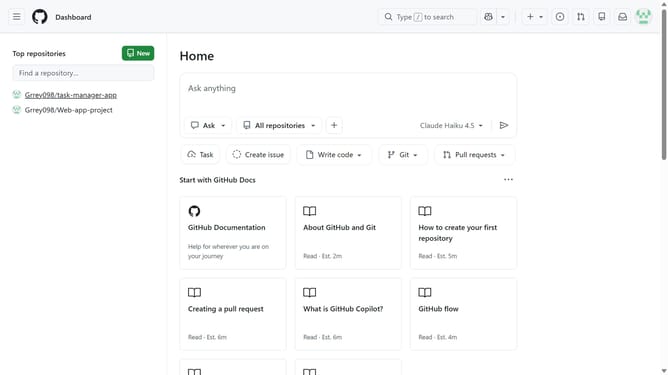
Here is how to start a new chat in github copilot
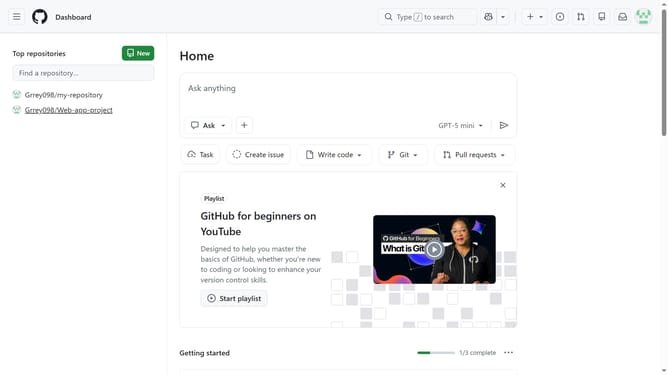
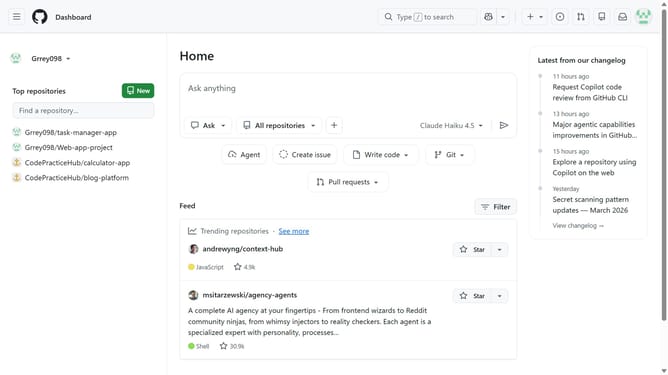
- First click on "New chat" button in the left sidebar
- A new chat window will open, ready for you to type your question or prompt
Why should you start a new chat in GitHub Copilot
GitHub is a dynamic platform designed to streamline collaboration, fostering seamless code management and development.
With GitHub Copilot, initiating a new chat is an intuitive feature that enhances communication within the coding environment. This feature is designed to foster real-time interaction, allowing developers to clarify doubts, share insights, and discuss strategies effortlessly.
Engaging in a chat within GitHub Copilot enhances collaboration, driving productivity by enabling quick resolution of issues and making the development process more efficient and enjoyable.
Last update