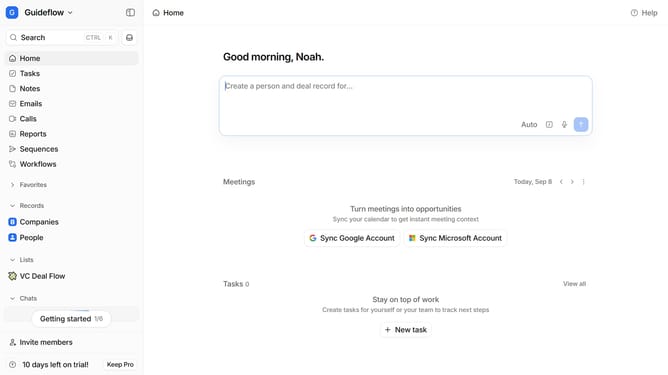
How to sort task by due date in Attio
Here is how to sort task by due date in attio
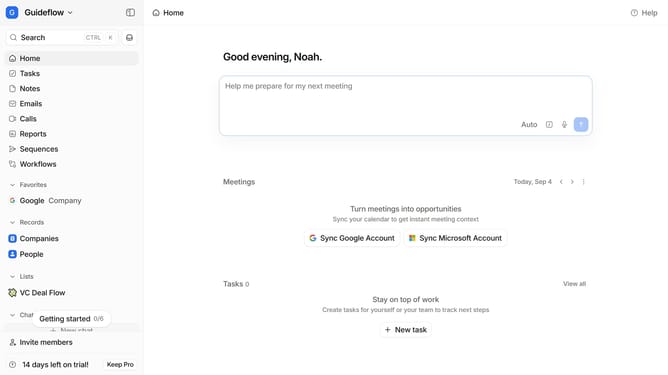
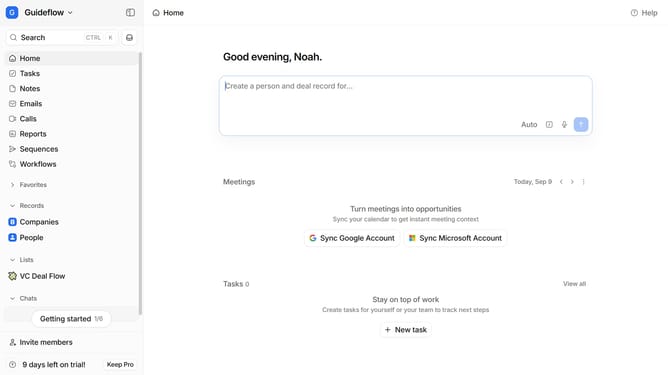
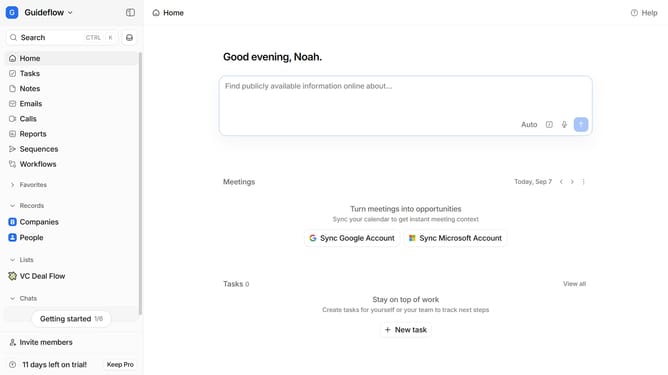
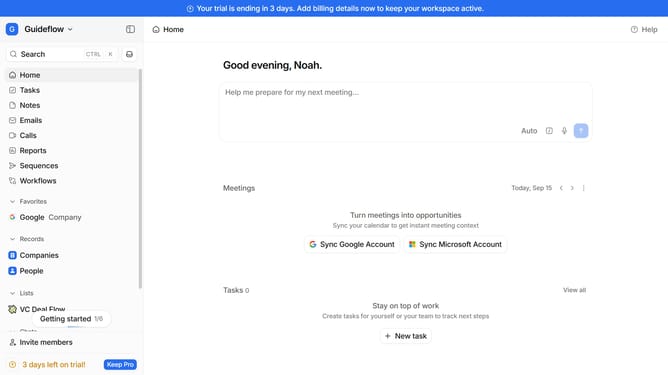
- First click on "Tasks" item in the left sidebar
- Then click on the sort button in the header
- Finally click on "Due date" item in the dropdown menu
Why should you How to sort task by due date in Attio
Attio is a cutting-edge tool that streamlines contact and task management, making it effortless for teams to stay organized and efficient.
One standout feature is the ability to sort tasks by due date. This allows users to prioritize their workload effectively, ensuring that deadlines are met and nothing falls through the cracks.
Sorting tasks by due date provides clarity and focus, helping you allocate time to the most pressing tasks. By keeping your schedule organized, you enhance productivity and reduce stress, leading to better performance and achievement of goals.
Last update