How to show last updated time in Zoom Docs
Here is how to show last updated time in zoom docs
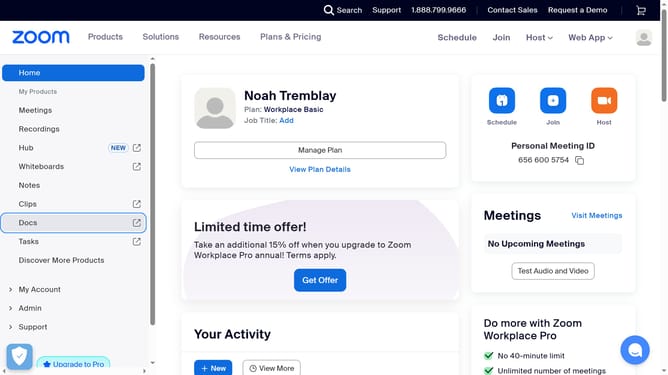
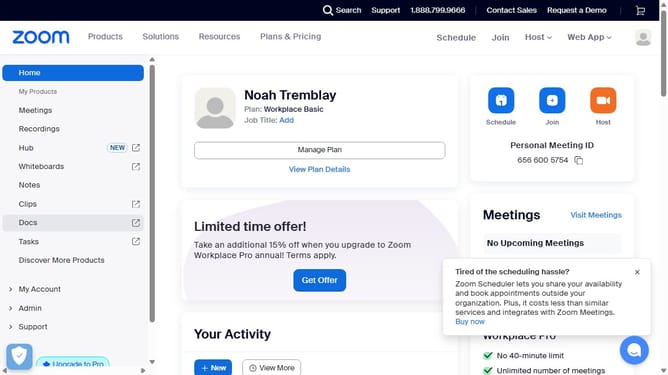
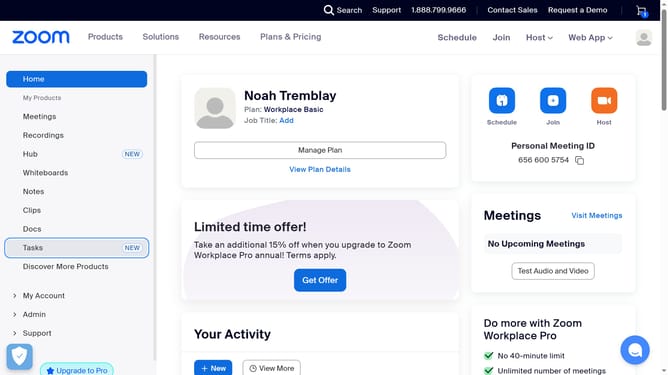
- First click on the "Docs" option in the left sidebar menu
- Then open the document where you want to show the last updated time
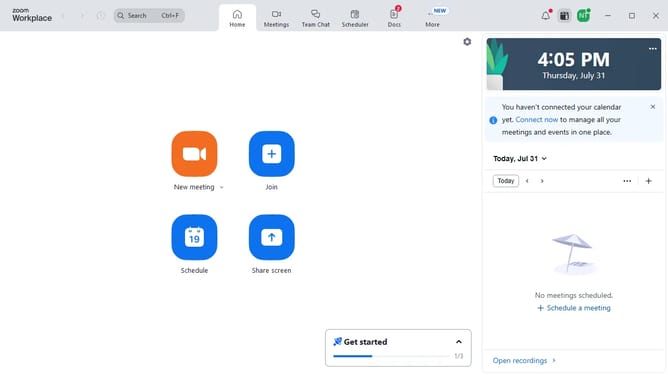
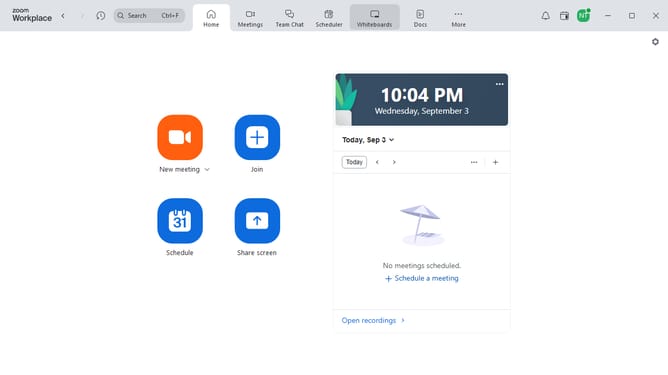
- Next click on the "More" menu button in the top toolbar
- Then select "Page options" from the dropdown menu
- Finally turn on the "Last updated" toggle to display the timestamp in the document header
Why should you show last updated time in Zoom Docs
Zoom is a versatile platform designed to streamline virtual communication and collaboration.
Tracking the last updated time in Zoom Docs ensures that users are always working with the most current information. This feature enhances transparency and encourages accountability among team members.
By displaying the last modified timestamp, teams can avoid confusion and miscommunication, ultimately saving time and boosting productivity.
Last update