How to share the code for your signup form in Sendgrid
Here is how to share the code for your signup form in sendgrid
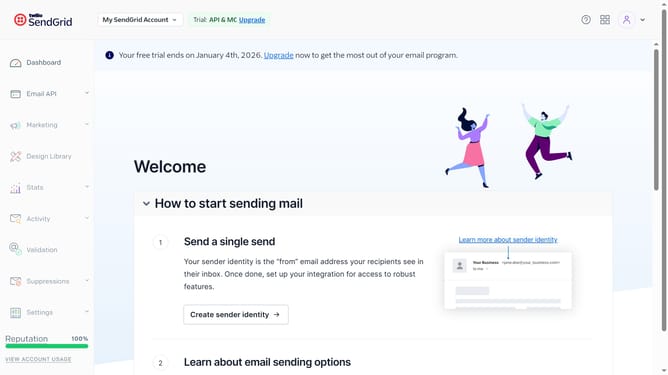
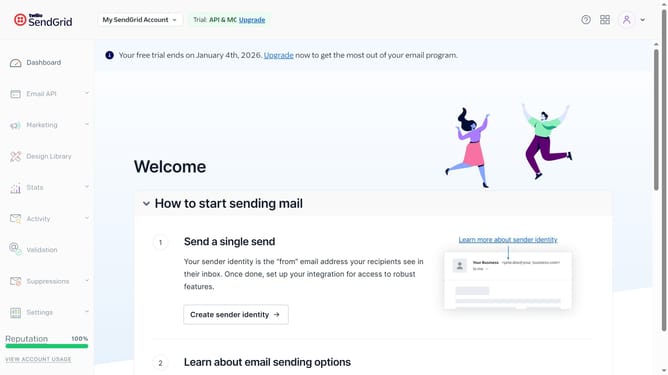
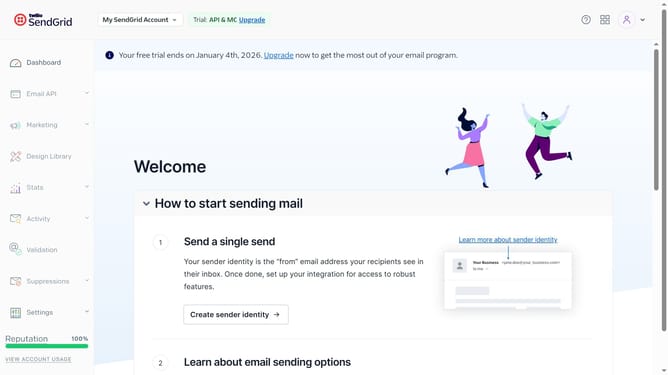
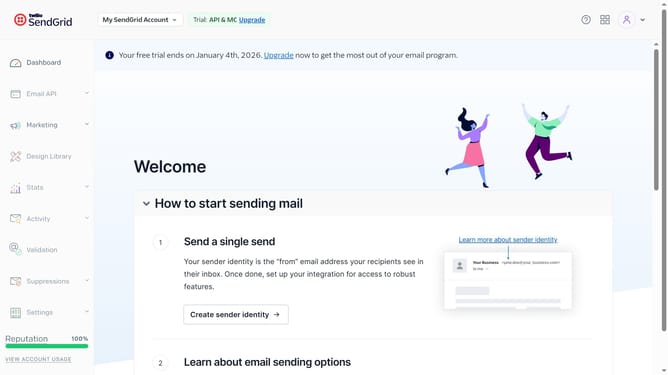
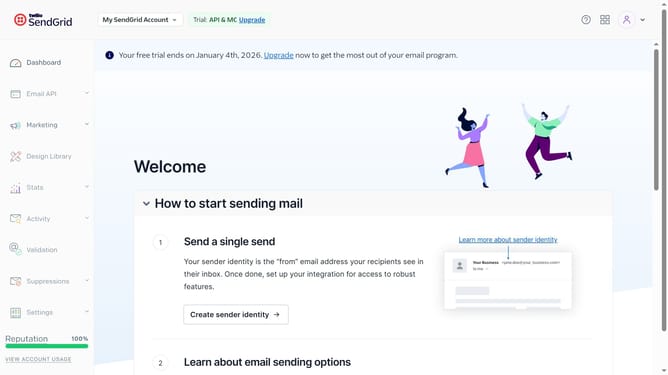
- First click on "Marketing" option in the left sidebar menu
- Click on "Signup Forms" submenu item in the Marketing section
- Next locate the signup form you want to share
- Click on the action menu button (three dots) next to it
- From the dropdown menu, click on the "Share Code" option
- A modal will open where you can copy either the direct link to the Twilio SendGrid-hosted form — titled, "Landing Page"
- Or you can copy the embeddable
Why should you share the code for your signup form in Sendgrid
SendGrid is a dynamic platform designed to enhance email marketing and deliverability.
Sharing the code for your signup form within SendGrid is remarkably straightforward, enabling seamless integration across various digital platforms.
This feature allows you to effortlessly share custom signup forms, ensuring consistency in style and functionality across different web applications.
By utilizing this feature, users can effectively increase their subscriber base, streamline communication, and enhance overall user engagement.
Last update