How to set your markdown editor font preference in GitHub
Here is how to set your markdown editor font preference in github
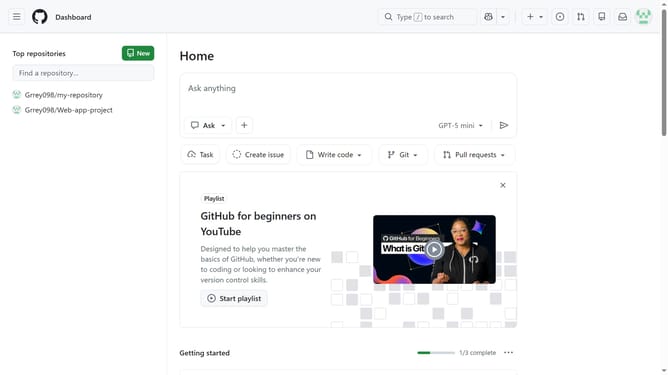
- First click on your profile picture in the top right corner of the header
- Next click on "Appearance" option in the dropdown menu
- Then scroll down to the "Markdown editor font preference" section
- Uncheck the "Use a fixed-width (monospace) font when editing Markdown" if you prefer the default font style
- If you want to use a fixed-width font, check the box
Why should you set your markdown editor font preference in GitHub
GitHub is a dynamic platform designed for collaborative software development and version control.
One of its noteworthy features is the ability to set your markdown editor font preference, which enhances the writing and editing experience immensely.
Customizing the font in your markdown editor allows you to have a more personalized and comfortable interface, which can help reduce eye strain and improve readability.
This flexibility ensures that working on projects within GitHub remains seamless and efficient, catering to individual user styles and preferences.
Last update