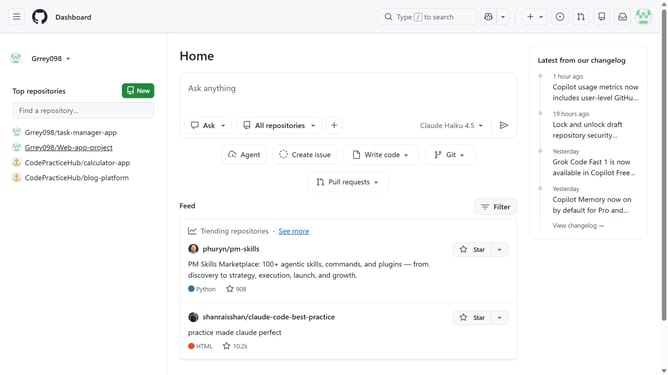
How to set your hiring status on your GitHub profile
Here is how to set your hiring status on your github profile
- First click on your profile picture in the top right corner of the header
- Next click on "Settings" option in the profile dropdown menu
- In the left sidebar, click on "Public profile"
- Scroll down to the "Jobs profile" section on the settings page
- Then check the "Available for hire" checkbox to enable job availability
- Finally click on "Save jobs profile" button to save the changes
Why should you set your hiring status on your GitHub profile
GitHub is a dynamic platform designed to empower developers to collaborate and showcase their work on a global scale.
Setting your hiring status on your GitHub profile is a valuable feature that can broaden your career opportunities effortlessly. By signaling your openness to new professional ventures, you make yourself more visible to potential employers and recruiters.
This feature ensures that your skills are not only showcased through your projects but also made available to the right people who are seeking talented individuals like you.
Last update