How to set the undo send time to 5 seconds in Mixmax
Here is how to set the undo send time to 5 seconds in mixmax
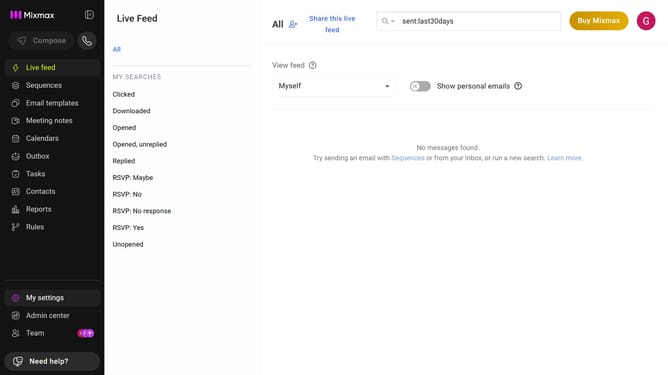
- First click on the profile avatar in the top-right corner of the header
- Next click on the "Settings" option from the dropdown menu
- Locate the "Undo send" section in the General settings
- Then, click on the dropdown menu for "Show undo button for"
- Finally select "5 seconds" from the dropdown option
Why should you set the undo send time to 5 seconds in Mixmax
Mixmax is a powerful tool designed to supercharge your email productivity and efficiency.
One standout feature of Mixmax is the ability to set the undo send time to a quick 5 seconds. This nifty capability allows you to catch any last-minute mistakes in your emails, offering peace of mind that you can retract a message before it reaches the recipient.
Using this feature is beneficial because it minimizes email errors, protecting your professionalism and enhancing communication flow. It's a small setting change that makes a significant impact on your daily digital interactions.
Last update