How to set Tango activity to be visible only to me on LinkedIn
Here is how to set tango activity to be visible only to me on linkedin
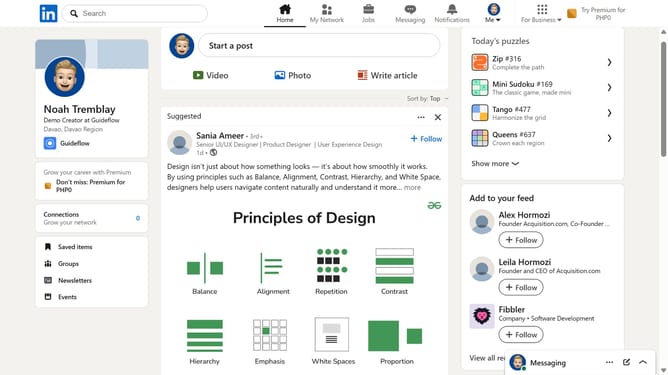
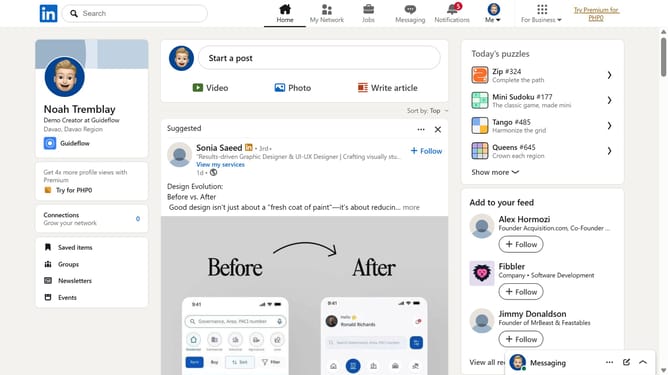
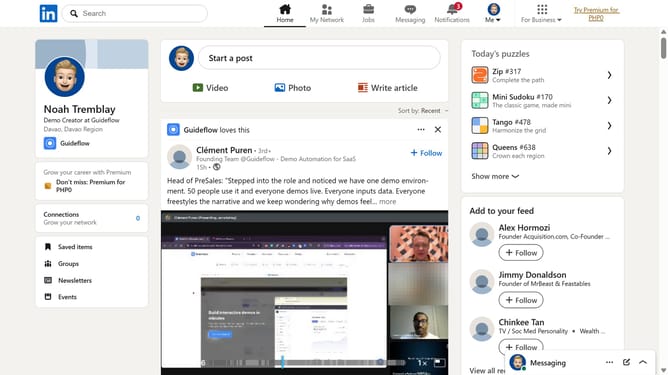
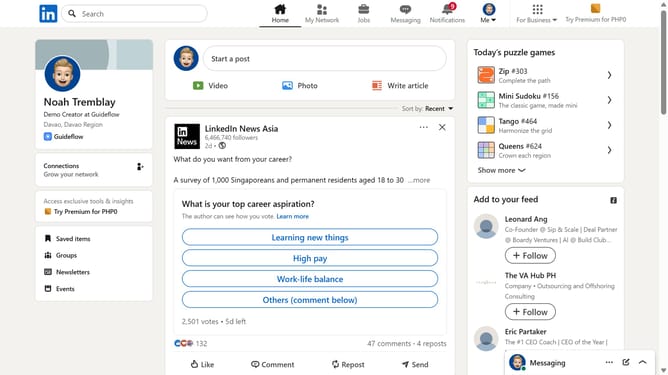
- First click on the "Tango" game card in the right sidebar under Today's puzzle games section
- Then click on the "Settings" dropdown button in the top right corner of the game interface
- Next click on the "Who can see your game activity?" option in the settings dropdown menu
- Finally select the "Only me" radio button option in the game activity visibility dialog
Why should you set Tango activity to be visible only to me on LinkedIn
LinkedIn is a powerful professional networking platform designed to connect job seekers, employers, and professionals.
Setting your Tango activity to be visible only to you on LinkedIn enhances your privacy and gives you control over your professional information.
This feature allows you to explore, learn, and adjust your skills at your own pace without broadcasting updates to your network.
By keeping these activities private, you're free to experiment with new approaches and insights discreetly while benefiting from a clutter-free feed that supports intentional networking.
Last update