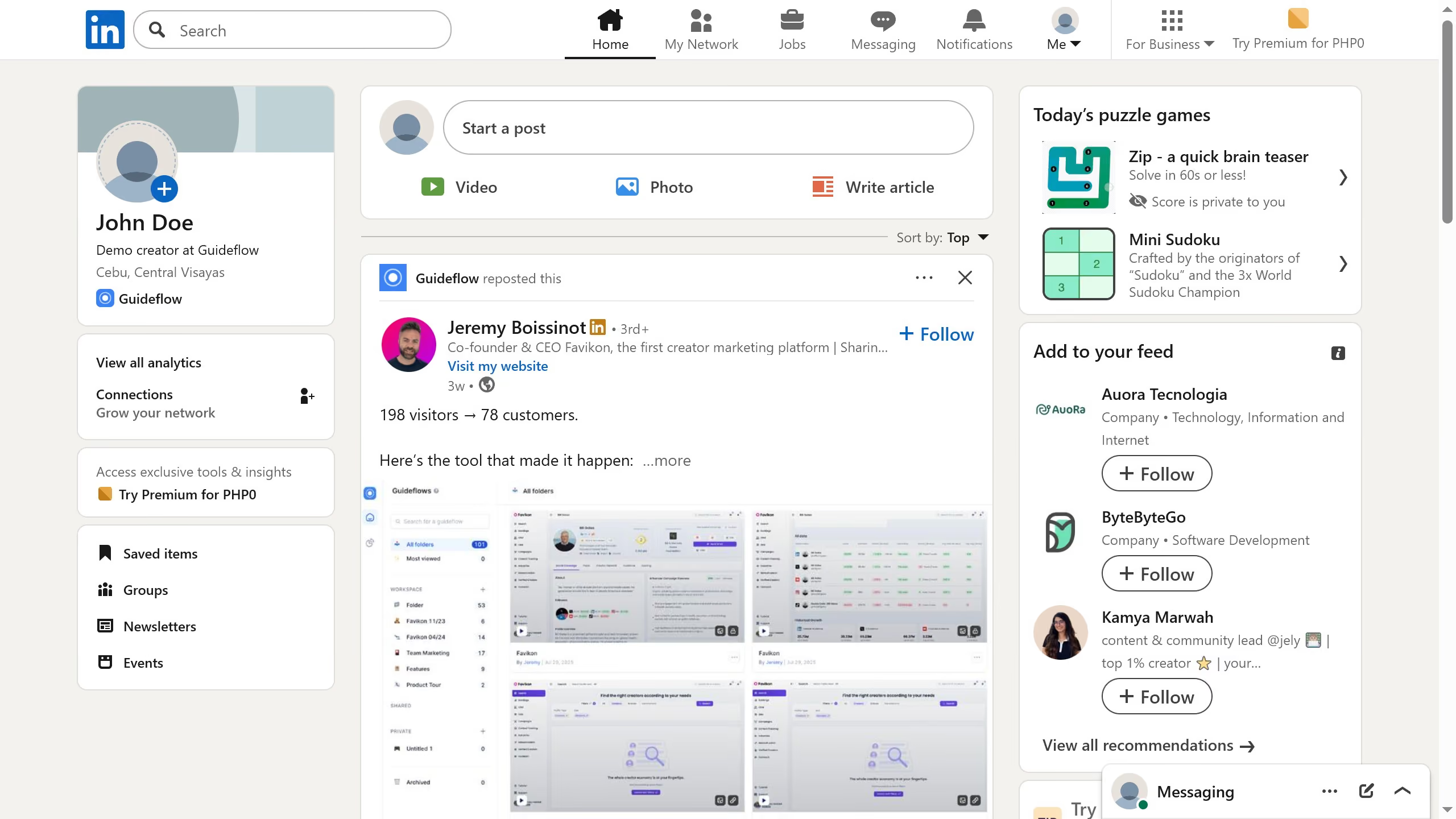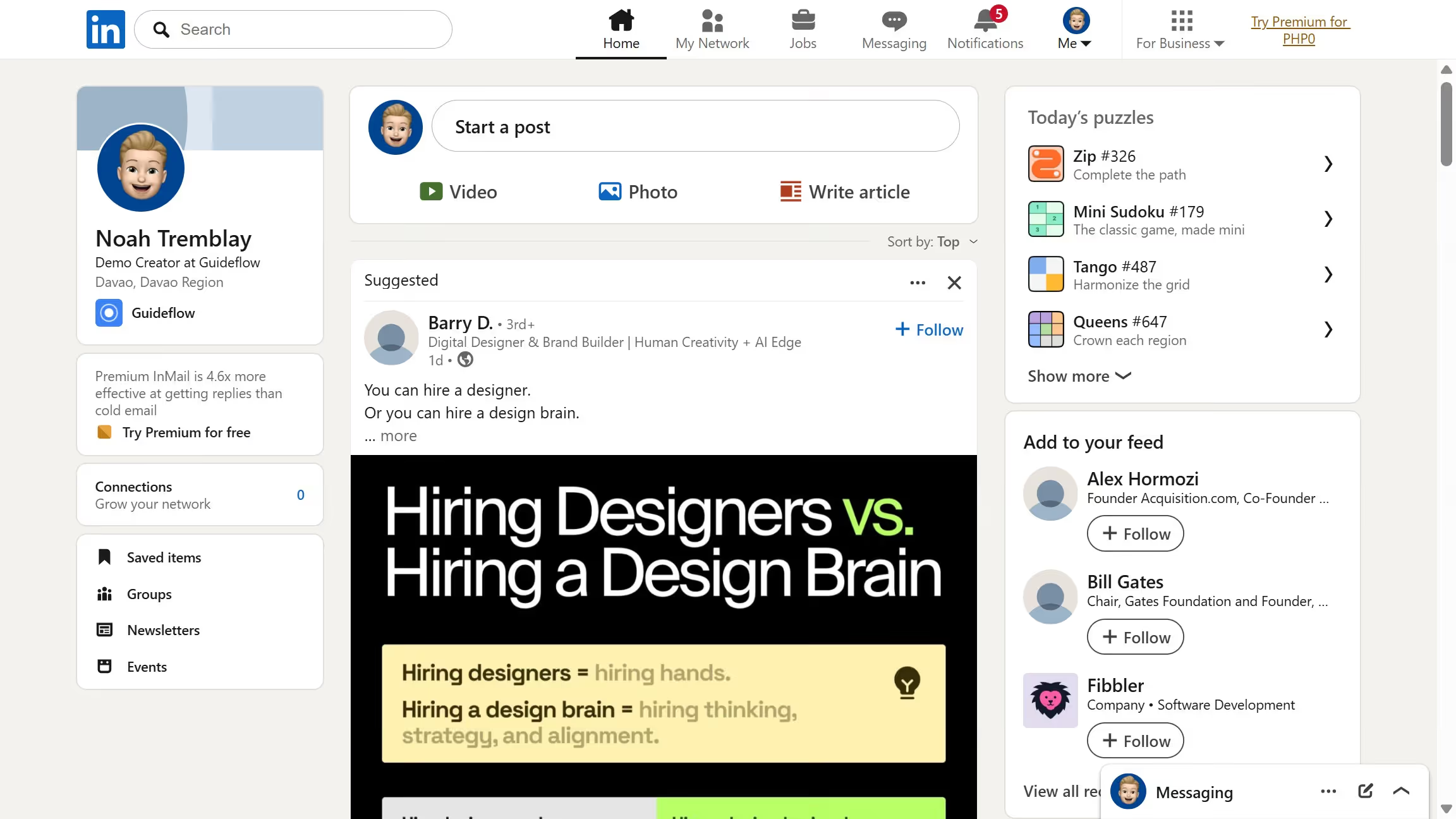
Here is how to set profile photo visibility to all linkedin members in linkedin
- First click on the "Me" dropdown menu in the top navigation bar
- Then click on the "Settings & Privacy" link in the dropdown menu
- Next click on the "Showing profile photos" option in the General preferences section
- Finally select the "All LinkedIn members" radio button option