How to set price alert for ZoomInfo Technologies Inc. in Perplexity
Here is how to set price alert for zoominfo technologies inc. in perplexity
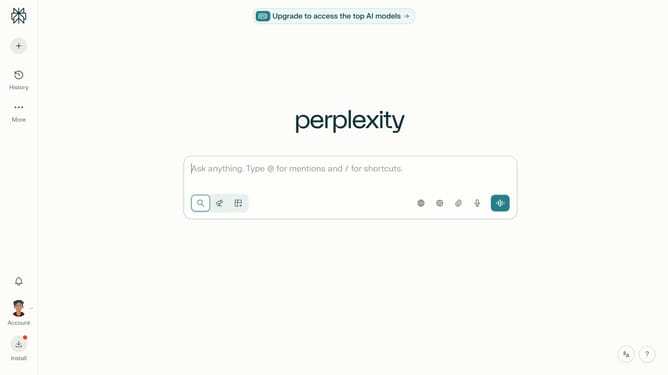
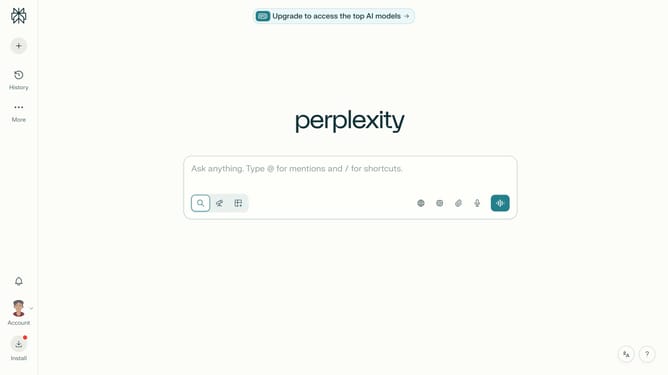
- First click on the account profile button in the sidebar
- Then click on "Notifications" option in the user menu
- Next scroll down the notifications page to view more content
- Then click on "+ New Alert" button in the Price Alerts section
- Next click on the search field for assets and type "ZoomInfo Technologies Inc."
- Then select "ZoomInfo Technologies Inc." from the asset dropdown
- Next click on the target price input field and modify it to your desired price value
- Finally click on "Save" button to save the price alert
Why should you set price alert for ZoomInfo Technologies Inc. in Perplexity
Perplexity is a smart tool designed to effortlessly keep you informed.
Setting a price alert for ZoomInfo Technologies Inc. in Perplexity is a straightforward process that ensures you stay ahead in the volatile market. By enabling this feature, users can receive instant notifications whenever the stock price hits their predefined limits.
This proactive approach helps investors make timely decisions, optimizing their investment strategies. Harnessing the power of Perplexity, users gain a competitive edge in monitoring their portfolios efficiently and effortlessly.
With timely updates, Perplexity enhances decision-making, offering peace of mind and saving valuable time.
Last update