How to set price alert for Xylem Inc. in Perplexity
Here is how to set price alert for xylem inc. in perplexity
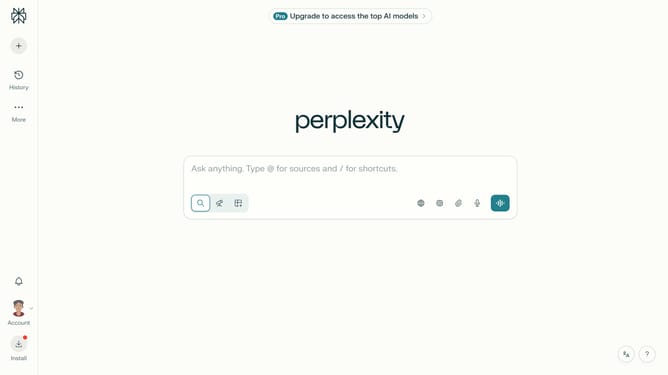
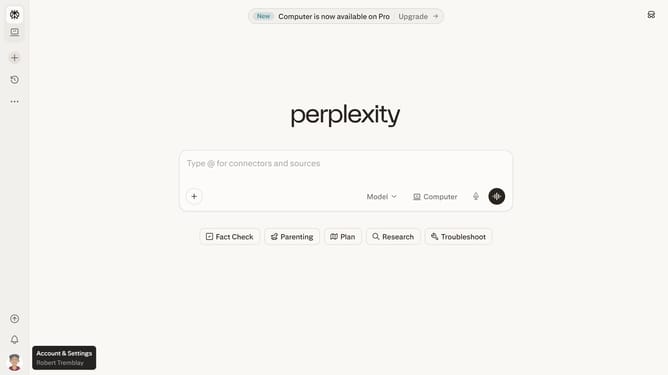
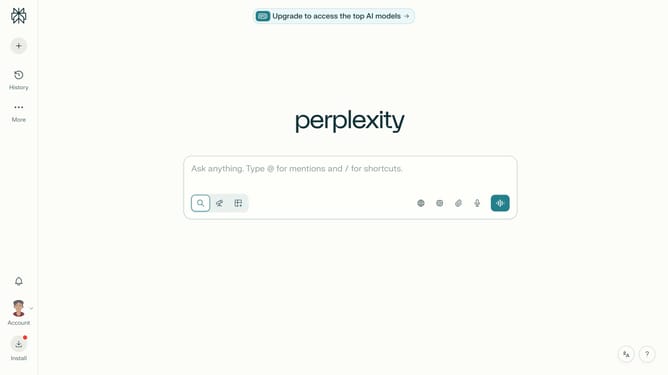
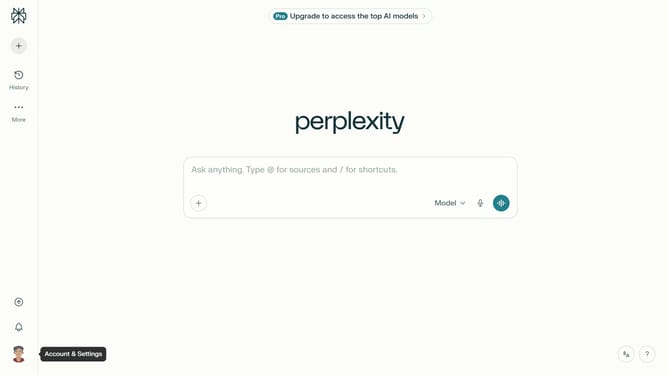
- First click on the profile button in the bottom left sidebar
- Then click on "Notifications" option from the menu
- Next scroll down the notifications page
- Then click on "New Alert" button in the Price Alerts section
- Next click on the asset search field and type "Xylem Inc."
- Then select "Xylem Inc." from the search results dropdown
- Next click on the target price input field and modify it to your desired price value
- Finally click on "Save" button to confirm the price alert
Why should you set price alert for Xylem Inc. in Perplexity
Perplexity is an intuitive platform designed to enhance the way you interact with market data.
Setting a price alert for Xylem Inc. in Perplexity is effortless and tailored to keep you informed. The feature automatically monitors fluctuations, providing timely updates that put you ahead in your financial pursuits.
Using price alerts means you'll never miss significant movements, empowering your decision-making with real-time insights and enabling a proactive approach to your investments.
This ensures you're equipped to navigate market dynamics efficiently, making it a smart choice for savvy investors.
Last update