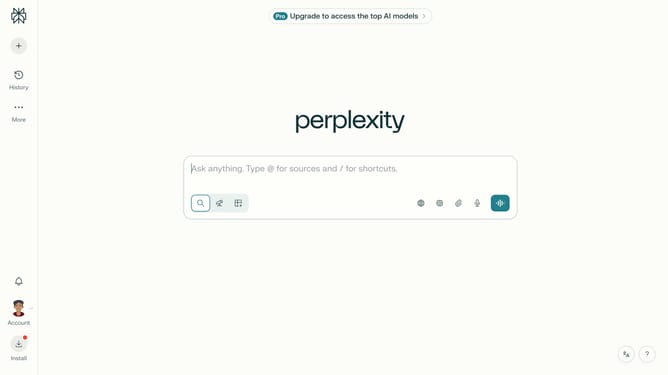
How to set price alert for Vanguard Target Retirement 2040 Fund in Perplexity
Here is how to set price alert for vanguard target retirement 2040 fund in perplexity
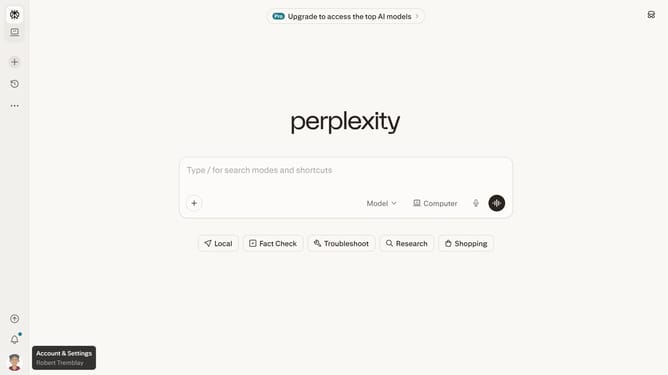
- First click on the profile icon button in the bottom left sidebar
- Then click on "All settings" option in the sidebar menu
- Next click on "Notifications" item in the left sidebar
- Then scroll down on the notifications page
- Next click on "New Alert" button in the Price Alerts section
- Then click on the search input field in the price alert dialog and type "Vanguard Target Retirement 2040"
- Next select "Vanguard Target Retirement 2040 Fund" from the dropdown list
- Next click on the target price input field and modify it to your desired price value
- Finally click on "Save" button to create the price alert
Why should you set price alert for Vanguard Target Retirement 2040 Fund in Perplexity
Perplexity is your intelligent navigator in the vast ocean of information, designed to streamline your search experience.
Setting a price alert for the Vanguard Target Retirement 2040 Fund in Perplexity empowers you with timely updates and crucial insights. By doing so, you can effortlessly stay informed about market shifts, maximizing your investment strategy.
This feature grants you the ability to react promptly and capitalize on favorable conditions without constantly monitoring the market. Embrace the foresight and clarity it offers, easing the path towards your financial goals.
Last update