How to set price alert for Vanguard Growth and Income Fund in Perplexity
Here is how to set price alert for vanguard growth and income fund in perplexity
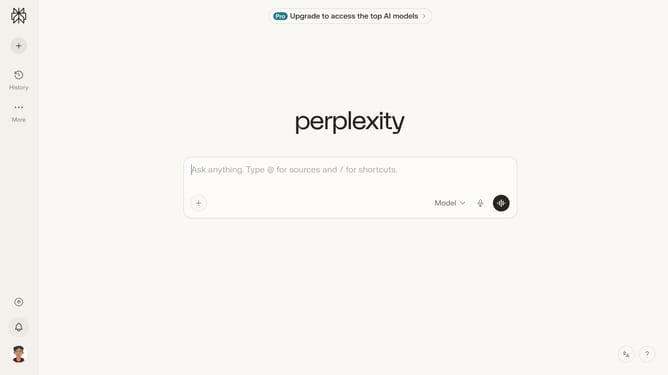
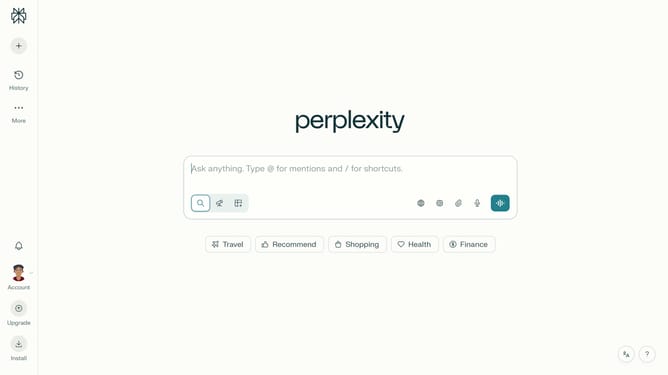
- First click on the account profile button in the sidebar to open the user menu
- Then click on "Notifications" menu item in the user menu
- Then scroll down the page to view the "Price Alerts" section
- Then click on "+ New Alert" button in the "Price Alerts" section
- Then click on the search field and type "Vanguard Growth and Income Fund"
- Then select "Vanguard Growth and Income Fund" from the dropdown list of search results
- Next click on the target price input field and modify it to your desired price value
- Finally click on "Save" button to create the price alert
Why should you set price alert for Vanguard Growth and Income Fund in Perplexity
Perplexity offers a seamless way to harness the power of data through instant alerts and insights, empowering users to make informed decisions.
Setting a price alert for the Vanguard Growth and Income Fund in Perplexity allows investors to stay informed about market fluctuations. This feature is especially beneficial as it helps in tracking your investment and reacting swiftly to market changes.
Using price alerts can enhance your investment strategy by ensuring that you're always ready to make timely decisions. Enjoy better control and peace of mind, knowing you won't miss critical price movements.
Last update