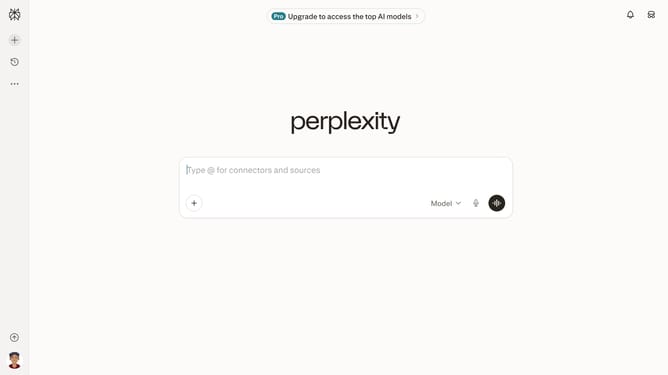
How to set price alert for NortonLifeLock Inc. in Perplexity
Here is how to set price alert for nortonlifelock inc. in perplexity
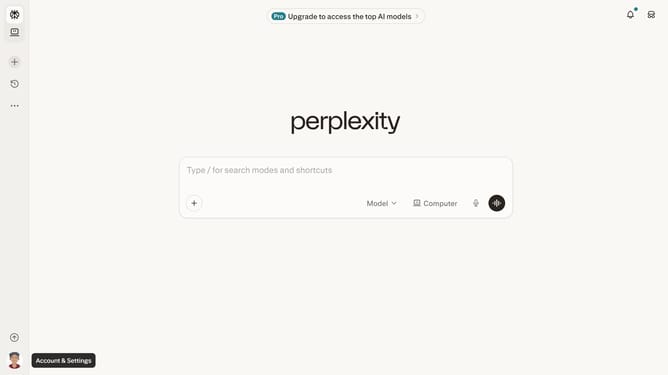
- First click on the account profile button icon in the left sidebar to open the user menu
- Then click on "All settings" option in the user menu
- Next click on "Notifications" item in the left sidebar menu
- Then scroll down the notifications page to view more options
- Next click on "New Alert" button in the Price Alerts section
- Then click on the search field and type "NortonLifeLock Inc."
- Next select "NortonLifeLock Inc." from the dropdown list
- Then click on the target price input field and modify it to your desired price value
- Finally click on "Save" button to confirm the price alert
Why should you set price alert for NortonLifeLock Inc. in Perplexity
Perplexity swiftly bridges the gap between curiosity and knowledge, empowering users through instant insights.
Setting a price alert for NortonLifeLock Inc. in Perplexity is a seamless experience that keeps you informed of market fluctuations effortlessly.
This feature enhances your decision-making process by notifying you when the stock price hits a specified target, allowing you to act promptly.
Utilizing these alerts means you're always a step ahead, making informed choices with confidence in an ever-changing market landscape.
Last update