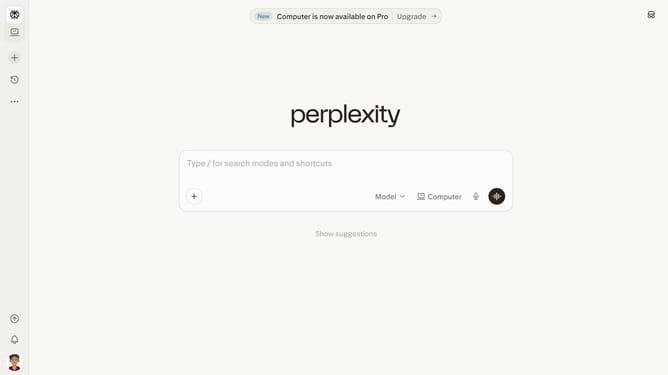
How to set price alert for Boston Scientific Corporation in Perplexity
Here is how to set price alert for boston scientific corporation in perplexity
- First click on the account profile button in the sidebar
- Then click on the "All settings" option in the user menu
- Next click on the "Notifications" item in the left sidebar
- Then scroll down the page to view the Price Alerts section
- Next click on the "New Alert" button in the Price Alerts section
- Then click on the search input field and type "Boston Scientific Corporation"
- Next select the "Boston Scientific Corporation" item from the search results dropdown
- Next click on the target price input field and modify it to your desired price value
- Finally click on the "Save" button to save the price alert
Why should you set price alert for Boston Scientific Corporation in Perplexity
Perplexity is a cutting-edge platform designed to deliver finely tuned insights and alerts in the fast-paced world of finance.
For investors interested in Boston Scientific Corporation, setting a price alert through Perplexity helps you stay informed and make timely decisions. With this feature, you gain a significant edge by being promptly notified of any critical shifts in the stock’s valuation.
Using this tool not only enhances your investment strategy but also ensures that you never miss an essential moment in the market, contributing to more informed and confident investment decisions.
Last update