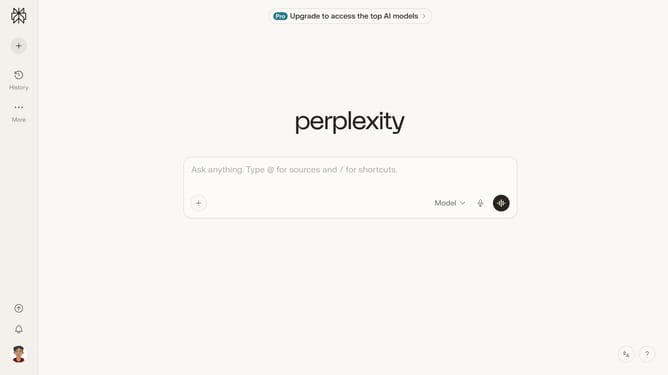
How to set price alert for Mondelez International, Inc. in Perplexity
Here is how to set price alert for mondelez international, inc. in perplexity
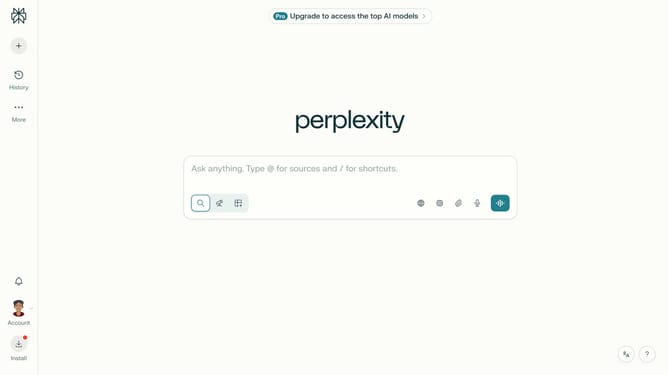
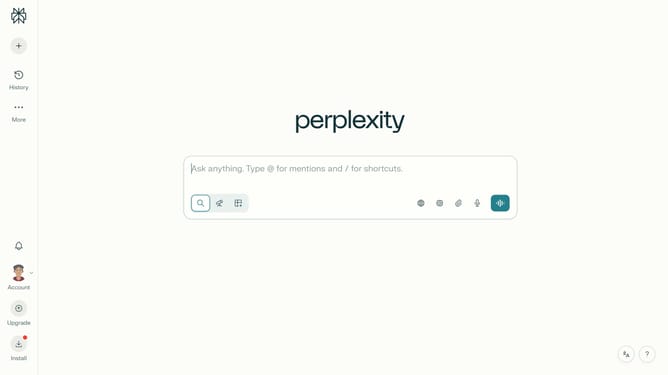
- First click on the account profile icon in the sidebar to open the user menu
- Then click on "All settings" option in the user menu
- Next click on "Notifications" option in the left sidebar
- Then scroll down to view more options
- Next click on "New Alert" button in the Price Alerts section
- Then click on the search field and type "Mondelez International, Inc."
- Next click on the "Mondelez International, Inc." from the dropdown menu
- Then modify the target price value in the "Target Price" field to set the alert threshold
- Finally click on "Save" button to save the price alert
Why should you set price alert for Mondelez International, Inc. in Perplexity
Perplexity is a powerful tool designed to simplify complex information into understandable insights.
Setting a price alert for Mondelez International, Inc. in Perplexity allows you to efficiently monitor market changes.
This feature ensures you never miss significant price shifts, keeping you informed and ready to act.
Utilizing this alert system provides peace of mind, knowing you are aligned with your financial goals.
Last update