How to set price alert for Exxon Mobil Corporation in Perplexity
Here is how to set price alert for exxon mobil corporation in perplexity
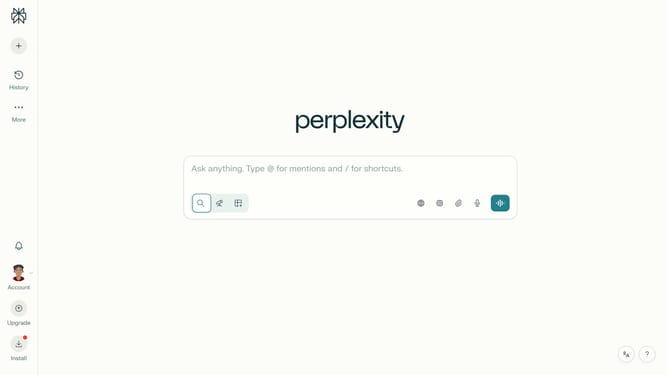
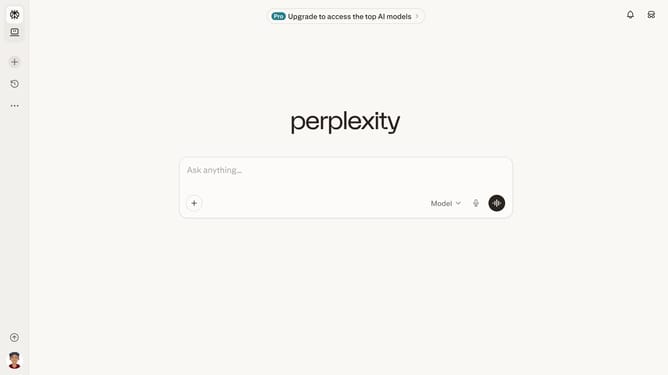
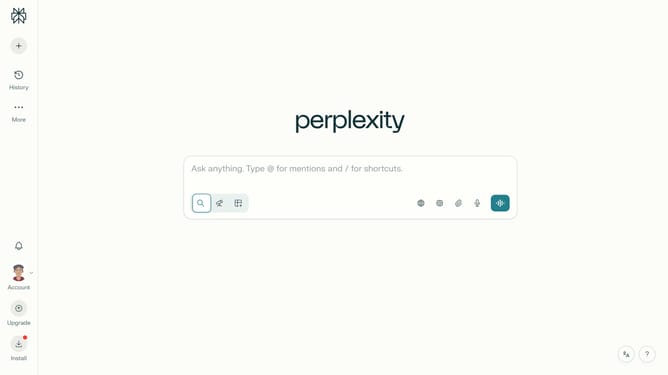
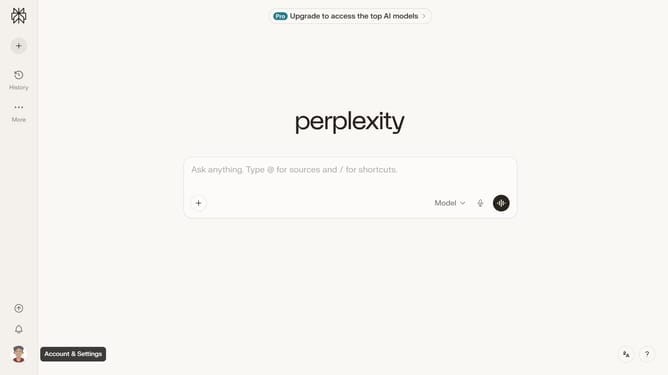
- First click on the account profile button in the sidebar
- Then click on "Notifications" option in the settings menu
- Next scroll down to view the Price Alerts section
- Then click on "+ New Alert" button in the Price Alerts section
- Then click on the search field and type "Exxon Mobil Corporation" from the dropdown
- Next click on the "Target Price" field and type in "Exxon Mobil Corporation"
- Next click on the target price input field and modify it to your desired price value
- Finally click on the "Save" button to confirm the price alert
Why should you set price alert for Exxon Mobil Corporation in Perplexity
Perplexity is an innovative tool designed to keep you informed with precision and ease.
Setting a price alert for Exxon Mobil Corporation in Perplexity means you'll always be aware of crucial market movements.
Knowing when the stock hits your desired price point ensures timely and strategic investment decisions.
It's a seamless way to stay engaged with the market, maximizing your potential opportunities with minimal effort.
Last update