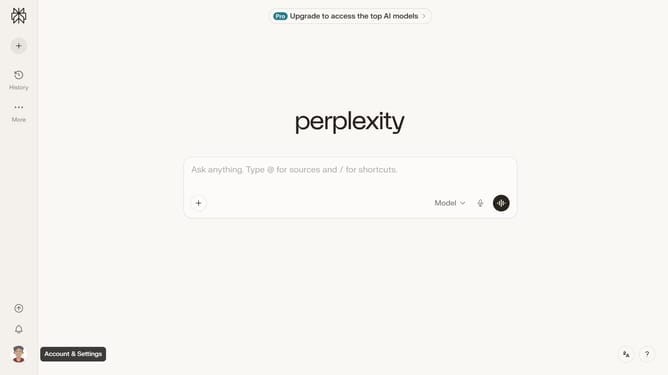
How to set price alert for CEMEX, S.A.B. de C.V. in Perplexity
Here is how to set price alert for cemex, s.a.b. de c.v. in perplexity
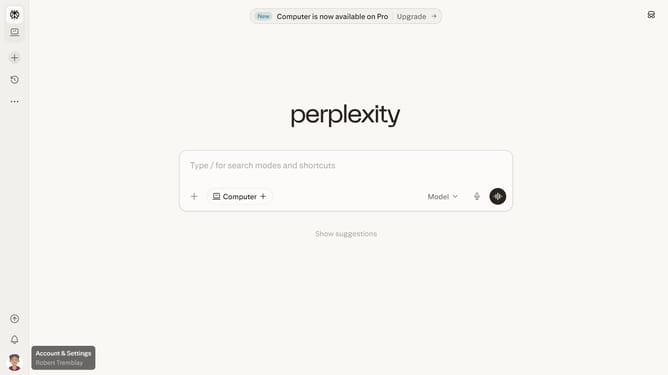
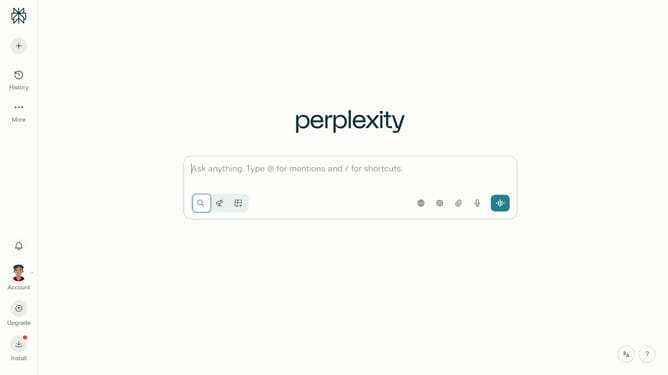
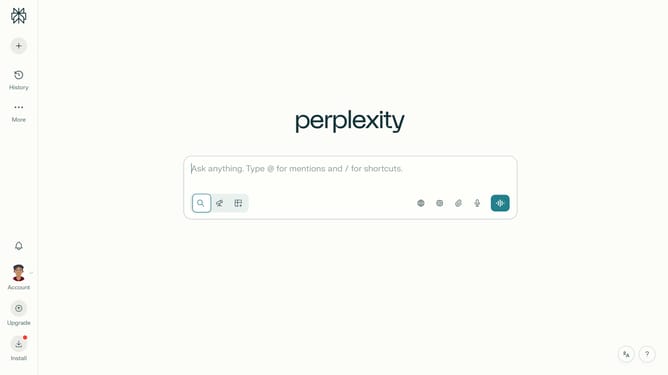
- First click on the account profile icon in the bottom left sidebar
- Then click on "Notifications" item in the sidebar menu
- Next scroll down the page to view the Price Alerts section
- Then click on "+ New Alert" button in the Price Alerts section
- Next click on the asset search field and type "CEMEX, S.A.B. de C.V."
- Then click on the "CEMEX, S.A.B. de C.V." from the dropdown results
- Next click on the target price input field and modify it to your desired price value
- Finally click on "Save" button to create the price alert
Why should you set price alert for CEMEX, S.A.B. de C.V. in Perplexity
Perplexity is a cutting-edge platform designed to keep you informed with real-time insights effortlessly.
Setting a price alert for CEMEX, S.A.B. de C.V. within Perplexity enhances your ability to stay updated on market movements.
By enabling this feature, you gain timely notifications that empower strategic decision-making in your investments.
Embracing this functionality ensures you seize opportunities and maximize potential in a dynamic trading environment.
Last update