How to set Mini Sudoku activity to be visible to connections without score on LinkedIn
Here is how to set mini sudoku activity to be visible to connections without score on linkedin
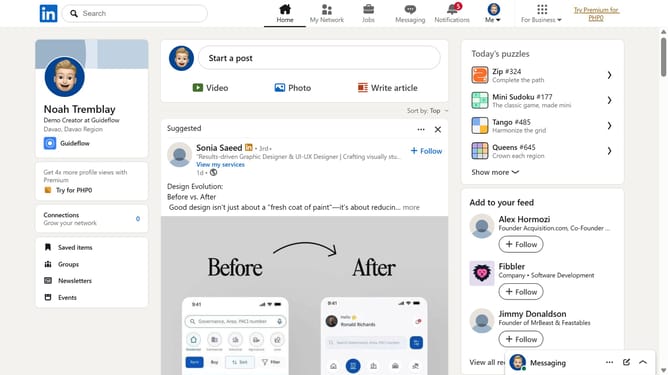
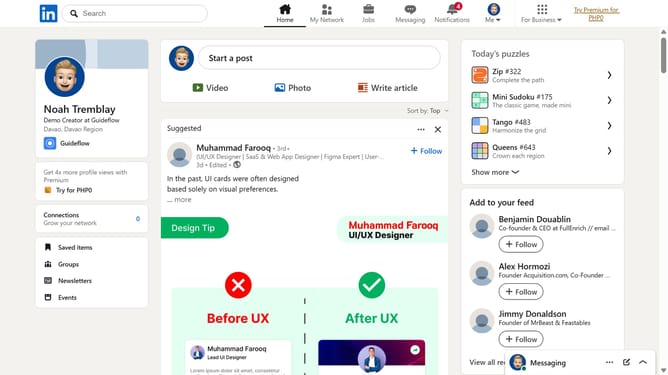
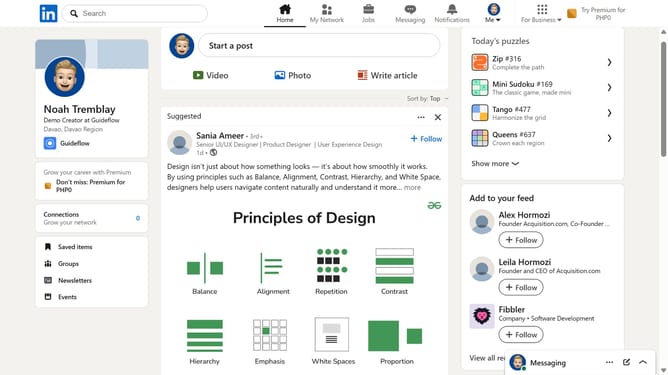
- First click on the "Mini Sudoku" game card in the right sidebar under "Today's puzzle games"
- Then click on the "Settings" dropdown button in the top right corner of the game interface
- Next click on the "Who can see game activity" option in the settings menu
- Finally select the "Connections can see I played" radio button option in the privacy settings dialog
Why should you set Mini Sudoku activity to be visible to connections without score on LinkedIn
LinkedIn is a professional networking platform designed to connect and grow your career opportunities.
Setting your Mini Sudoku activity to be visible to your connections without showing scores is a feature that allows you to engage with your network in a relaxed, pressure-free way.
This functionality encourages casual interaction, showcasing your interests without the competitive element, thereby building a more genuine connection.
Ultimately, it enhances rapport with your network, fostering deeper professional relationships.
Last update