How to see the 10 response cap for the free plan in Typeform
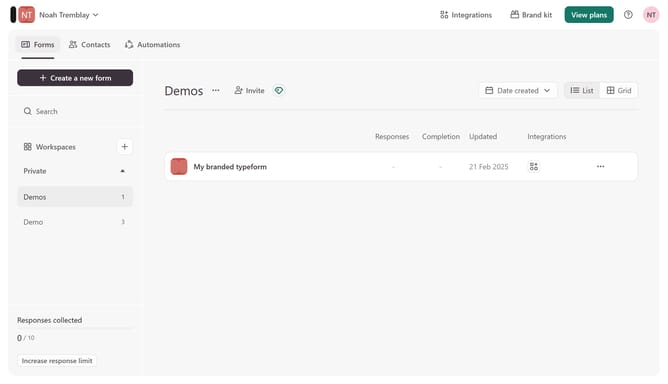
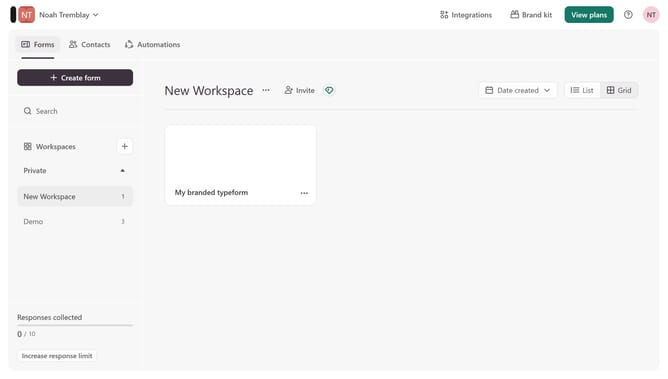
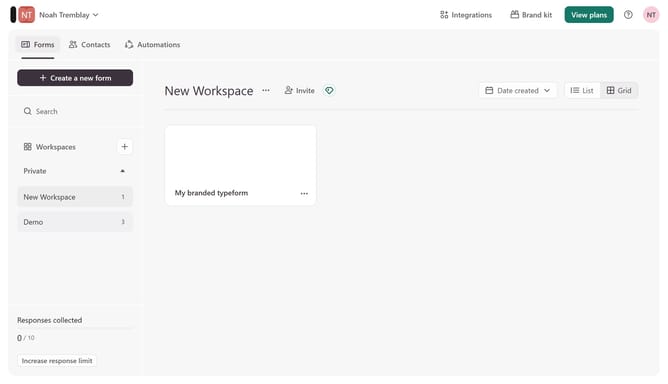
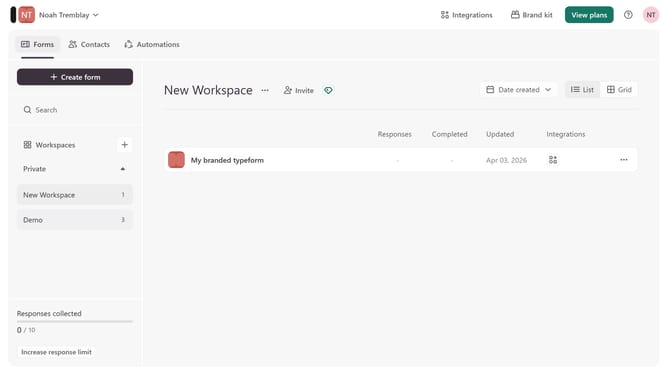
Here is how to see the 10 response cap for the free plan in typeform
- First click on the dropdown menu with the text "Noah Tremblay" in the header.
- Then click on "Plan & billing" in the left sidebar.
Why should you see the 10 response cap for the free plan in Typeform
Typeform is an intuitive tool for creating engaging and interactive forms, surveys, and quizzes.
The 10 response cap feature of Typeform's free plan serves to ensure efficient management of survey responses. This limitation allows users to practice crafting concise and targeted forms, a skill beneficial for refining communication strategies.
By understanding the response cap, users can prioritize data collection, making the most of quality over quantity and ensuring meaningful insights from each interaction.
Last update