How to replace your resume in LinkedIn
Here is how to replace your resume in linkedin
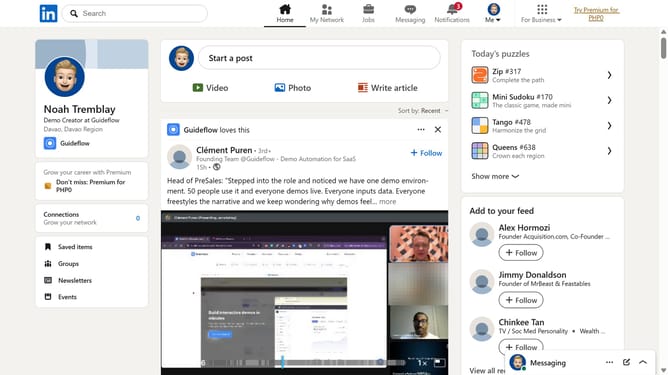
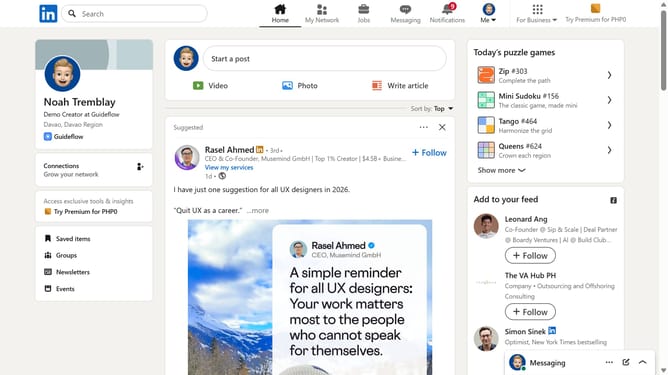
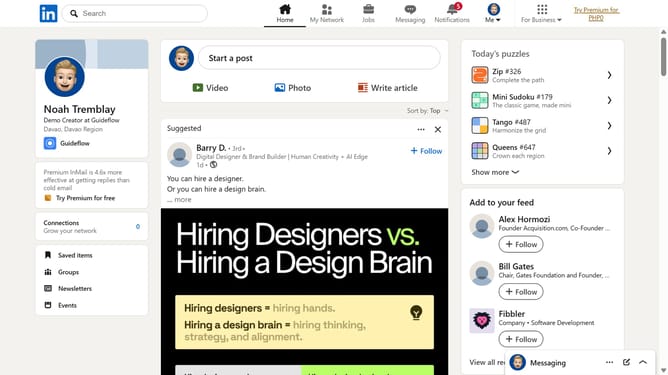
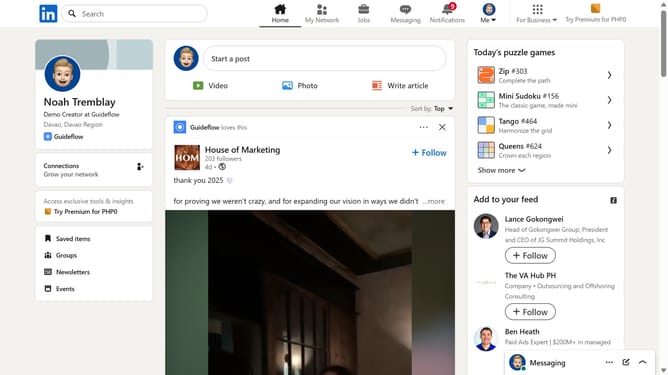
- First click on the "Me" dropdown menu in the top navigation bar
- Then click on "Settings & Privacy" in the dropdown menu
- Next click on "Data privacy" in the left sidebar menu
- Then click on "Job application settings" under the Job seeking preferences section
- Click on the menu icon (three dots) next to the resume file
- Select "Delete" from the dropdown menu
- Finally click on "Upload resume" button to replace your resume
Why should you replace your resume in LinkedIn
LinkedIn stands as a pivotal platform for professional networking and career development.
Replacing your resume on LinkedIn keeps your professional profile fresh and up-to-date, ensuring that connections and potential employers access your most current accomplishments.
This feature allows you to highlight recent skills and experiences, aligning your profile with your evolving career goals.
Enhancing your LinkedIn profile through updated resumes can increase visibility, showcase growth, and open new opportunities within your industry.
Last update