How to remove all your chat history from ChatGPT
Here is how to remove all your chat history from chatgpt
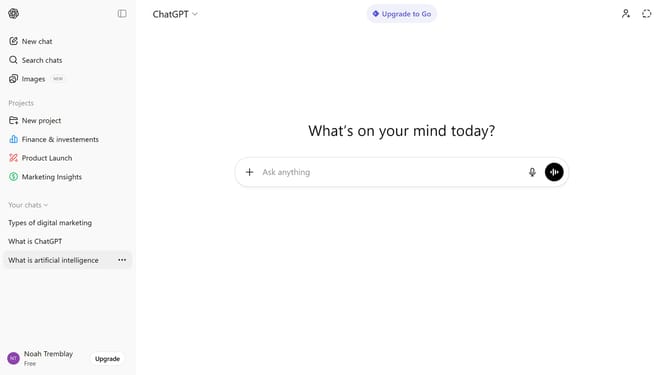
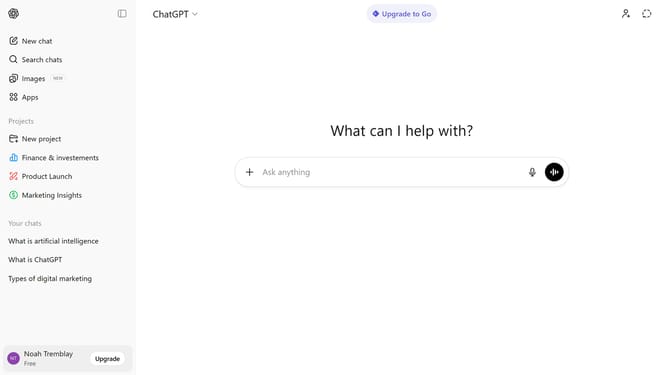
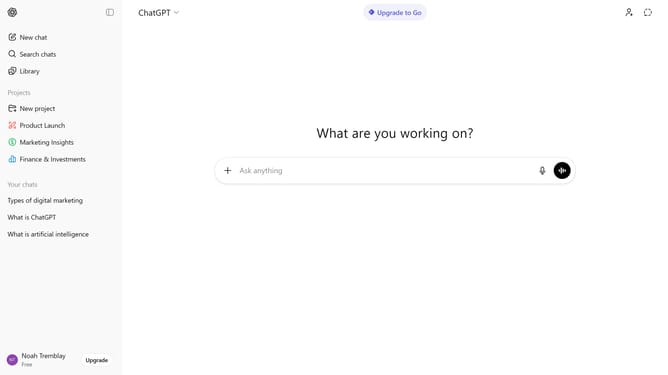
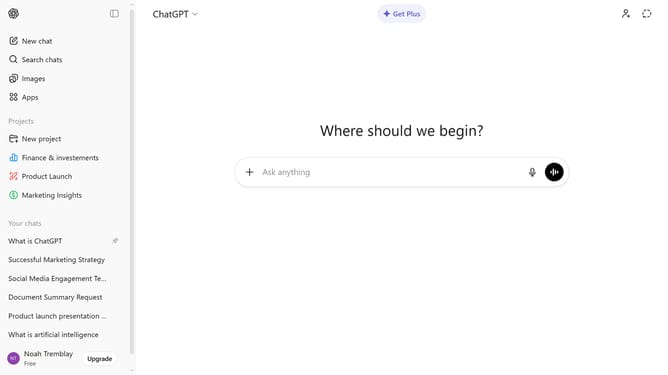
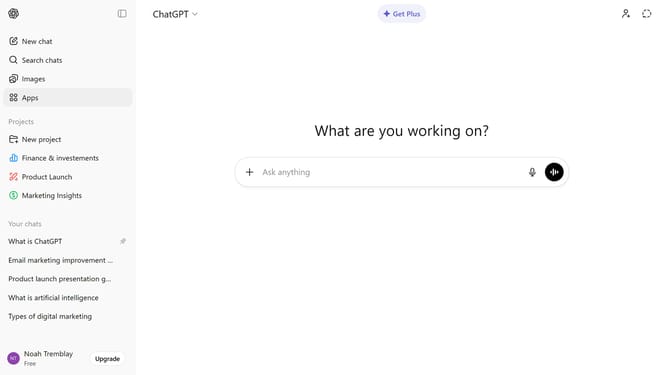
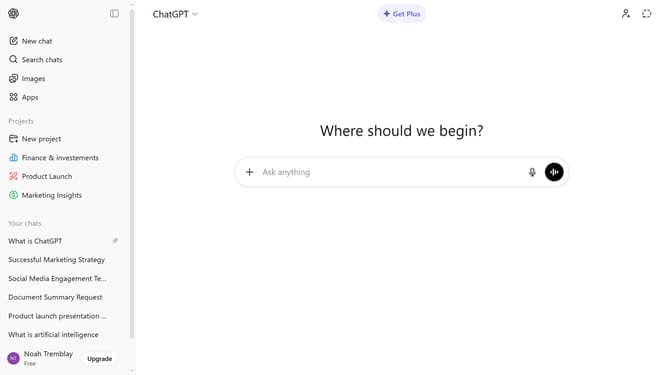
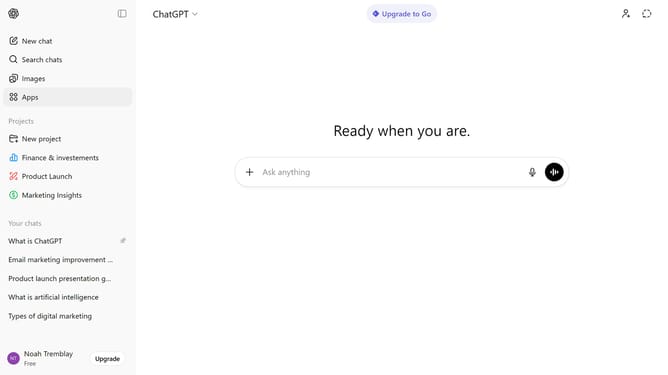
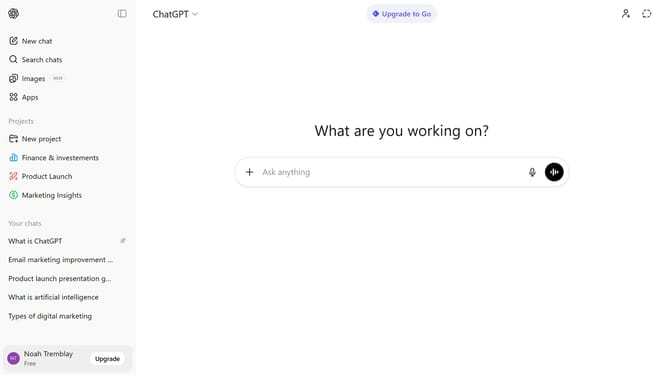
- First click on your profile at the bottom of the sidebar
- Next click on "Settings" option from the profile menu
- Click on "Data controls" from the settings sidebar
- Then click on "Delete all" button in the data controls panel
- Finally click on "Confirm deletion" button in the confirmation dialog
Why should you remove all your chat history from ChatGPT
ChatGPT is an advanced conversational AI designed to assist users by providing insightful and interactive responses.
The ability to remove all your chat history is a valuable feature for maintaining your privacy and managing data security.
Clearing your previous interactions ensures that your personal information isn't stored longer than necessary, offering peace of mind.
This feature empowers users to have complete control over their digital footprint, enabling a more private and secure conversational experience.
Last update