How to receive email notifications that include your own updates in GitHub
Here is how to receive email notifications that include your own updates in github
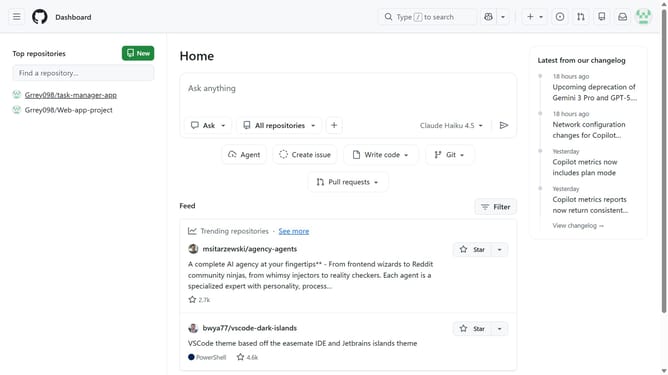
- First click on your profile picture in the top-right corner of the header
- Next click on "Settings" option in the dropdown menu
- In the left sidebar navigation, click on "Notifications"
- Locate the "Customize email updates" option in the subscriptions section
- Click on the dropdown button under "Customize email updates"
- Then click on the "Includes your own updates" checkbox to enable it
- Finally click on the "Save" button to save the changes
Why should you receive email notifications that include your own updates in GitHub
GitHub is a collaborative platform where developers manage code revisions and collaborate seamlessly.
Receiving email notifications, including your own updates, enhances personal project management by keeping you informed about your contributions.
This feature ensures that you are always in sync with the progress and changes made, fostering a proactive approach to coding projects.
Such insights empower developers to streamline their workflows and optimize productivity.
Last update