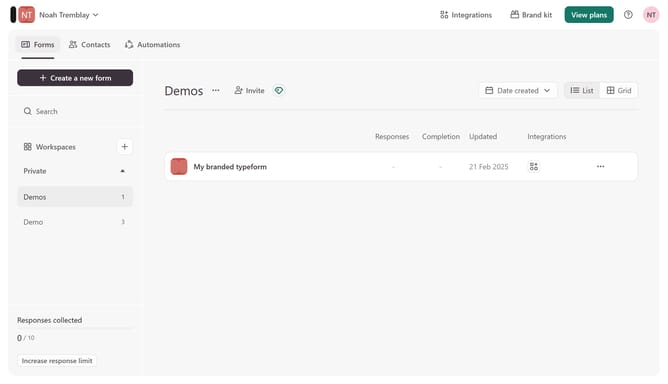
How to pull data in through a utm_term parameter into a typeform in Typeform
Here is how to pull data in through a utm_term parameter into a typeform in typeform
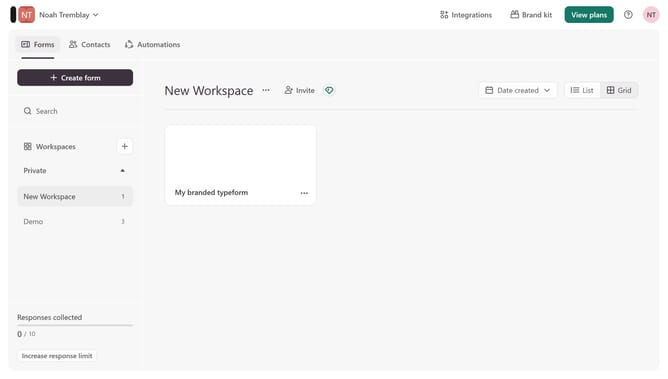
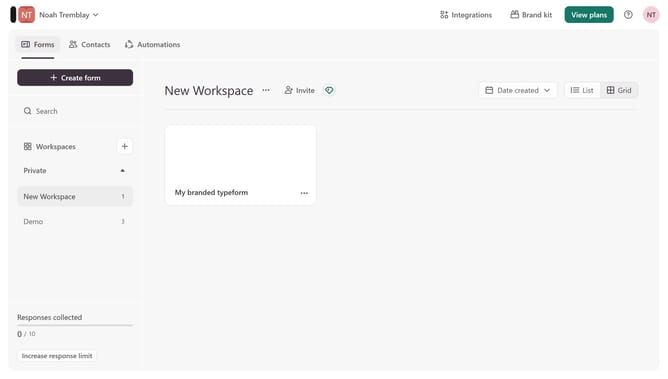
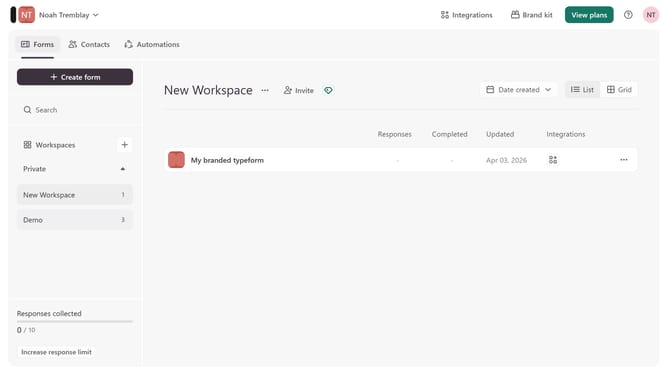
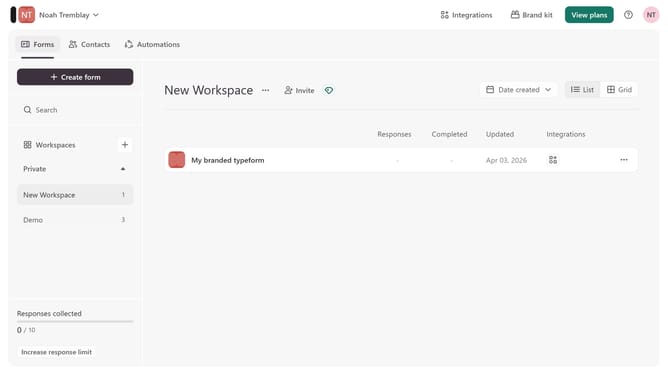
- First click on a workspace item in the left sidebar
- Then click on the "..." icon to the right of "My branded typeform"
- Next select "Workflow" from the dropdown menu
- Then click on the "+" icon under "Pull data in"
- Then enable the utm_term parameter under Source tracking
- Finally click on the "Save" button
Why should you pull data in through a utm_term parameter into a typeform in Typeform
Typeform is an innovative platform designed to create engaging and interactive forms, surveys, and quizzes.
By utilizing the utm_term parameter in Typeform, users can seamlessly integrate keyword data into their forms. This feature is particularly beneficial for businesses aiming to tailor their surveys based on specific advertising campaigns.
The integration of utm_term enables deeper insights into user behavior and preferences, ultimately enhancing the personalization of the user experience. This leads to more targeted engagement and potentially higher conversion rates.
Last update