How to pull data in through a utm_medium parameter into an existing typeform in Typeform
Here is how to pull data in through a utm_medium parameter into an existing typeform in typeform
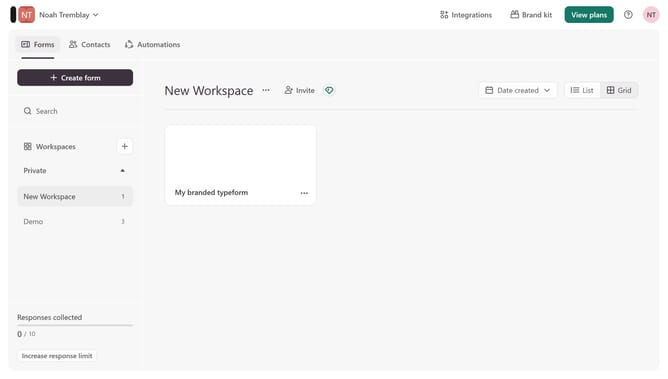
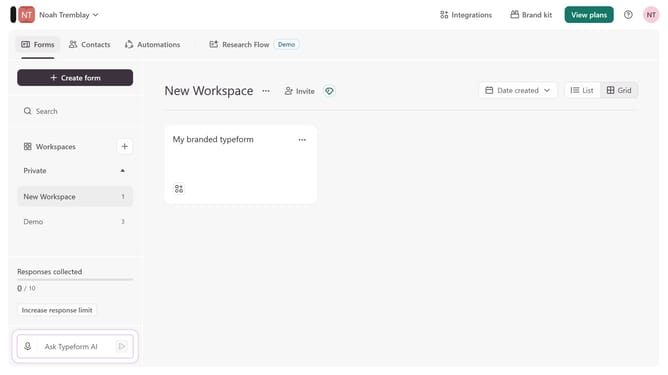
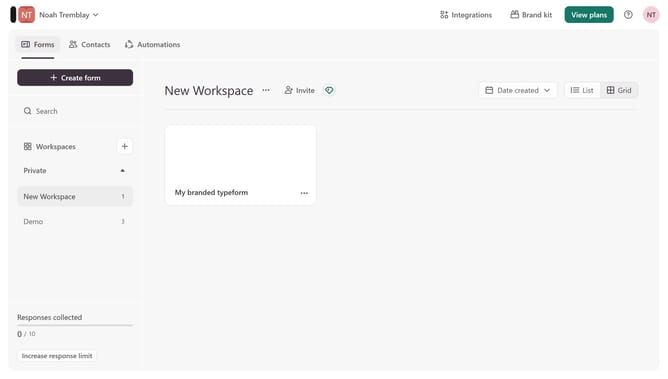
- First click on a workspace item in the left sidebar
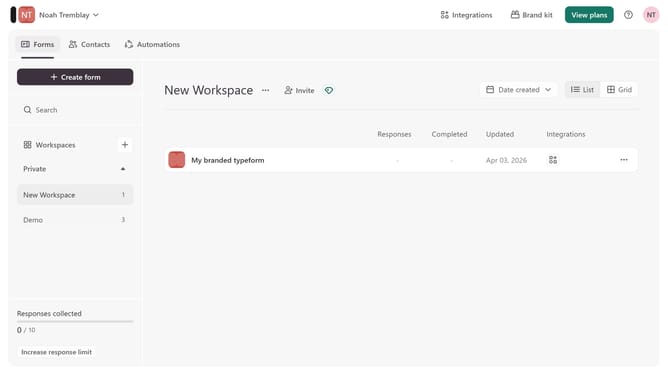
- Then click on the "..." icon to the right of "My branded typeform"
- Next select "Workflow" from the dropdown menu
- Then click on the "+" icon under "Pull data in"
- Then enable the utm_medium parameter under Source tracking
- Finally click on the "Save" button
Why should you pull data in through a utm_medium parameter into an existing typeform in Typeform
Typeform is an intuitive platform designed to make data collection engaging and delightful.
Integrating the utm_medium parameter allows you to seamlessly pull data into existing Typeform forms, enabling a deeper understanding of your audience.
By leveraging this feature, you gain insights into the source mediums driving traffic to your form, allowing for more informed decision-making and targeted strategies.
This enhanced data collection not only refines your approach but also boosts the effectiveness of your campaigns.
Last update