How to manage security campaign email notifications in GitHub
Here is how to manage security campaign email notifications in github
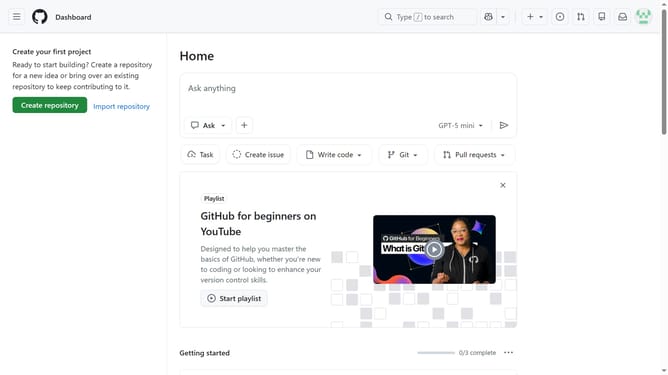
- First click on your profile picture in the top-right corner of the header
- Next click on "Settings" option in the dropdown menu
- In the left sidebar navigation, click on "Notifications"
- Then scroll down to the "Security campaign emails" option in the System section
- Finally use the toggle to turn the setting On or Off to receive or stop receiving security campaign email notifications
Why should you manage security campaign email notifications in GitHub
GitHub is a powerful platform built for seamless collaboration and version control in software development.
Managing security campaign email notifications in GitHub ensures you stay informed about potential vulnerabilities, allowing for timely interventions. This feature empowers users to customize their notification settings, ensuring relevant alerts without overwhelming inboxes.
Staying on top of security threats is crucial in maintaining your project's integrity. With clear and concise notifications tailored to your needs, you're always in the loop, enhancing proactive risk management.
Last update