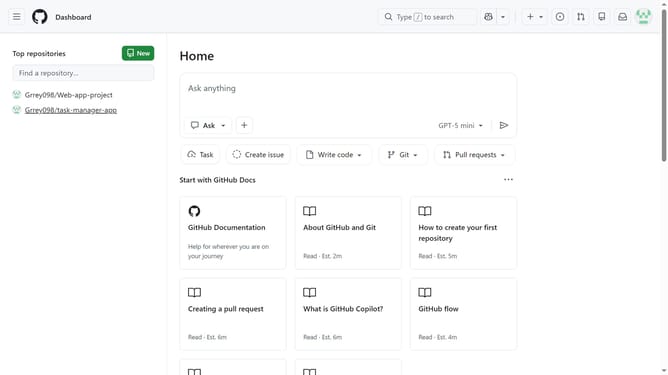
How to make your GitHub profile private
Here is how to make your github profile private
- First click on your profile picture in the top right corner of the header
- Next click on "Settings" option in the dropdown menu
- In the left sidebar navigation, click on "Public profile" section
- Scroll down to the "Contributions & activity" section on the page
- Then check the "Make profile private and hide activity" checkbox
- Finally click on the "Update preferences" button to save the changes
Why should you make your GitHub profile private
GitHub is a collaborative platform designed for developers to share and manage code effectively.
Making your GitHub profile private ensures that your coding progress and sensitive information are accessible only to authorized individuals.
This feature offers peace of mind by enhancing privacy and security, ideal for those working on confidential projects or just wanting to prevent unauthorized access.
Using a private profile fosters a focused and secure development environment, contributing to better organization and improved project management.
Last update