How to log out of ChatGPT on your current device
Here is how to log out of chatgpt on your current device
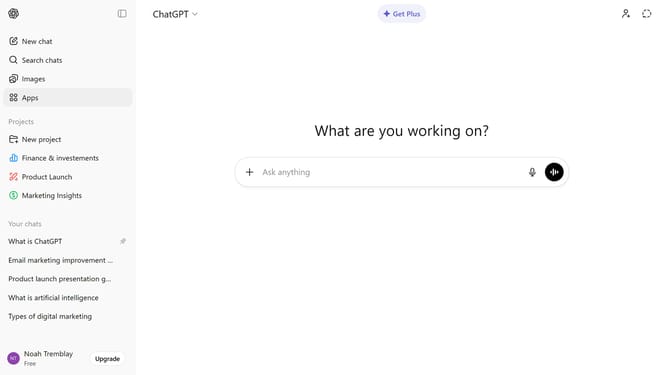
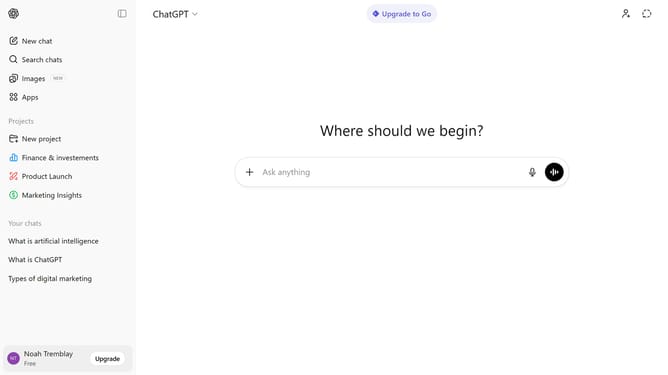
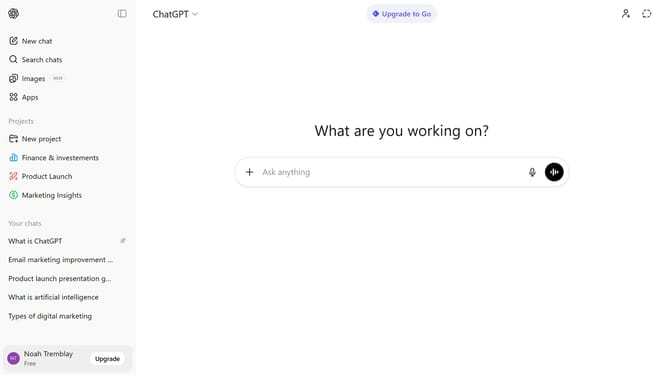
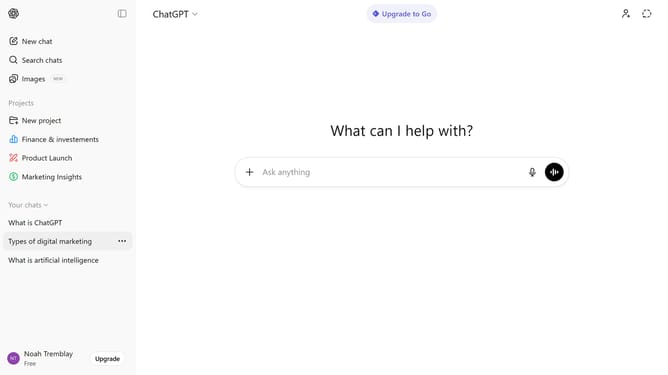
- First click on your account profile in the bottom left sidebar
- Then click on "Log out" in the account menu
- Another option is to click on "Settings" option in the account menu
- Next click on "Security" option in the settings sidebar
- Finally click on "Log out" button in the Security settings panel
Why should you log out of ChatGPT on your current device
ChatGPT is a versatile AI designed to enhance human interaction with insightful and accurate responses.
Logging out of ChatGPT on your current device is a straightforward feature that ensures your account remains secure. This feature is essential for maintaining privacy, especially when using shared or public devices.
Using the log-out feature gives you peace of mind, knowing that your session is closed properly. It allows you to manage multiple accounts efficiently, making transitions between devices seamless and safe.
Last update