How to log out of ChatGPT
Here is how to log out of chatgpt
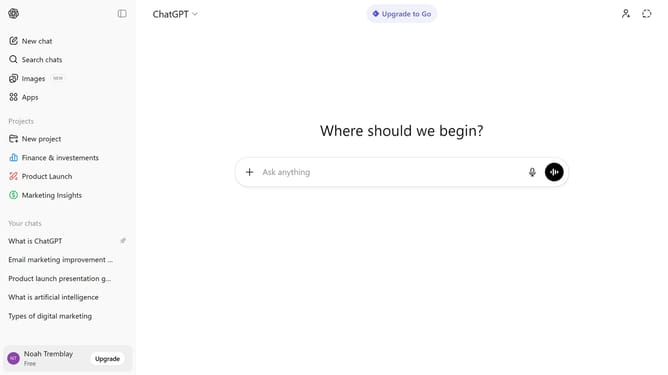
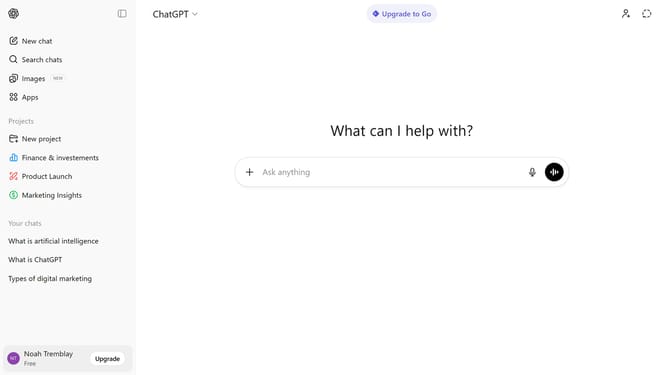
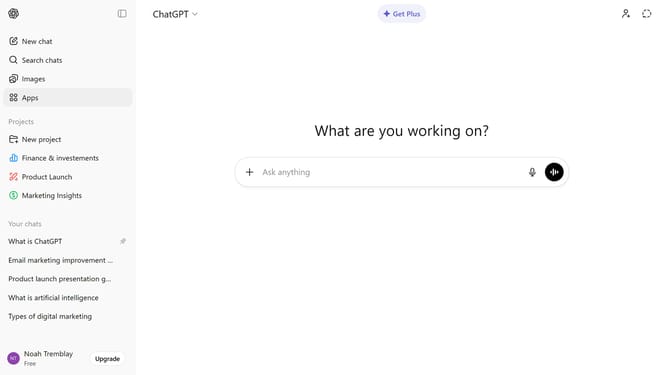
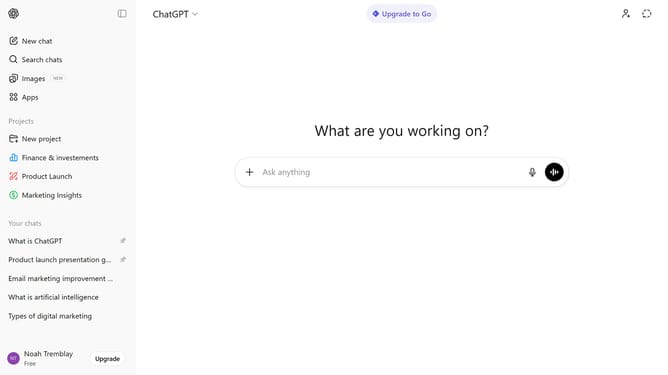
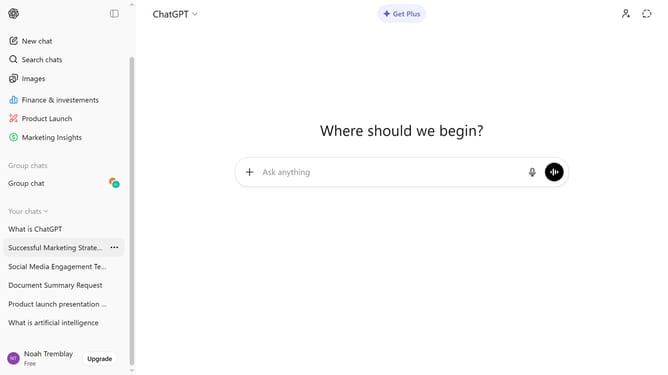
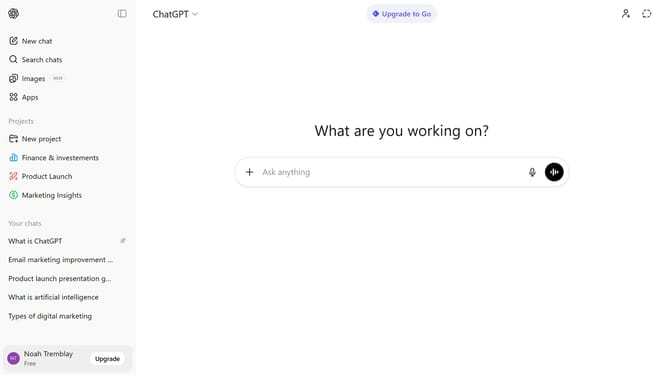
- First click on your profile at the bottom of the sidebar
- Then click on the "Log out" option in the user menu
- Finally, you will be signed out of your account
Why should you log out of ChatGPT
ChatGPT is your intelligent conversation partner, designed to assist and engage.
Logging out of ChatGPT is essential to ensure your personal data is secure and your conversation history remains private.
By ending your session, you maintain control over access and preserve the confidentiality of your interactions.
This simple feature protects your information and ensures peace of mind when navigating the digital world.
Last update