How to integrate Phano in Attio
Here is how to integrate phano in attio
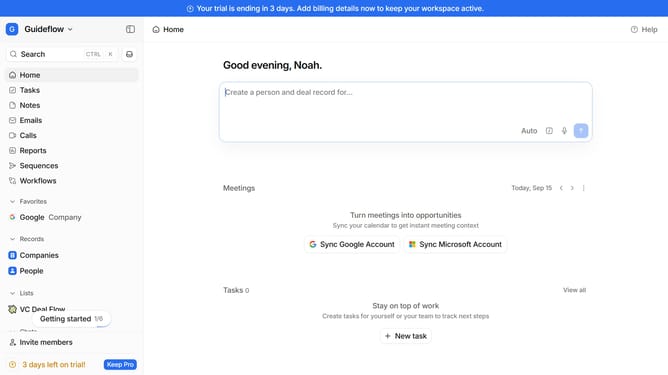
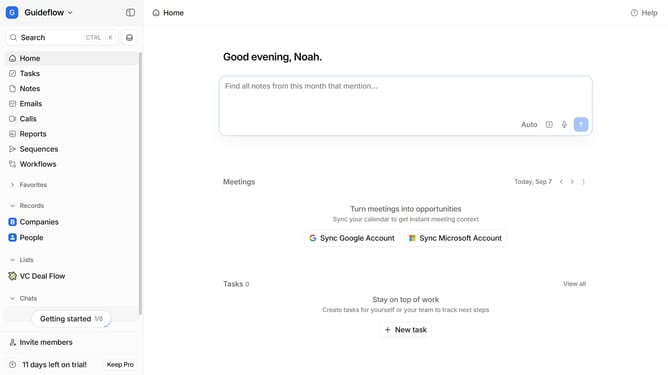
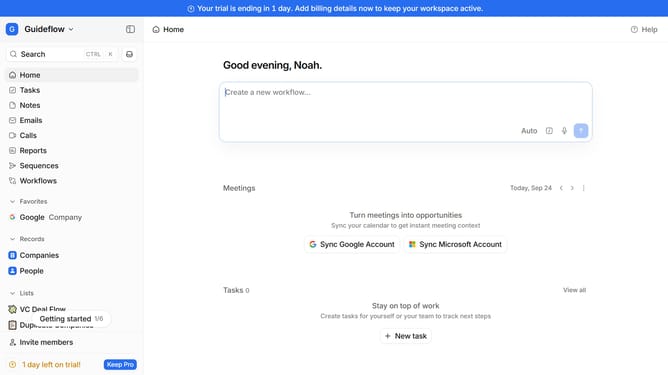
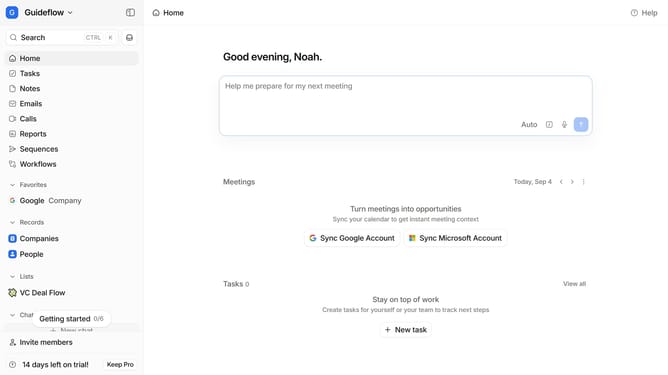
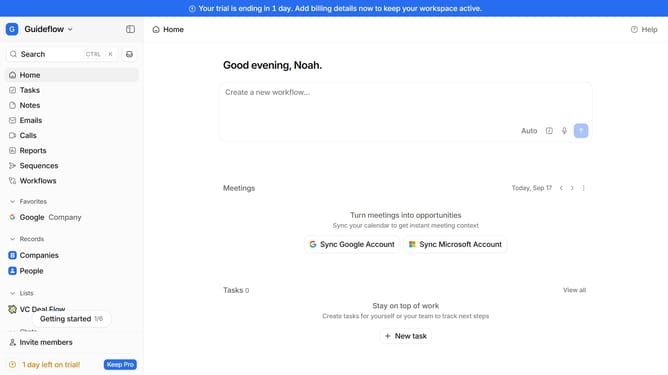
- First click on the company name dropdown button in the header
- Then click on "Apps and integrations" in the left sidebar menu
- Next click on "Data and enrichment" in the left sidebar menu
- Then click on the "View All" button under the "Data and enrichment" section
- Click on the "Phano" app card
- Finally, click the “Install” button, log in to Phano account, and continue with the configuration to complete the integration
Why should you How to integrate Phano in Attio
Attio is a powerful relationship intelligence platform designed to enhance your team's collaboration and communication.
Integrating Phano with Attio significantly amplifies your ability to manage and visualize customer interactions. This seamless integration ensures that data flows effortlessly, giving your team immediate insights into client communications.
Why use this integration? It enhances data synchronization, boosts productivity, and provides real-time updates. You'll have all the necessary tools in one place, empowering your team to make informed decisions and foster stronger customer relationships.
Last update