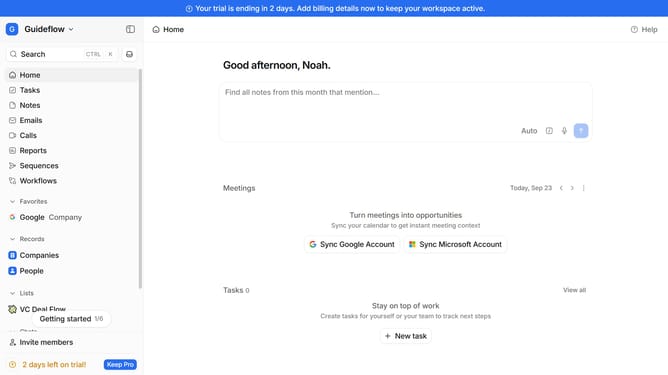
How to integrate getsignals.in in Attio
Here is how to integrate getsignals.in in attio
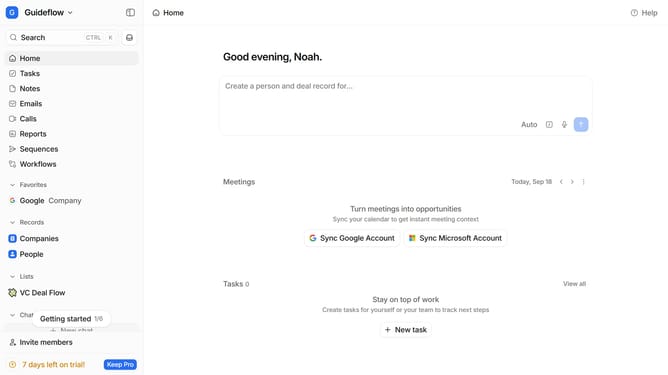
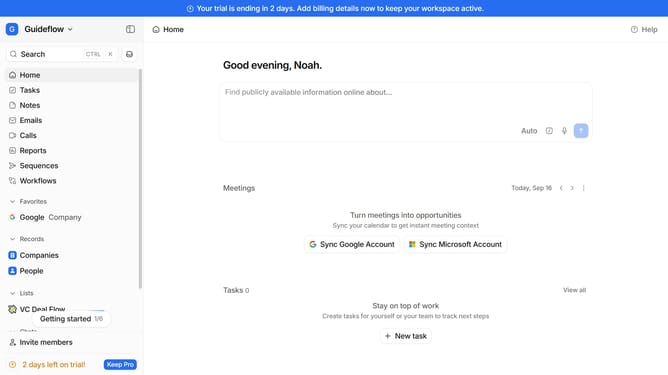
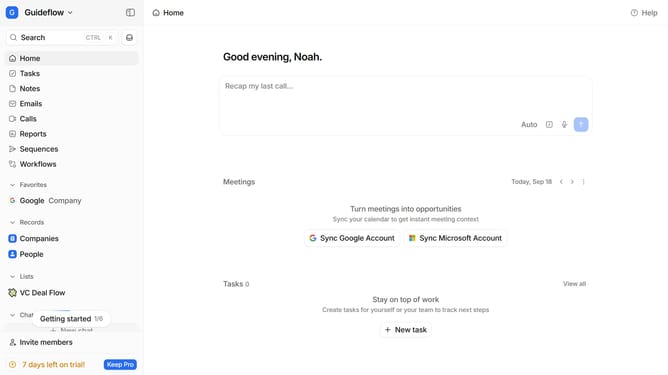
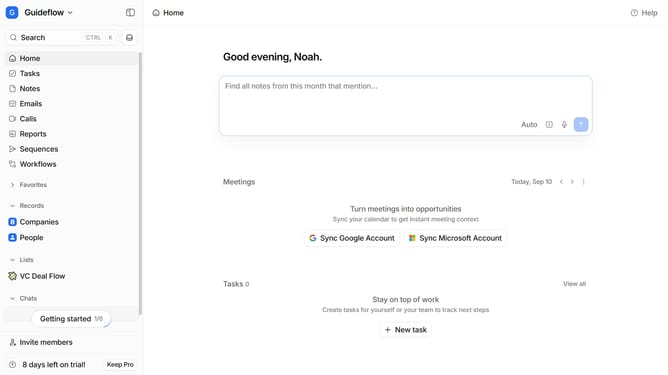
- First click on the company name dropdown button in the header
- Then click on "Apps and integrations" in the sidebar
- Next click on "Data and enrichment" in the sidebar
- After that click on the "View All" button under the "Data and enrichment" section
- Then click on the "getsignals.in" app card
- Finally, click the “Install” button, log in to your getsignals.in account, and continue with the configuration to complete the integration
Why should you How to integrate getsignals.in in Attio
Attio is a powerful CRM designed to effortlessly streamline your relationship management.
Integrating getsignals.in with Attio enriches your data insights by seamlessly merging communication signals with your CRM database. This integration empowers users to enhance their decision-making processes by providing a comprehensive view of interactions and activities.
Using getsignals.in within Attio allows for improved tracking and analysis, resulting in more targeted and effective engagement strategies. The synergy between both platforms ensures you stay ahead by understanding your contacts more deeply.
Last update