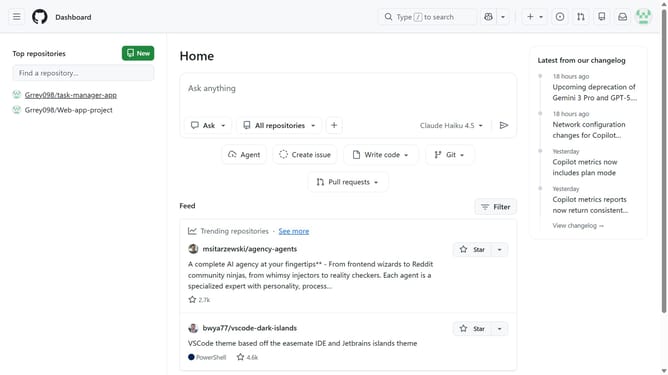
How to filter audit logs by billing updates in your GitHub organization
Here is how to filter audit logs by billing updates in your github organization
- First click on your profile picture in the top-right corner of the header
- Next click on "Organizations" in the dropdown menu
- Click on the "Settings" button next to the organization
- In the left sidebar, click on "Logs" under the "Archive" section
- Click on the "Audit log" option in the expanded menu
- Then click on "Events" tab in the top navigation bar
- Next click on "Filters" button in the audit log toolbar
- Finally select "Billing updates" filter option from the dropdown menu
- The audit log will now show only billing updates
Why should you filter audit logs by billing updates in your GitHub organization
GitHub is an indispensable platform for developers to collaborate on projects efficiently.
In your GitHub organization, filtering audit logs by billing updates allows you to maintain a closer eye on financial transactions, ensuring accuracy and transparency. This feature helps foster accountability by providing immediate insights into the billing activities within your organization.
Utilizing this feature reduces the time spent sifting through endless logs, improving productivity and enabling team members to focus on what truly matters—innovation and development.
Last update