How to export a conversation in GitHub Copilot Chat
Here is how to export a conversation in github copilot chat
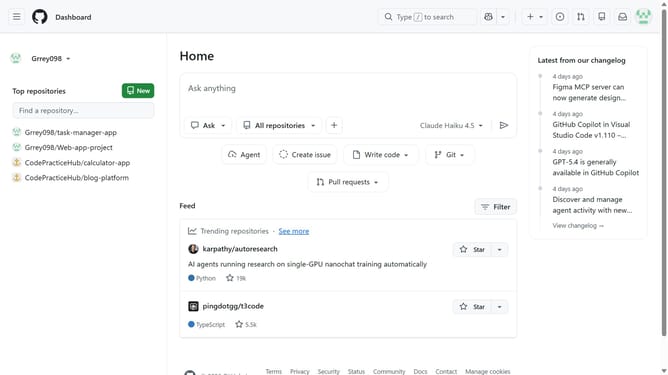
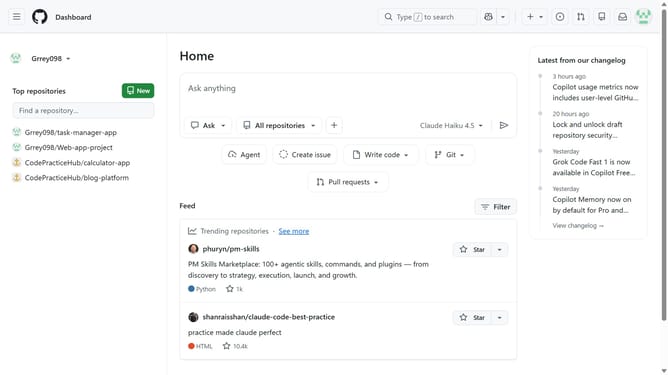
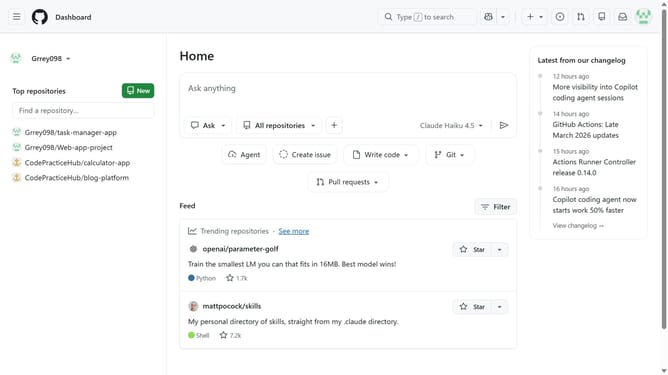
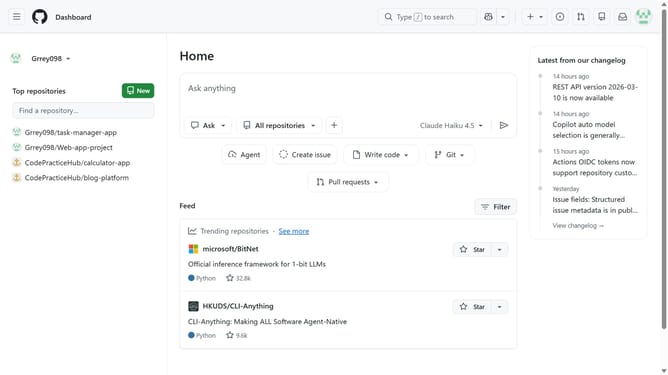
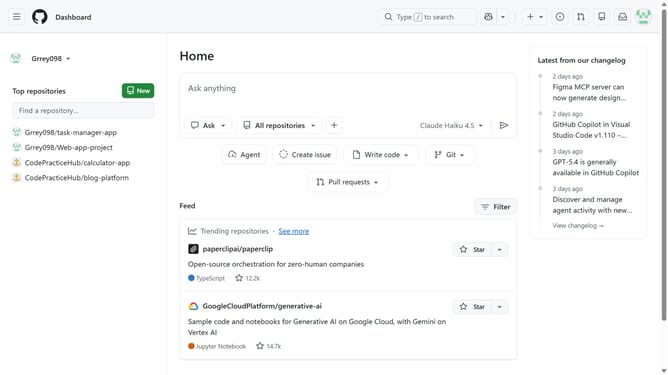
- First, click on the copilot button next to the search bar in the top navigation bar
- Next, open the conversation you want to export
- Click on the conversation title at the top of the chat
- Then click on "Export" from the dropdown menu
- Finally, choose your preferred export format
Why should you export a conversation in GitHub Copilot Chat
GitHub serves as a versatile platform for developers to collaborate, share code, and manage projects seamlessly.
Incorporating GitHub Copilot Chat enhances developer productivity through AI-driven code suggestions and insightful conversation features.
The ability to export a conversation in GitHub Copilot Chat allows for preserving important discussions and coding insights, making them accessible for future reference.
This feature benefits developers by providing a traceable record of their interactions, facilitating knowledge sharing and efficient project documentation.
Last update