How to enable third-party coding agents in your GitHub organization
Here is how to enable third-party coding agents in your github organization
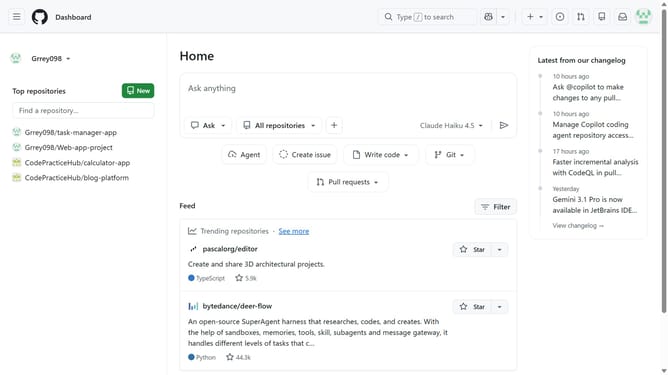
- First click on your profile picture in the top-right corner of the header
- Next click on "Organizations" in the dropdown menu
- Click on the "Settings" button next to the organization you want to manage
- Click on "Copilot" in the left sidebar under Code, planning, and automation section
- Click on "Coding agent" in the Copilot submenu
- Locate the "Partner agents" section in the main content area
- Finally click the toggle to enable the third-party agent you want to use
Why should you enable third-party coding agents in your GitHub organization
GitHub is a leading platform for hosting and reviewing code, collaborating with others, and managing coding projects.
Enabling third-party coding agents in your GitHub organization empowers teams to enhance productivity by integrating tailored tools seamlessly into their workflow.
This feature allows organizations to leverage specialized services that automate tasks, improve code quality, and provide insightful analytics, fostering efficient and innovative development practices.
Seamless integration of these agents ensures that your team can focus on coding, while automated tools handle routine processes, enhancing overall productivity.
Last update