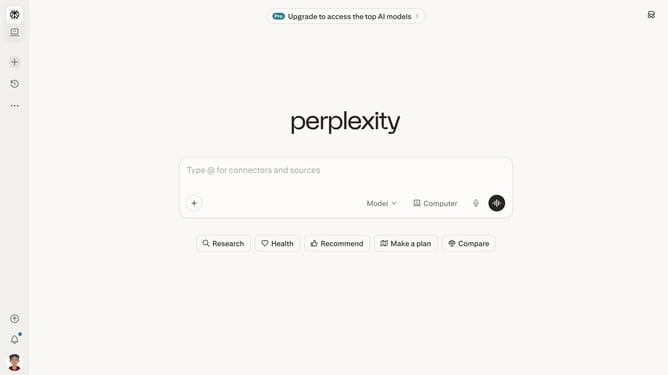
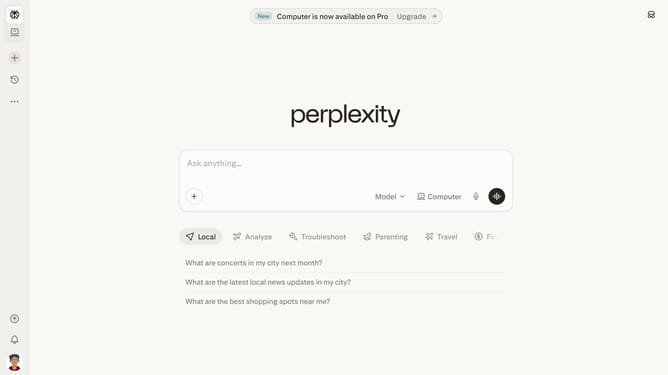
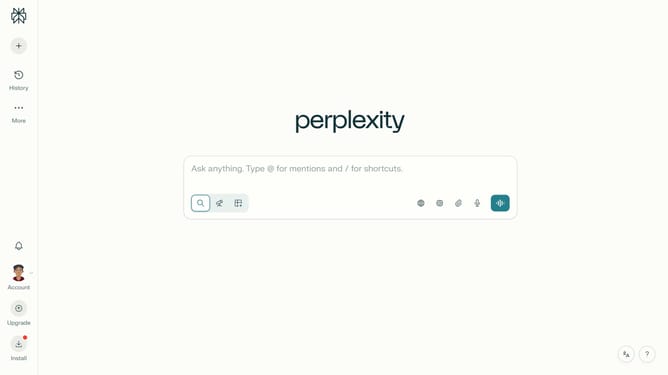
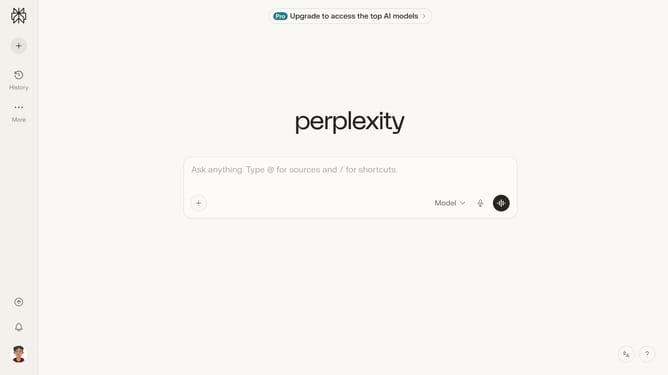
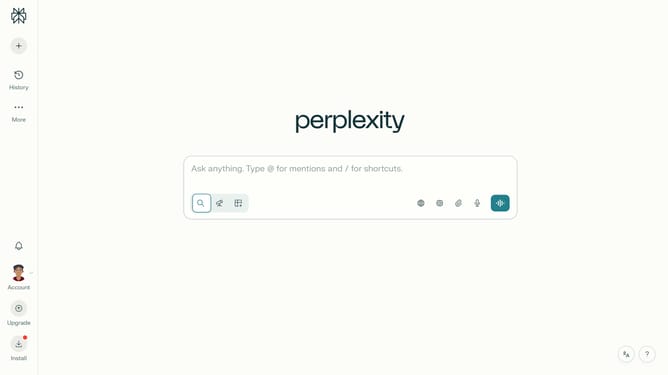
How to enable scheduled tasks notification in Perplexity
Here is how to enable scheduled tasks notification in perplexity
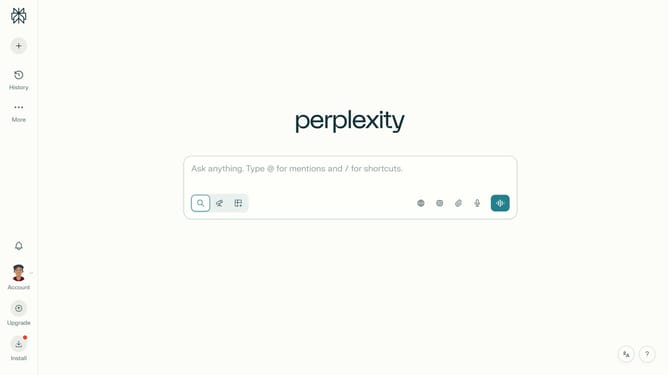
- First click on the account profile icon button in the left sidebar
- Then click on "All settings" option in the user menu
- Next click on "Notifications" item in the left sidebar
- Then scroll down the page to view email settings
- Finally click on the "Scheduled Tasks" toggle switch on in the email settings section
Why should you enable scheduled tasks notification in Perplexity
Perplexity is an innovative platform designed to simplify complex procedures for streamlined efficiency.
Enabling scheduled tasks notification in Perplexity ensures that you remain on top of your tasks without any oversight.
This feature automatically informs you about upcoming tasks, helping you manage your time more effectively and boosting productivity.
By actively utilizing scheduled tasks notifications, Perplexity users can minimize the risk of missed deadlines, leading to improved workflow and peace of mind.
Last update