How to enable discussions for a repository in GitHub
Here is how to enable discussions for a repository in github
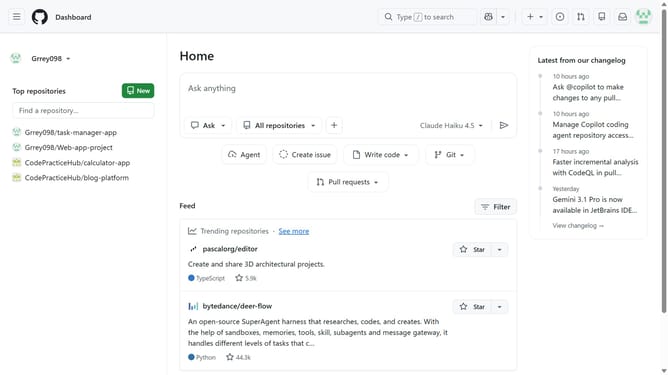
- First, open the repository you want to manage
- Next click on "Settings" tab in the navigation bar
- Click on "General" option in the left sidebar
- Scroll down to the “Features” section
- Then locate the "Discussions" option in the Feature section
- Finally check the “Discussions” option to enable it
Why should you enable discussions for a repository in GitHub
GitHub is a versatile platform created to streamline collaboration within software development.
Enabling discussions for a repository enhances collaboration by creating a space where community members can brainstorm and exchange ideas.
By opening up discussions, developers can tap into the collective wisdom of the community, fostering innovation and strengthening project outcomes.
This feature not only improves communication but also builds a vibrant and engaged developer community.
Last update