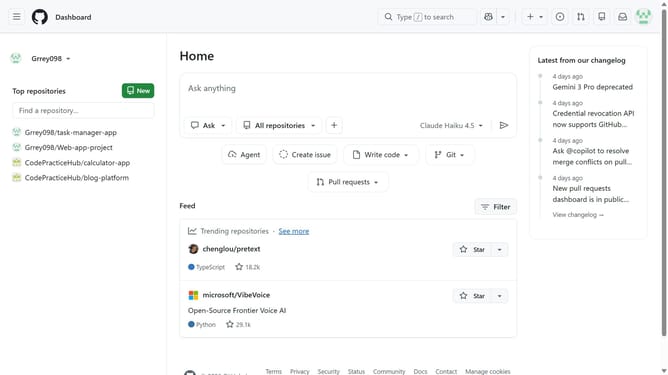
How to enable autoplay animated images in GitHub
Here is how to enable autoplay animated images in github
- First click on your profile picture in the top-right corner of the header
- Next click on "Accessibility" option in the dropdown menu
- Locate the "Motion" section on the Accessibility settings page
- Then select the "Enabled" option
- Finally click on "Save motion preferences" button to save the changes
Why should you enable autoplay animated images in GitHub
GitHub is a collaborative platform designed for developers to share and manage code effortlessly.
Enabling autoplay for animated images in GitHub can enhance your project's visual appeal and make key information more engaging. This feature showcases dynamic content automatically, saving your audience the step of clicking to view animations.
By making your content more interactive, autoplay of animations in GitHub can lead to better engagement and convey complex ideas seamlessly. This user-friendly feature helps in illustrating processes or changes over time, essential for project visualization.
Last update