How to enable academic sources in Perplexity
Here is how to enable academic sources in perplexity
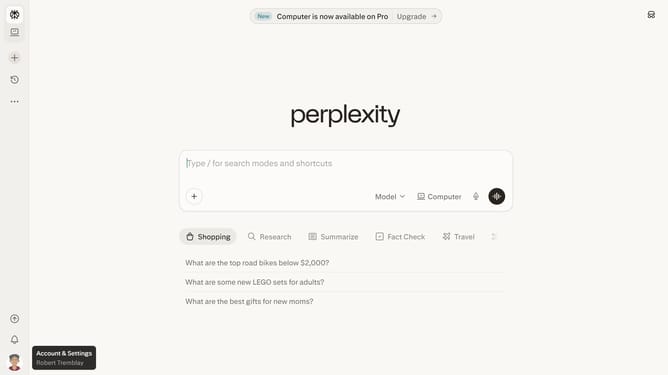
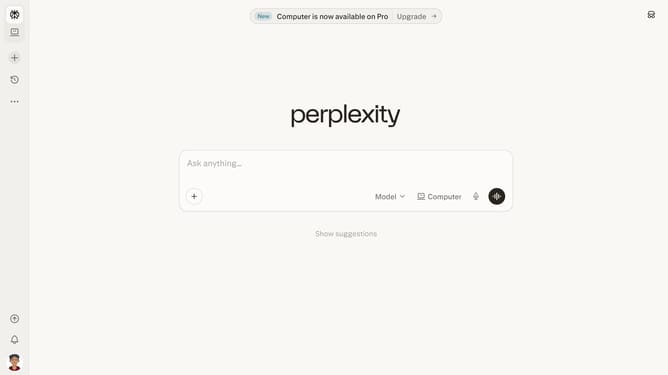
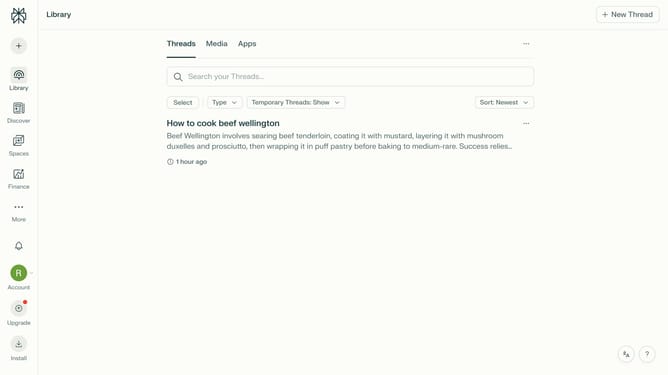
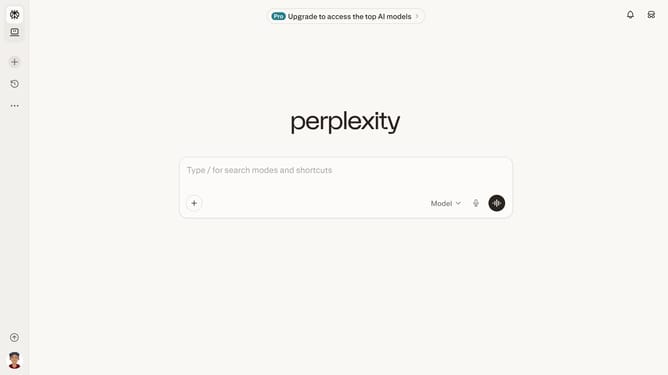
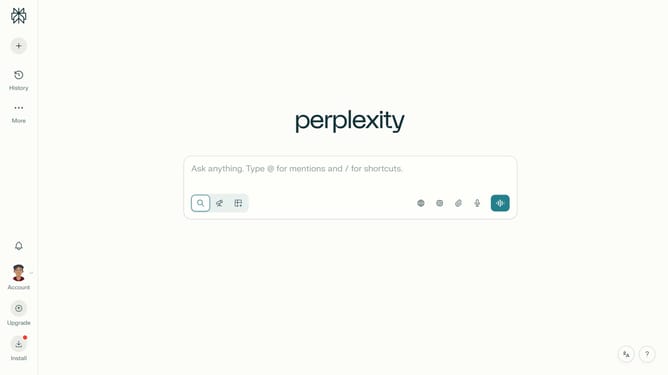
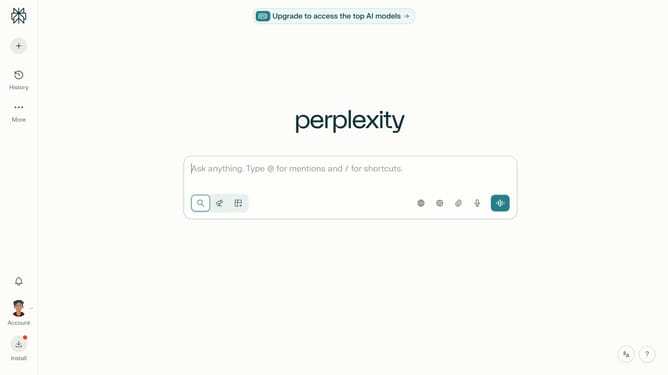
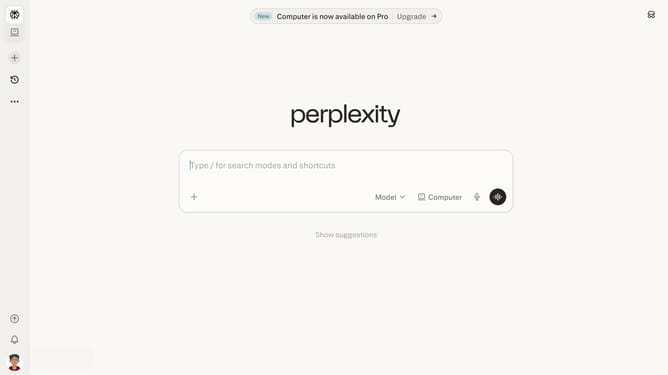
- First click on the "New Thread" button in the sidebar to create a new thread
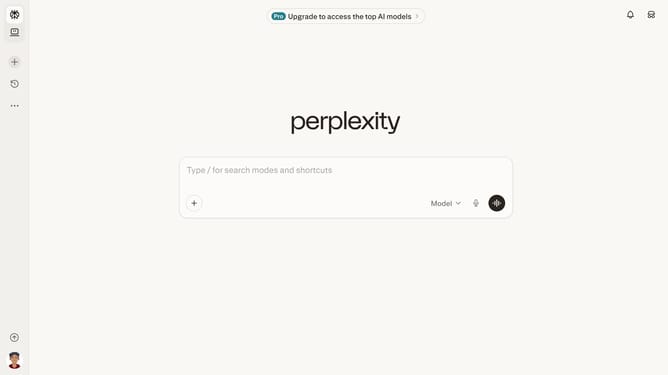
- Then click on the "Sources" button in the input toolbar to access source options
- Finally click on the "Academic" toggle switch in the sources menu to enable academic sources
Why should you enable academic sources in Perplexity
Perplexity is an innovative tool designed to streamline your research process by offering precise and reliable insights.
Enabling academic sources in Perplexity elevates your research to a scholarly level, as it allows access to a wealth of credible and peer-reviewed information.
This feature is particularly beneficial for students, researchers, and professionals who require authoritative data and analysis in their work.
By integrating academic sources, you enhance the quality of your research, ensuring that your findings are well-supported and credible.
Last update