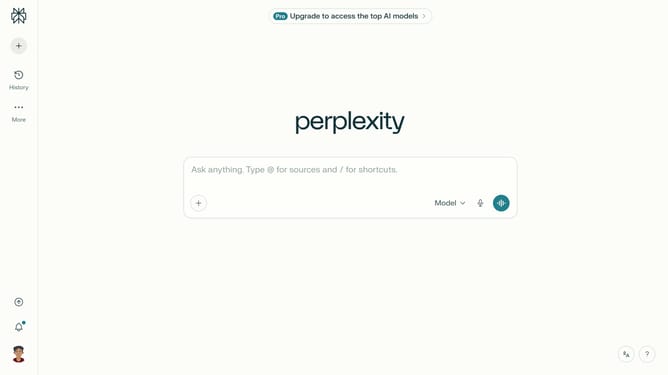
How to turn off deep search notification in Perplexity
Here is how to turn off deep search notification in perplexity
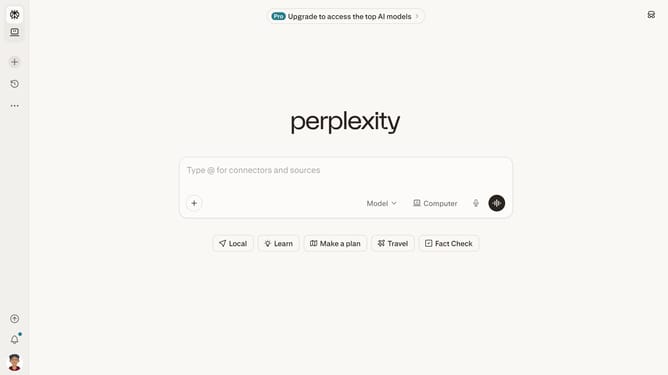
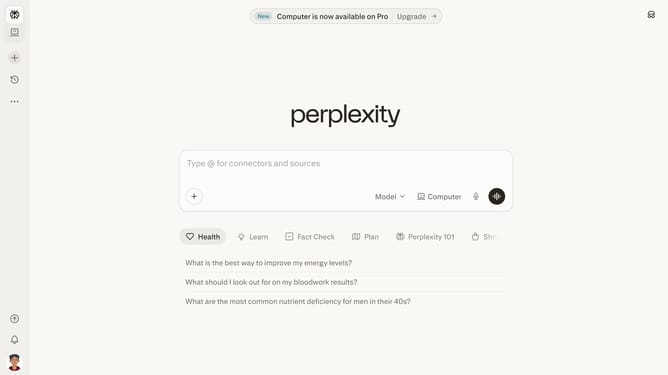
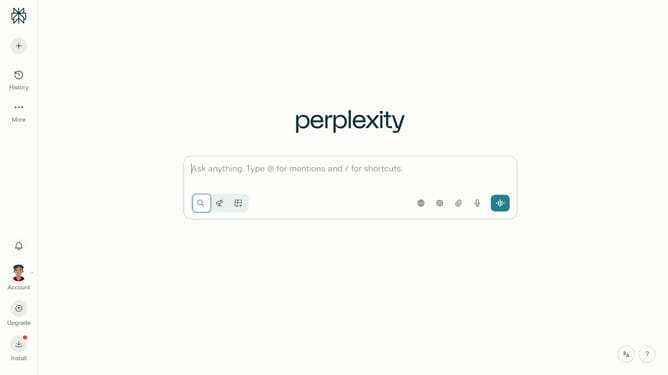
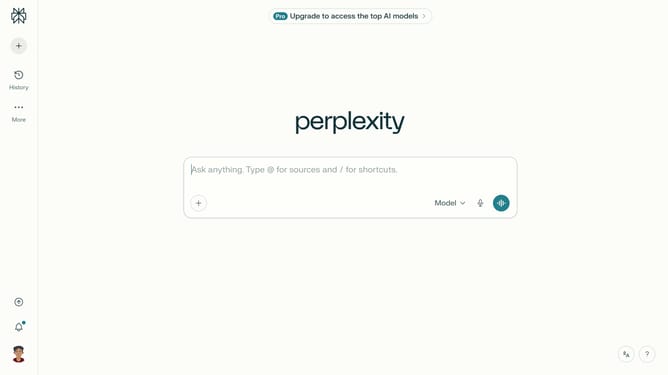
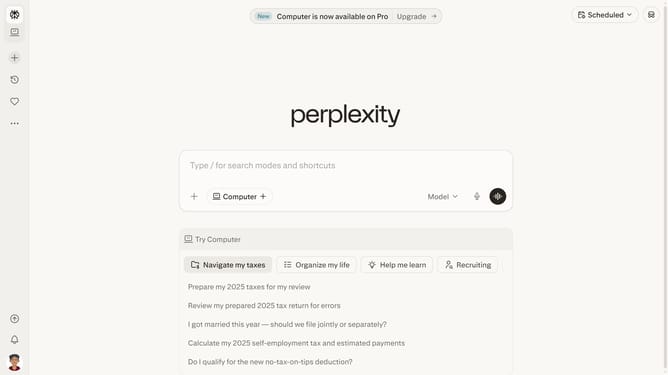
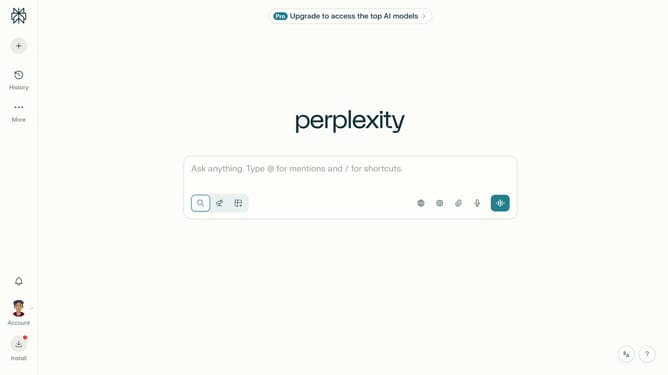
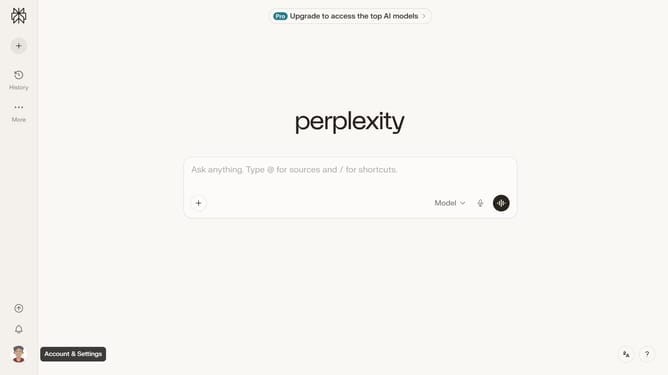
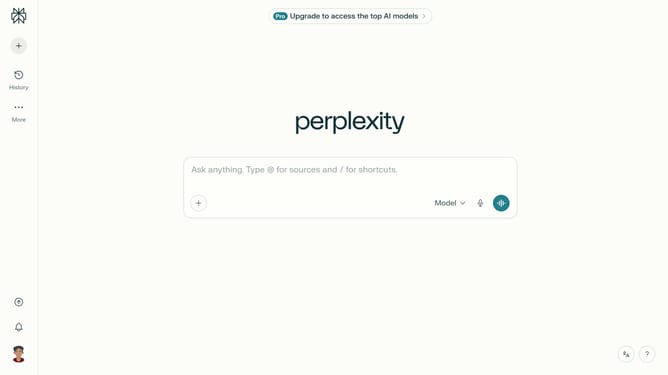
- First click on the account profile icon button in the sidebar
- Then click on "All settings" option in the menu
- Next select "Notifications" item from the left sidebar
- Then click on the toggle switch in the notifications area
- Finally click on the toggle button off for "Deep research" notification setting to disable it
Why should you turn off deep search notification in Perplexity
Perplexity is a dynamic platform designed to optimize information retrieval and streamline your search experience.
Turning off deep search notifications in Perplexity can greatly enhance your focus. By minimizing interruptions, users can maintain concentration and engage more effectively with their current tasks.
Opting out of these notifications ensures a clutter-free environment, providing a smoother and more personalized user experience. This feature allows users to manage their preferences and tailor the tool to best support their workflow needs.
Last update